

 Eesti
Eesti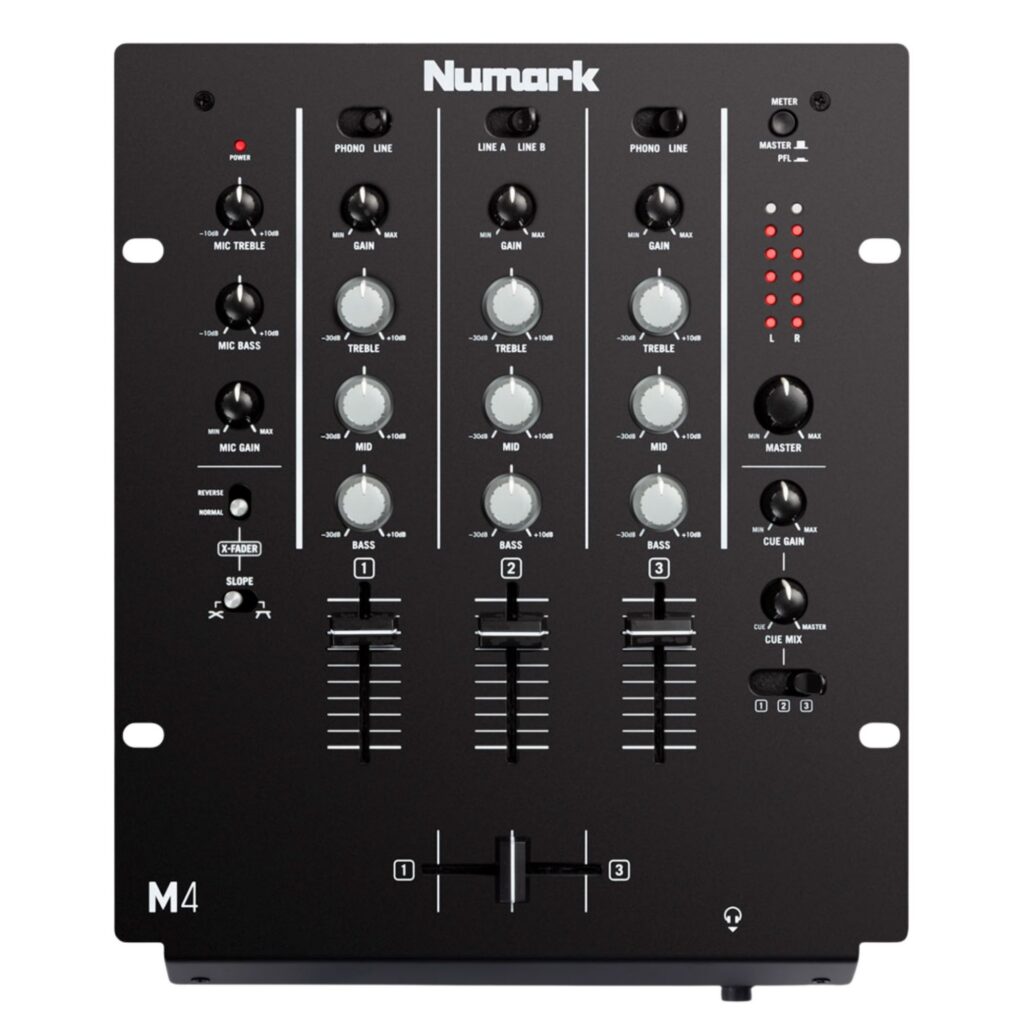
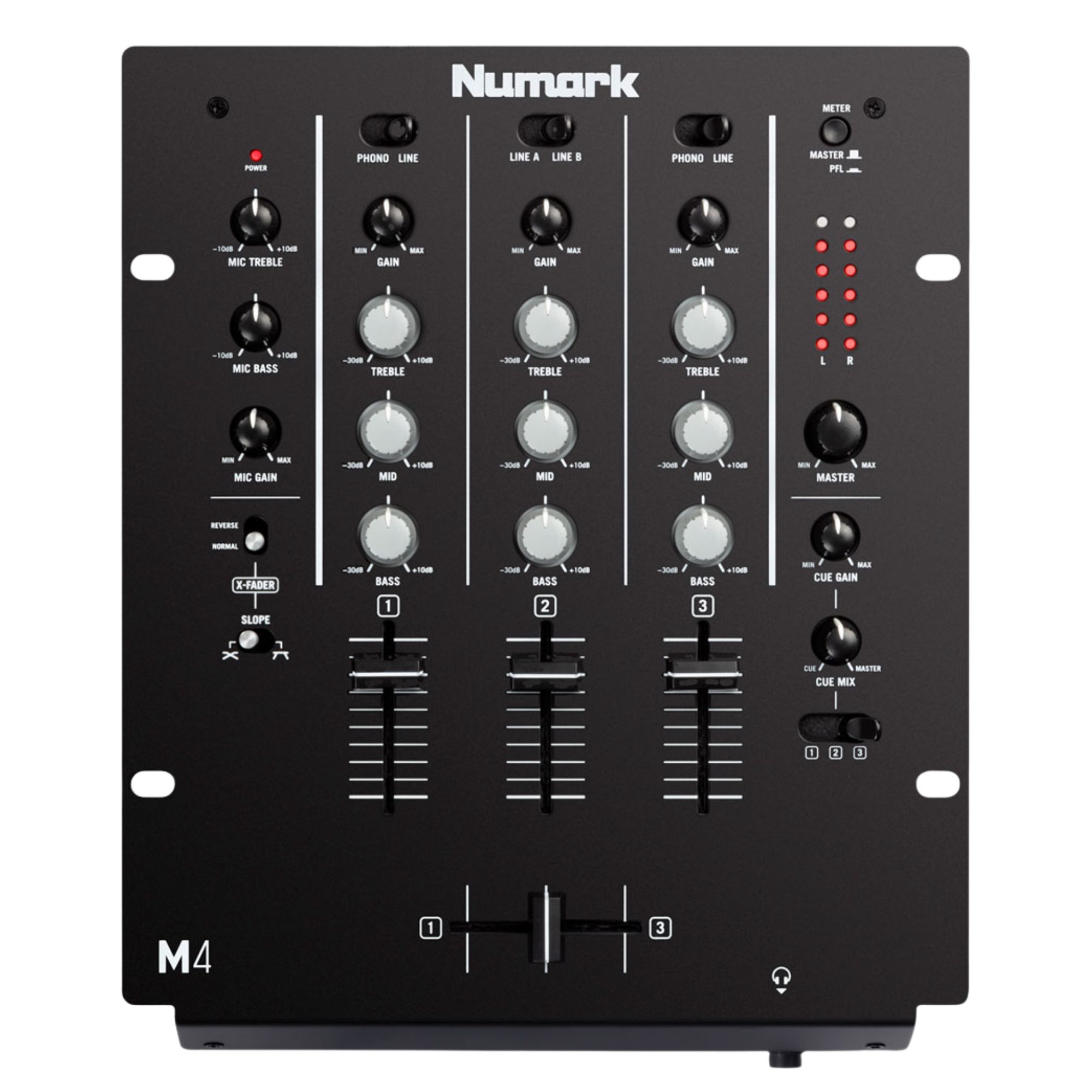

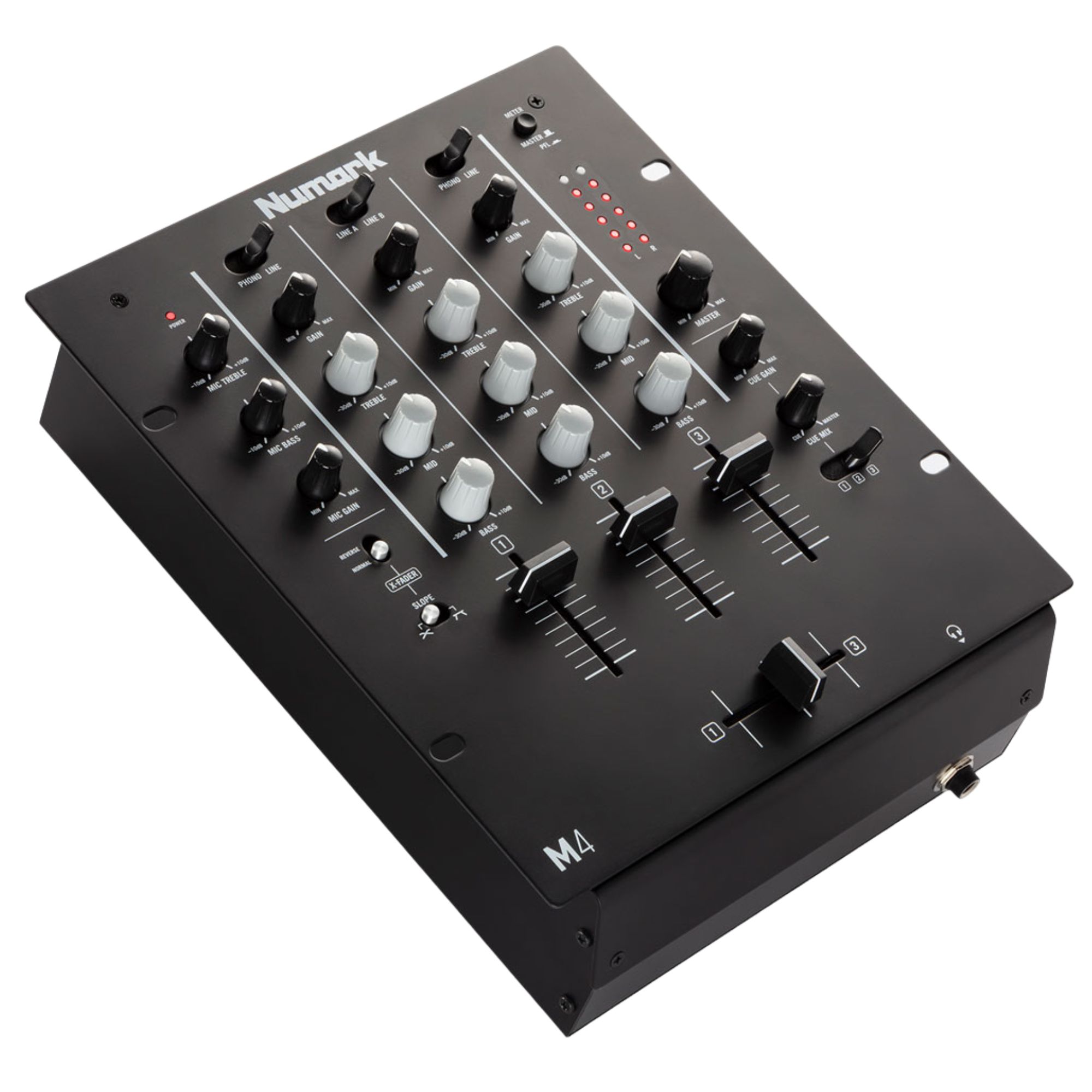
Numark DJ Mixer M4
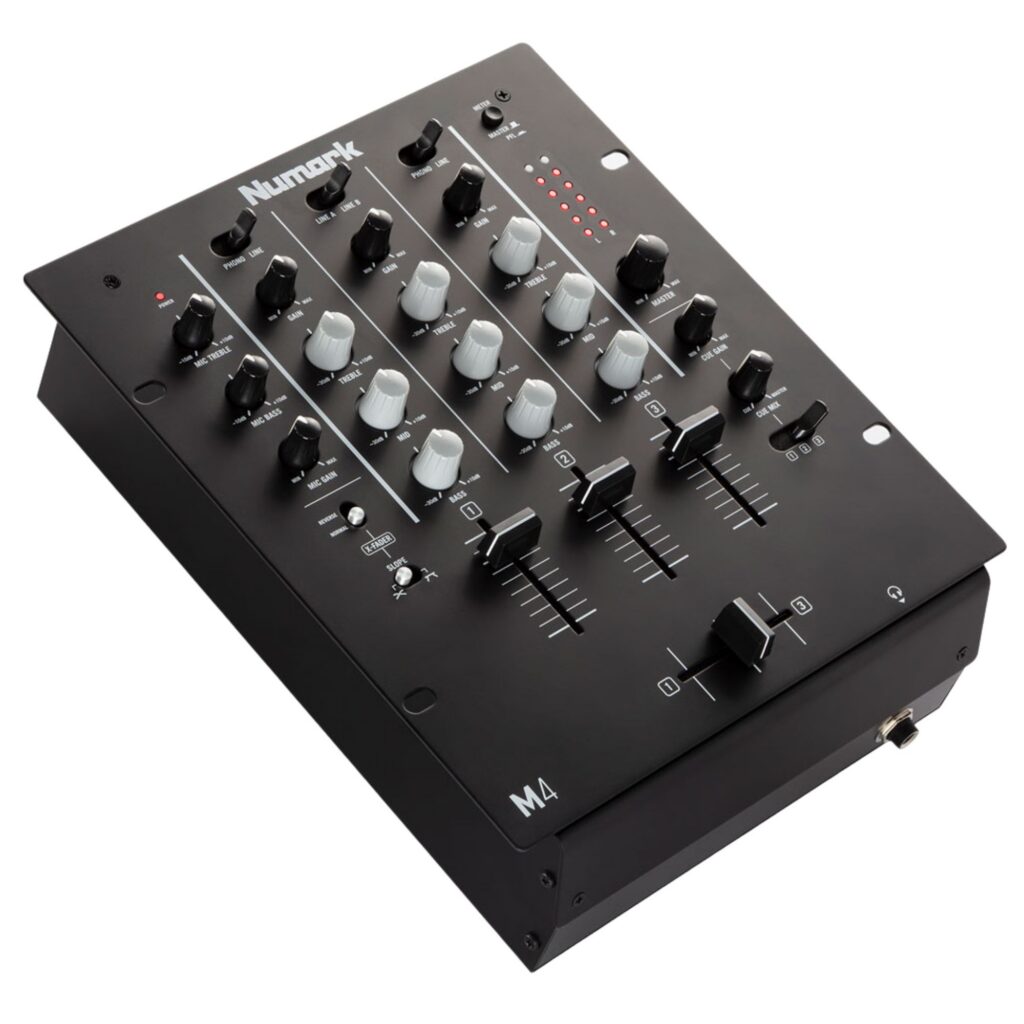
The Numark DJ Mixer M4 is a versatile 3-channel DJ mixer featuring replaceable crossfader and dedicated EQ controls per channel. Ideal for DJs needing reliability and smooth mixing at clubs, events, or home studios.
159,00 €
 Delivery 2-3 business days

Mon–Fri, 11 a.m.–4 p.m.
Elevate Your DJ Experience with Numark DJ Mixer M4
The Numark M4 is a versatile 3-channel DJ mixer engineered for professional and hobbyist DJs who need reliable performance, precise control, and input flexibility. With a replaceable crossfader featuring slope and reverse settings, the M4 offers the precision needed for mixing and scratching. Dedicated EQs per channel and comprehensive I/O options make it ideal for clubs, events, mobile setups, and home studios.
Key Features of DJ Mixer M4
✓ Replaceable crossfader with reverse and slope adjustments
✓ 3-channel configuration with dedicated 3-band EQ on each channel
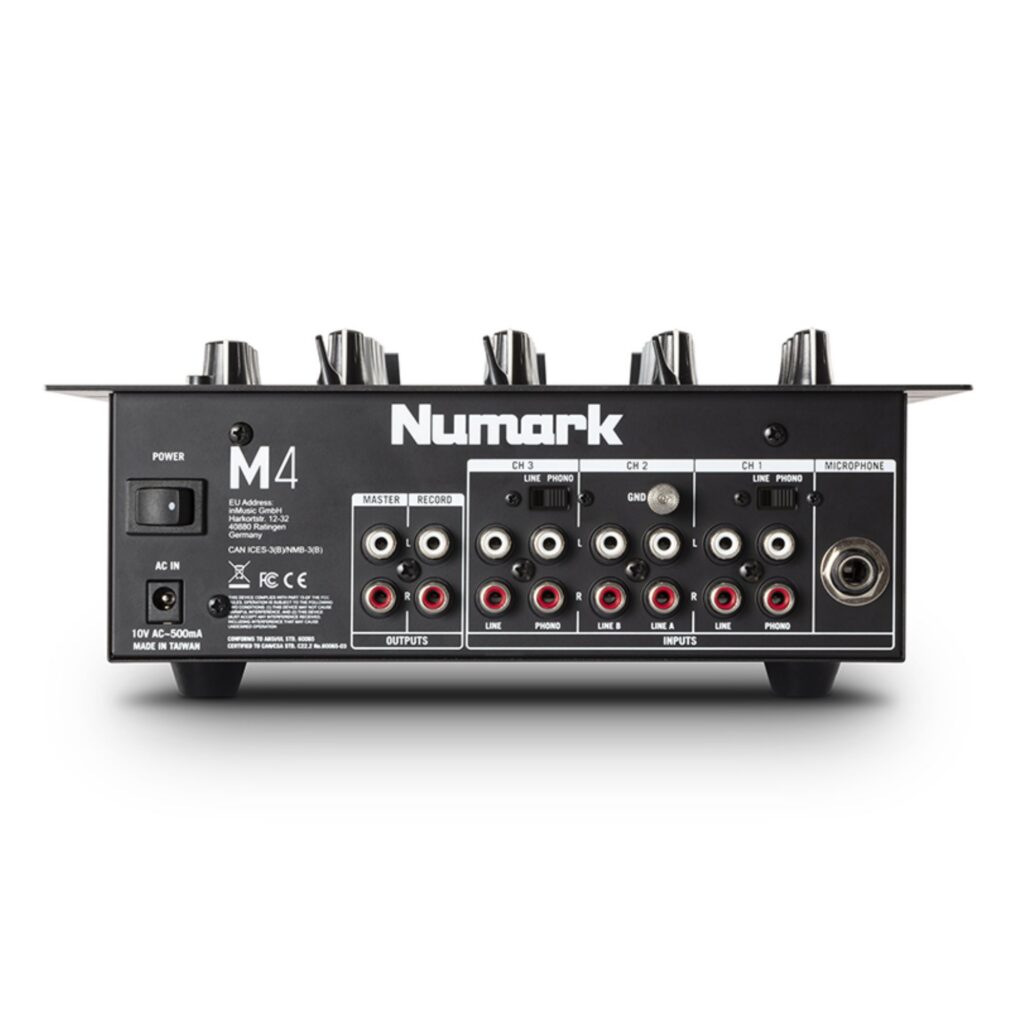
✓ Six total inputs: two phono/line switchable and four line-level inputs
✓ Microphone input with built-in 2-band EQ
✓ LED level indicators for accurate signal monitoring
✓ Master and Record outputs for flexible routing
✓ Steep rotary EQ kills for each channel for aggressive sound shaping
Ideal Users and Applications
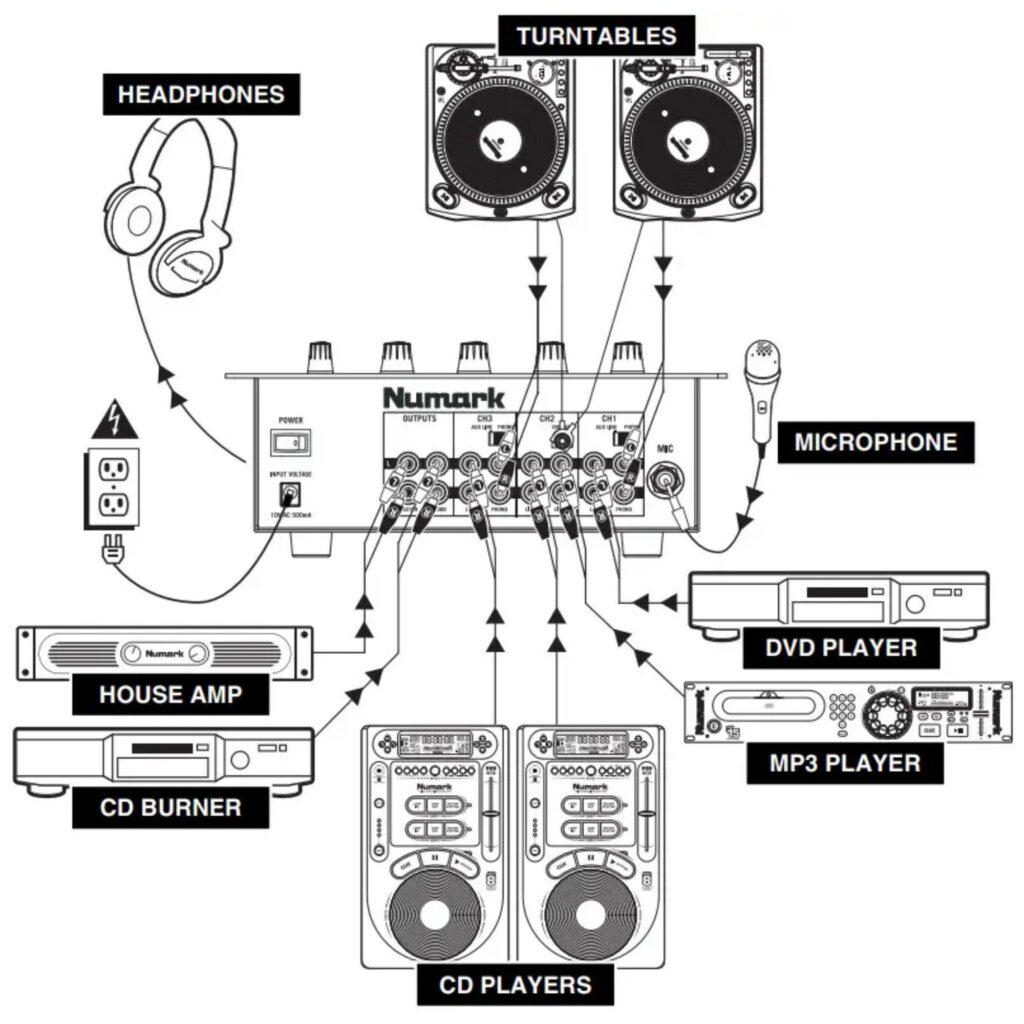
The DJ Mixer M4 is designed for DJs who demand flexible input options and advanced sound control. Its three-channel layout and multiple input types accommodate turntables, CD players, digital media devices, and microphones with ease. Whether you’re playing at a club, hosting events, mixing at home, or practicing your scratching skills, the M4 ensures reliable performance with a user-friendly layout and pro-grade sound.
Why Choose Numark M4?
Compared to other mixers in its price range, the Numark M4 delivers superior connectivity and long-lasting build quality. With six inputs and a replaceable crossfader that includes customizable slope and reverse settings, the M4 gives DJs full creative freedom. Unlike basic 2-channel mixers, it allows for layered sets, back-to-back performances, or mixing multiple sources simultaneously—making it a go-to choice for DJs who need power and portability without sacrificing features.
What’s in the Box
✓ Numark DJ Mixer M4
✓ AC Power Adapter
✓ Quickstart Guide
✓ User Manual
Quick Start Guide
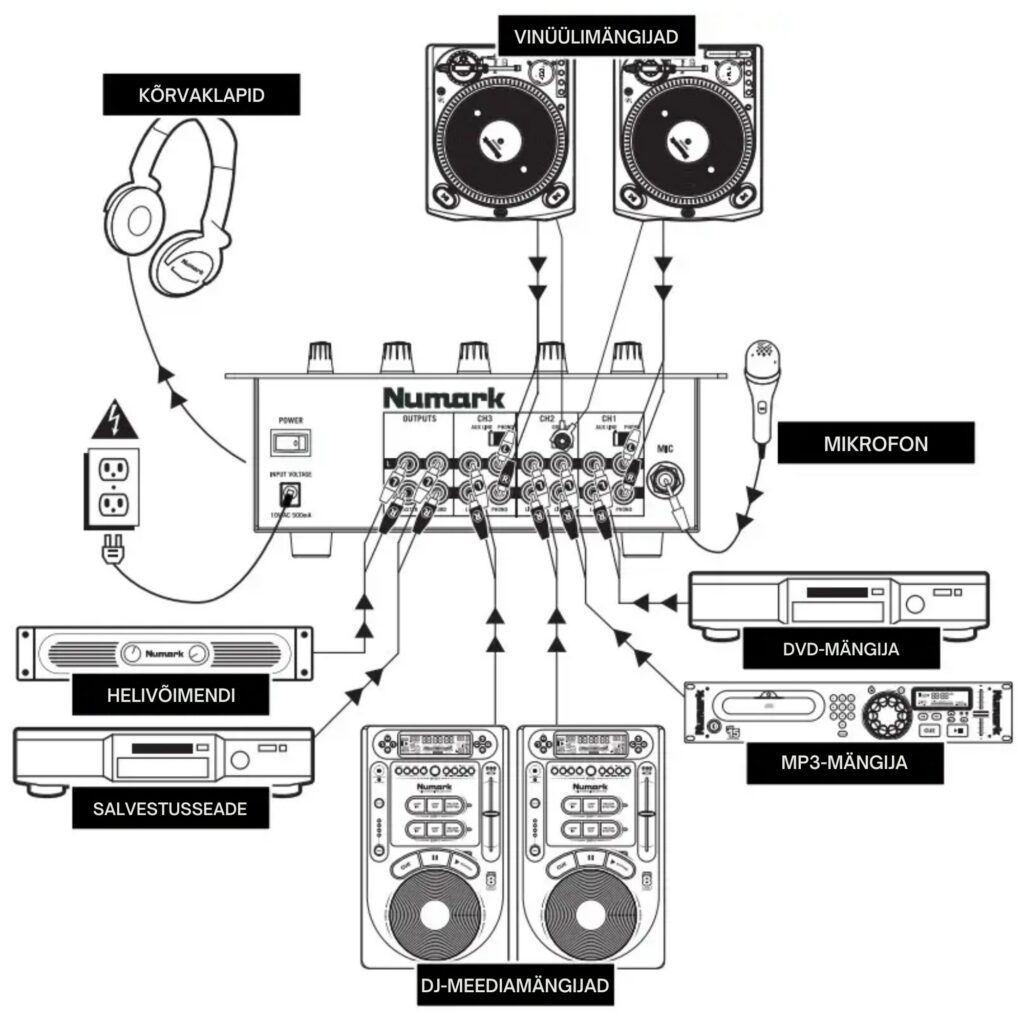
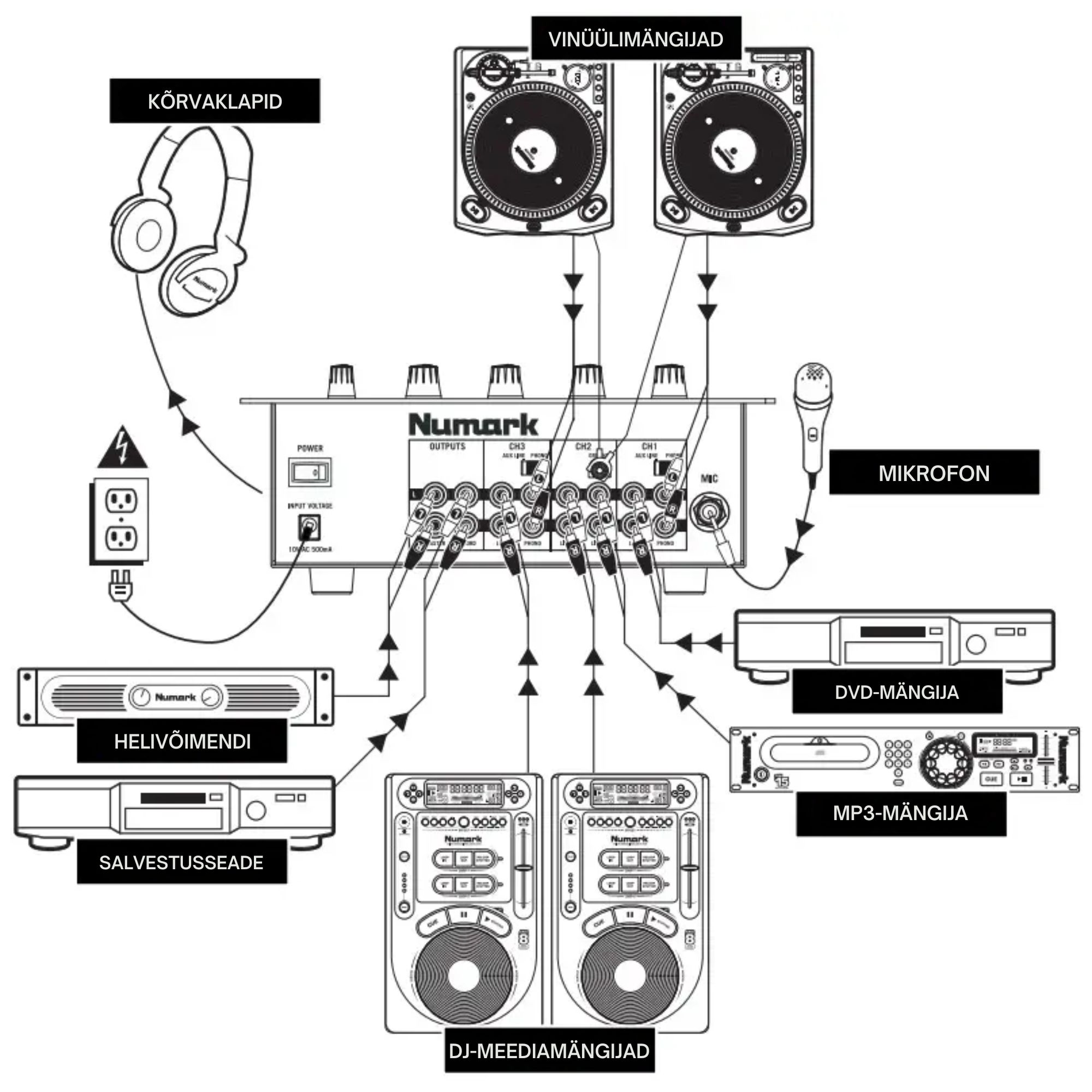
To get started, power off all gear before connecting your input sources (turntables, CD players, or digital devices) to the RCA inputs. Use the line/phono switches to configure each channel appropriately. Plug in your microphone and connect your master output to speakers or an amplifier. You can also route the record output to an external recorder. Once connected, power on your devices in order—inputs first, then the M4, and finally your speakers. Adjust the channel gain and EQ settings, and use the cue system for headphone monitoring to fine-tune your mix.
| Specification | Details |
|---|---|
| Inputs | |
| Phono/Line Inputs | 2 x switchable (RCA) |
| Line Inputs | 4 x RCA |
| Microphone Input | 1 x 1/4″ (6.35 mm) |
| Stereo Line-In | 6 |
| Outputs | |
| Master Out | RCA |
| Record Out | RCA |
| Headphone Out | 1/4″ (6.35 mm) stereo |
| Booth Out | No |
| Rec Out | Cinch |
| Send/Return | No |
| Input Specifications | |
| Line Input Impedance | 10 kΩ |
| Line Sensitivity | 80 mV RMS for 0 dB output |
| Mic Input Impedance | 600 Ω unbalanced |
| Mic Sensitivity | 1.5 mV RMS for 0 dB output |
| Mic Max Input | 400 mV RMS |
| Phono Input Impedance | 47 kΩ |
| Phono Sensitivity | 1.3 mV RMS @ 1 kHz for 0 dB output |
| Output Specifications | |
| Line Output Level | 7V RMS max |
| Headphone Output | 0.5 W into 47 Ω |
| Performance | |
| Signal to Noise Ratio (Line) | >100 dB |
| Signal to Noise Ratio (Mic) | >95 dB |
| Signal to Noise Ratio (Phono) | >85 dB |
| Frequency Response (Line) | 20 – 20,000 Hz ±0.5 dB |
| Frequency Response (Mic) | 20 – 15,000 Hz ±0.5 dB |
| Frequency Response (Phono) | ±1 dB, -3 dB at 20 Hz |
| Distortion | <0.05% |
| Crosstalk | >80 dB at 1 kHz |
| Channel Fader Kill | >90 dB at 1 kHz |
| Crossfader Kill | >75 dB |
| EQ & Controls | |
| Channel EQ Type | Steep 3-band EQ / rotary kills |
| Microphone EQ | Yes |
| Bass EQ | +12 / -35 dB at 20 Hz |
| Mid EQ | +12 / -25 dB at 1.3 kHz |
| Treble EQ | +12 / -20 dB at 15 kHz |
| Crossfader | Replaceable with reverse and slope control |
| Metering | 6-segment LED, toggle for master/PFL |
| General | |
| Line Channels | 3 |
| Phono Inputs | 2 |
| Microphone Inputs | 1 |
| Dimensions & Weight | |
| Width | 33.0 cm |
| Depth | 36.0 cm |
| Height | 17.0 cm |
| Weight | 3.70 kg |