

 Eesti
Eesti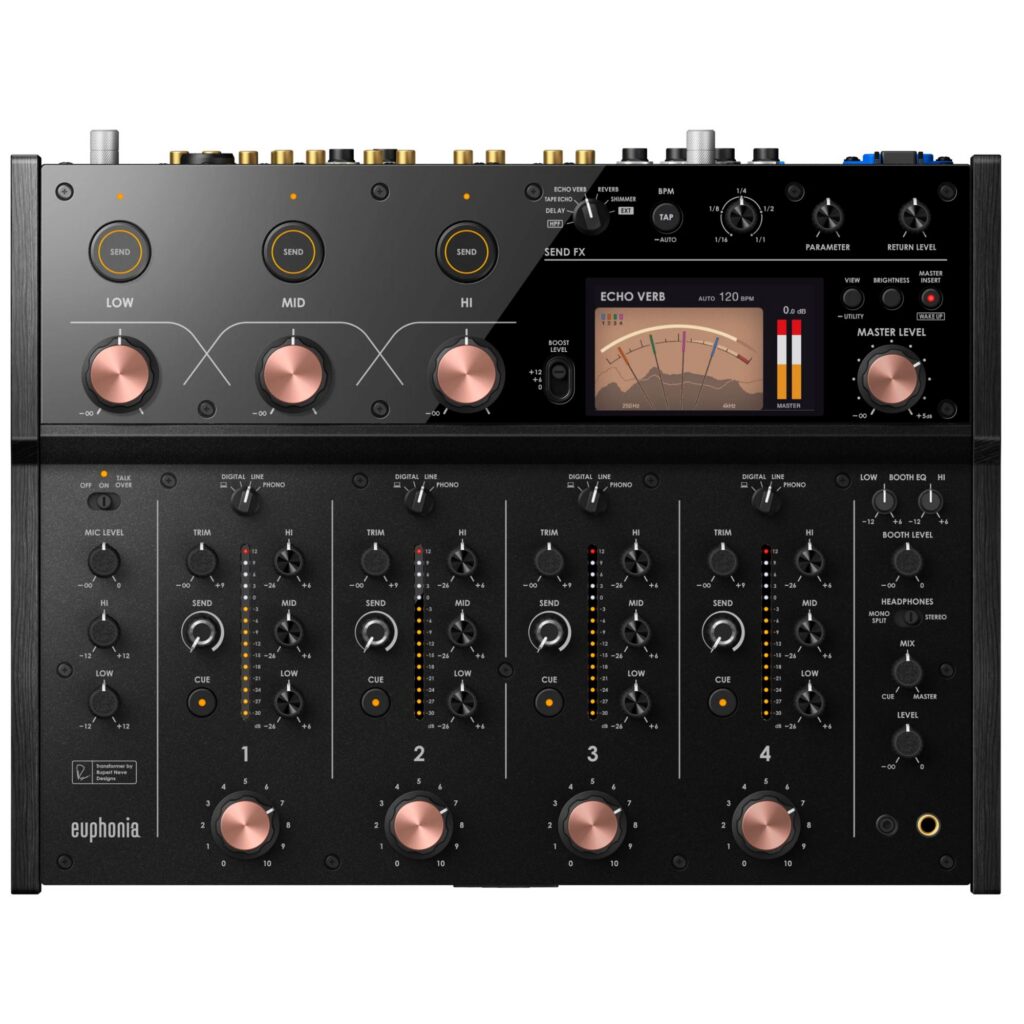



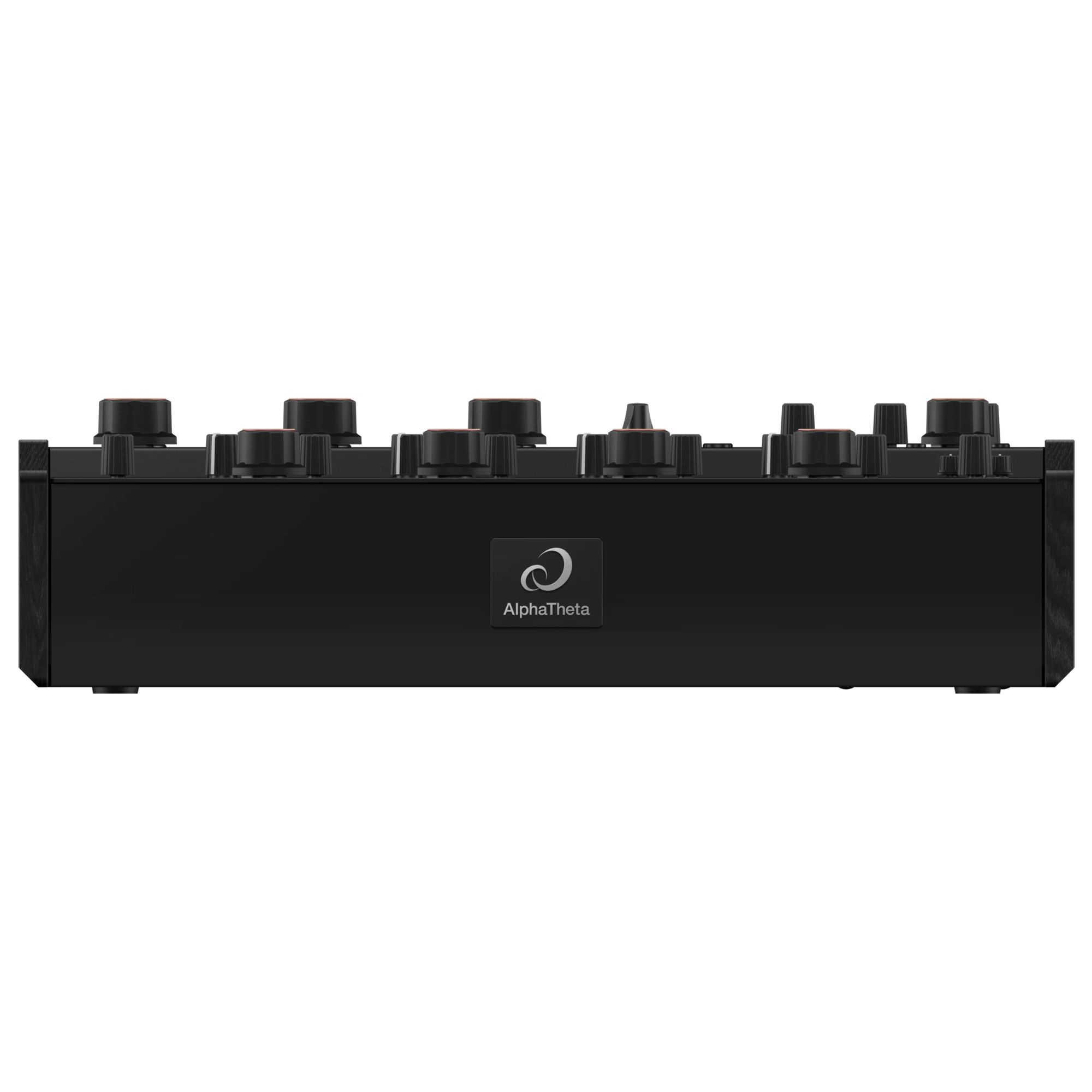
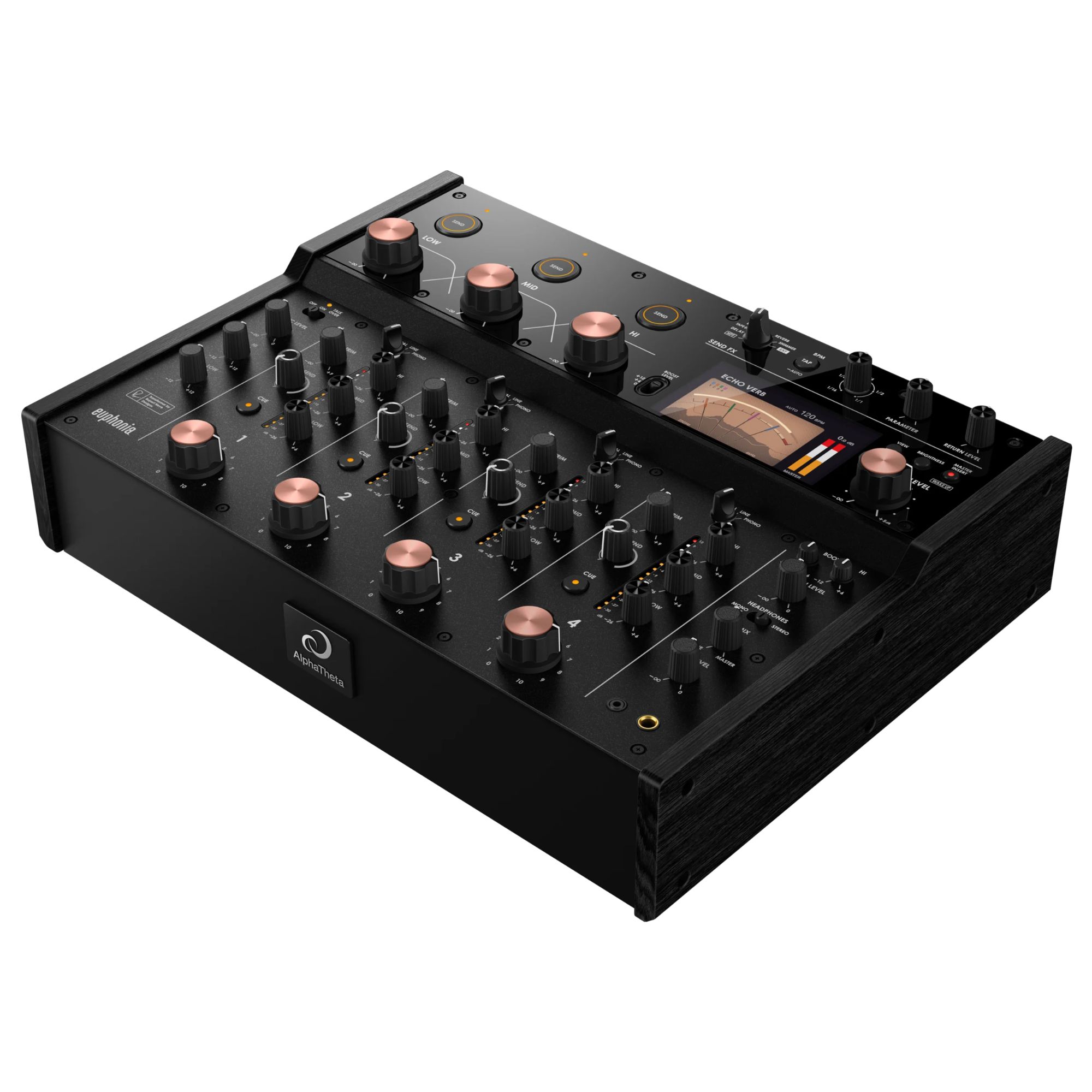

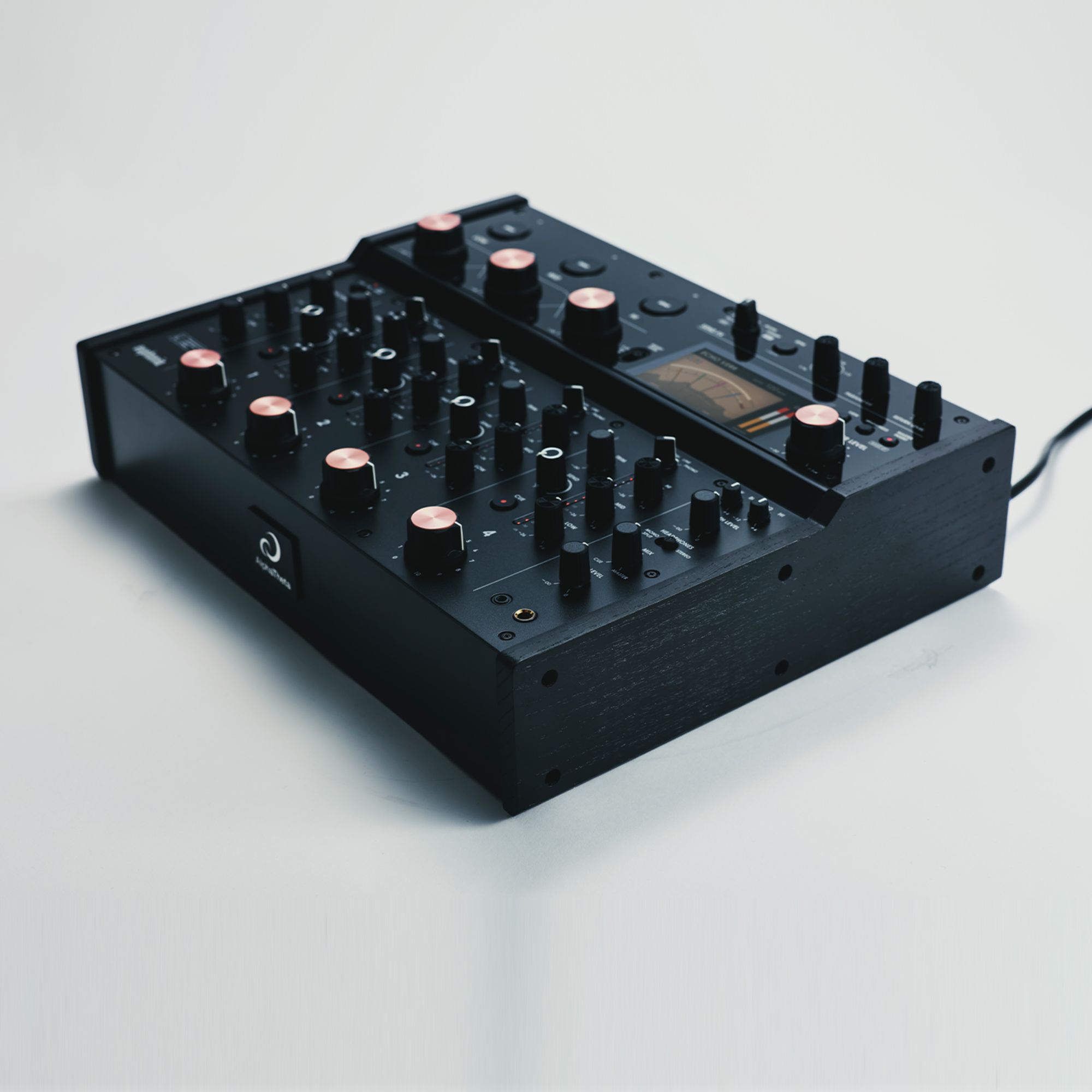

AlphaTheta Rotary DJ Mixer Euphonia
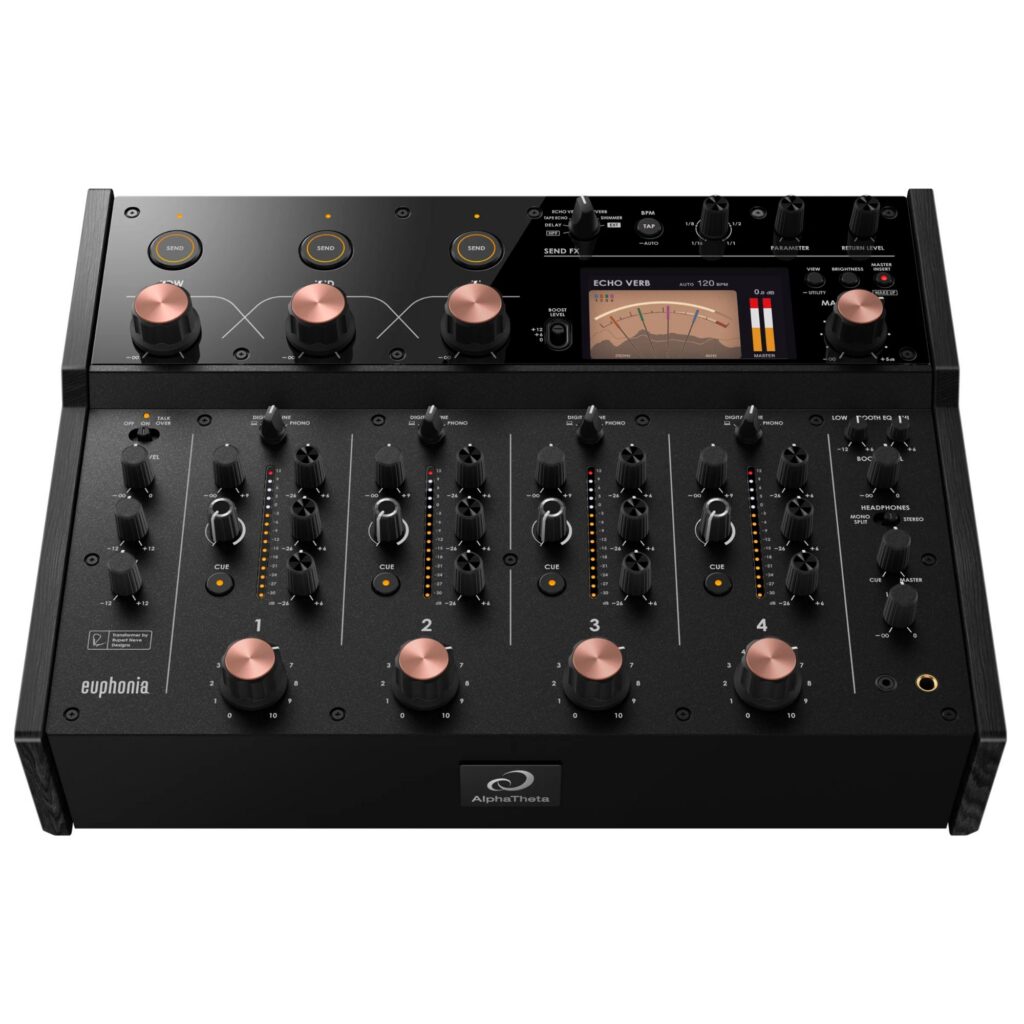
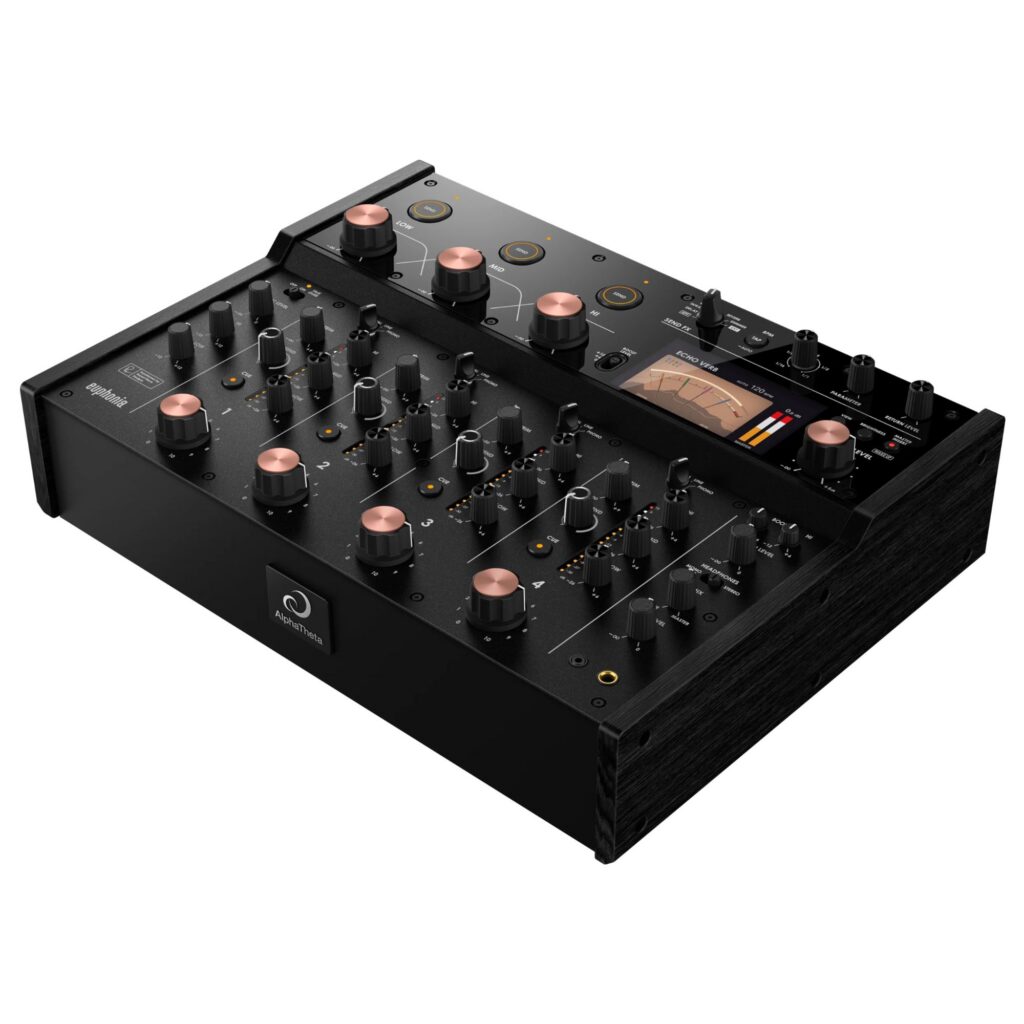
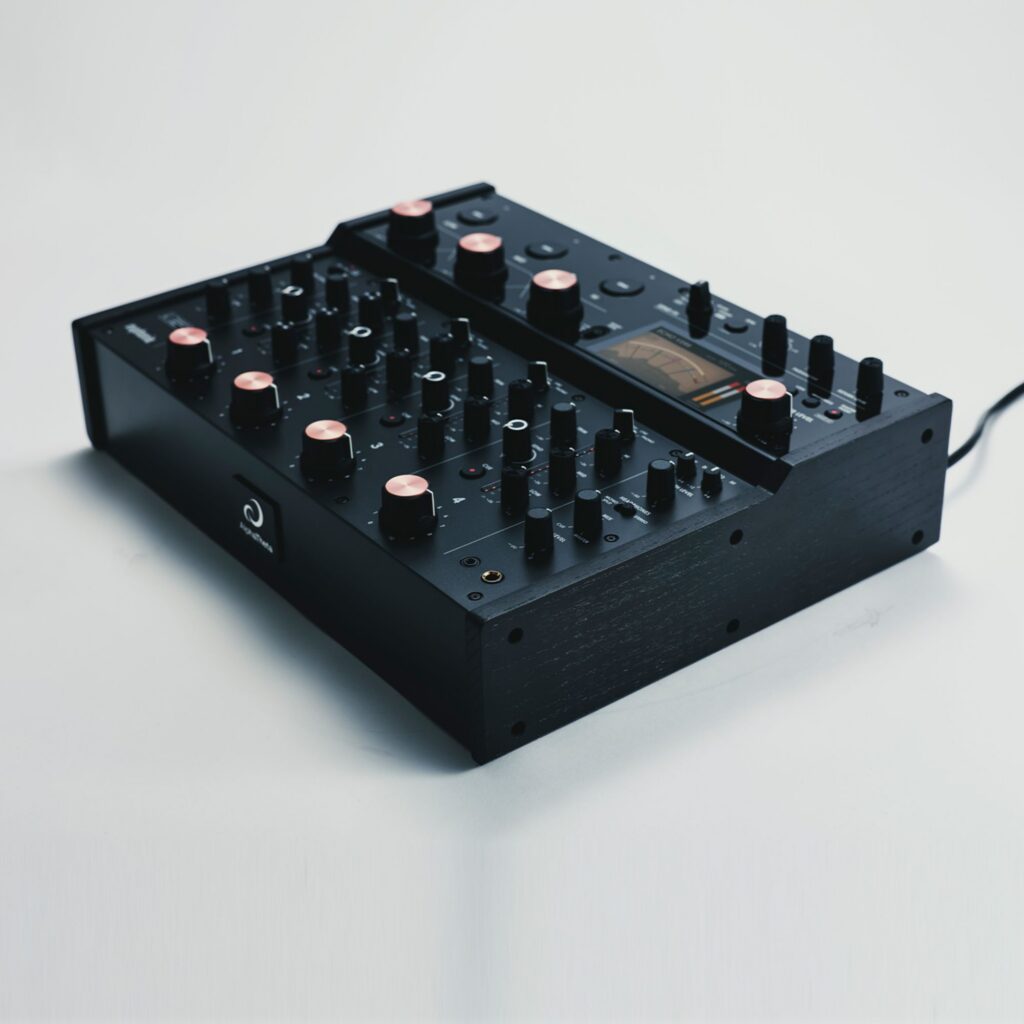
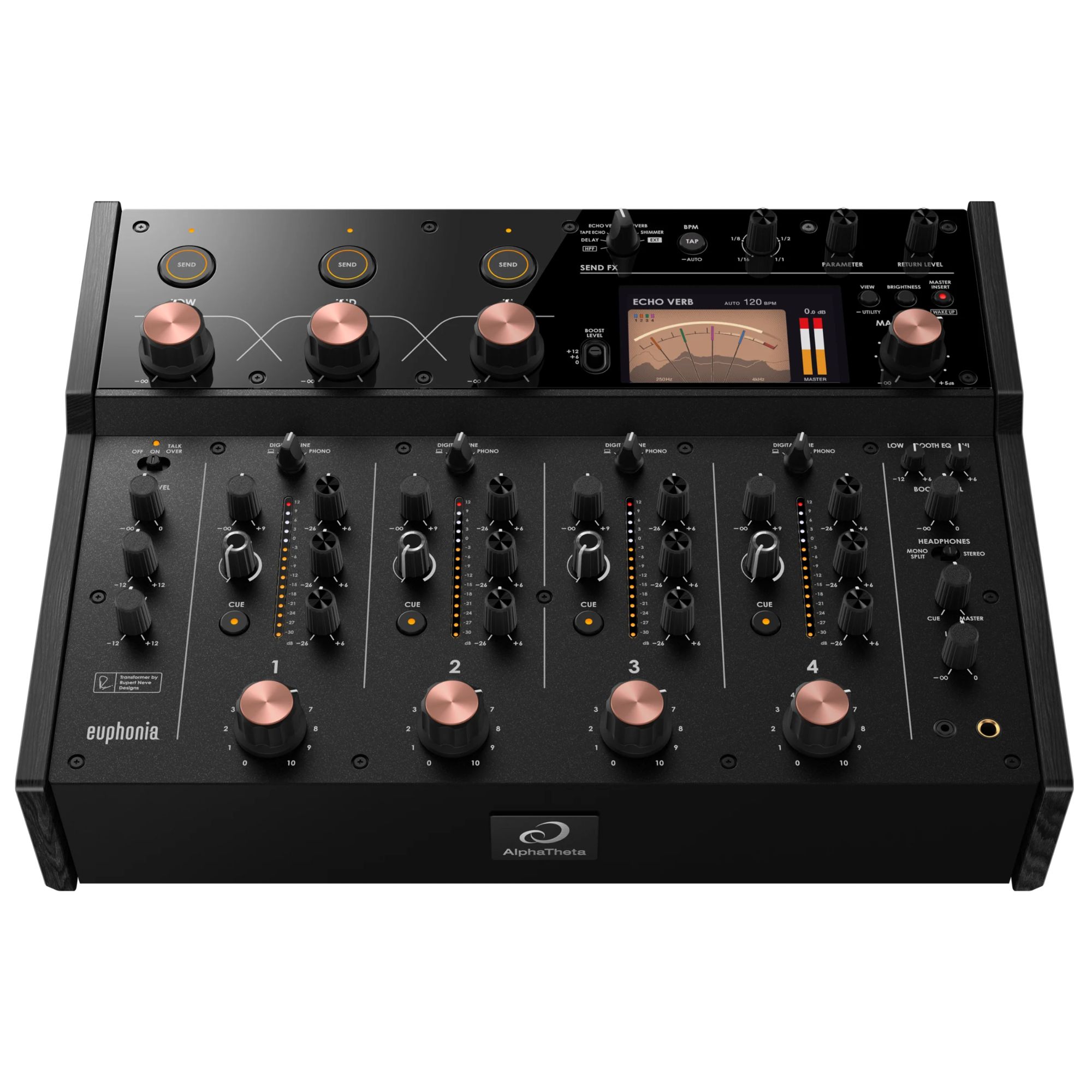
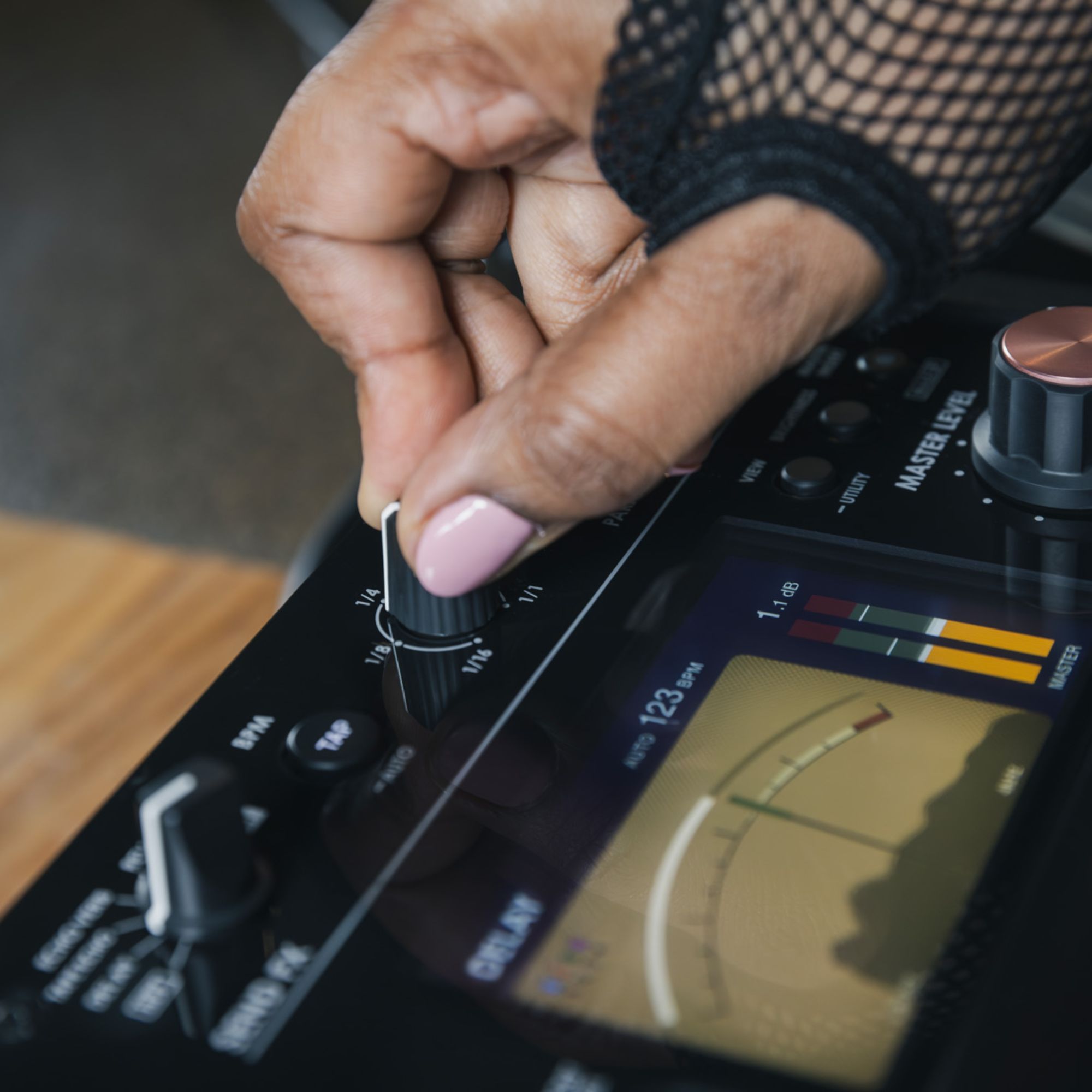
The AlphaTheta Rotary DJ Mixer Euphonia is a high-end 4-channel mixer that delivers warm and musically engaging sound quality. High-voltage inputs provide greater dynamic range and lower distortion, offering a detailed and rich soundscape even at high volume levels. Channel-specific VU meters allow for precise level monitoring, helping the DJ maintain optimal signal levels and avoid audio distortion. An ideal choice for audiophile DJs and demanding performers focused on deep house, techno, or vinyl sessions.
3799,00 €
 Delivery 2-3 business days

Mon–Fri, 11 a.m.–4 p.m.
Related products
Pure Sonic Euphoria with the AlphaTheta Rotary DJ Mixer Euphonia
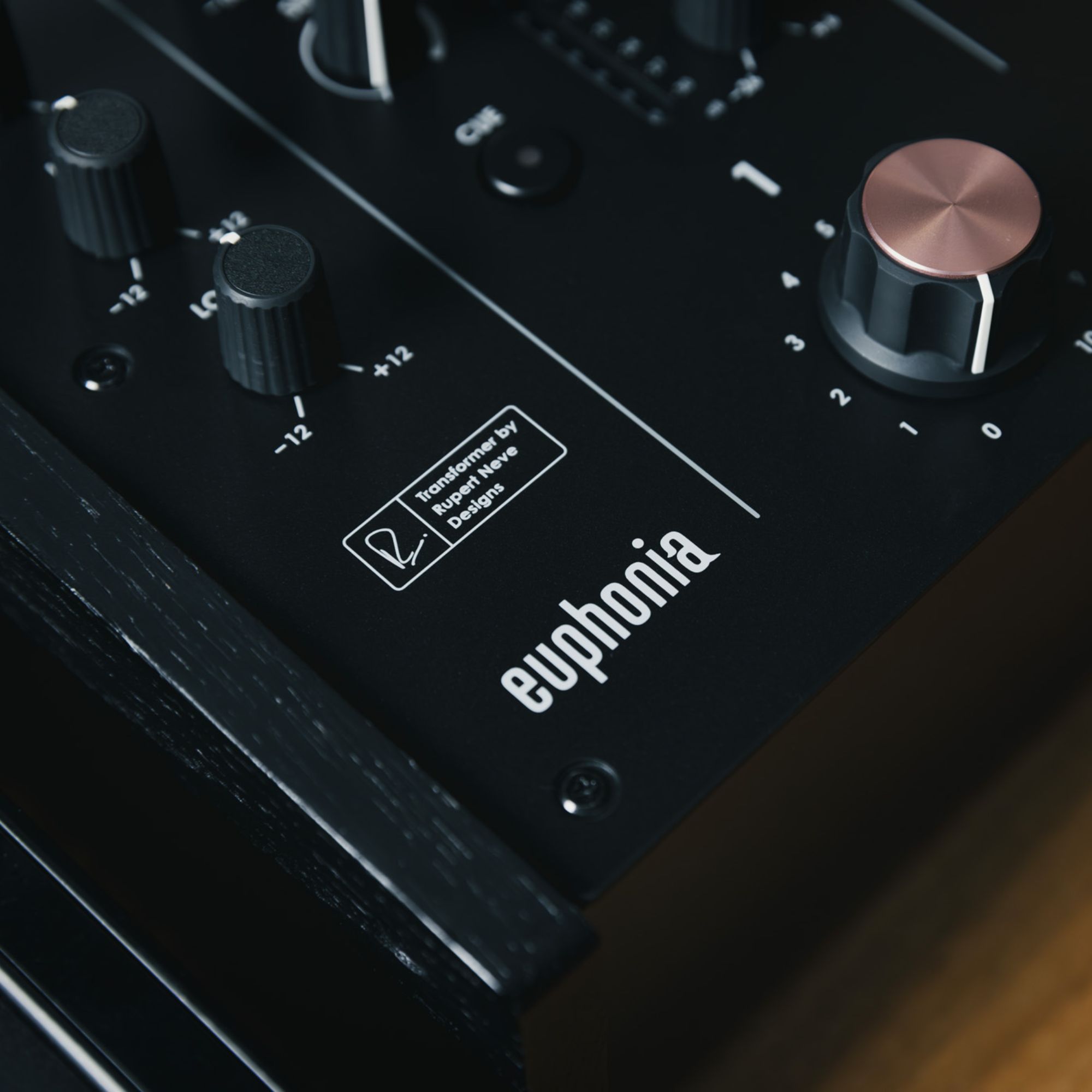
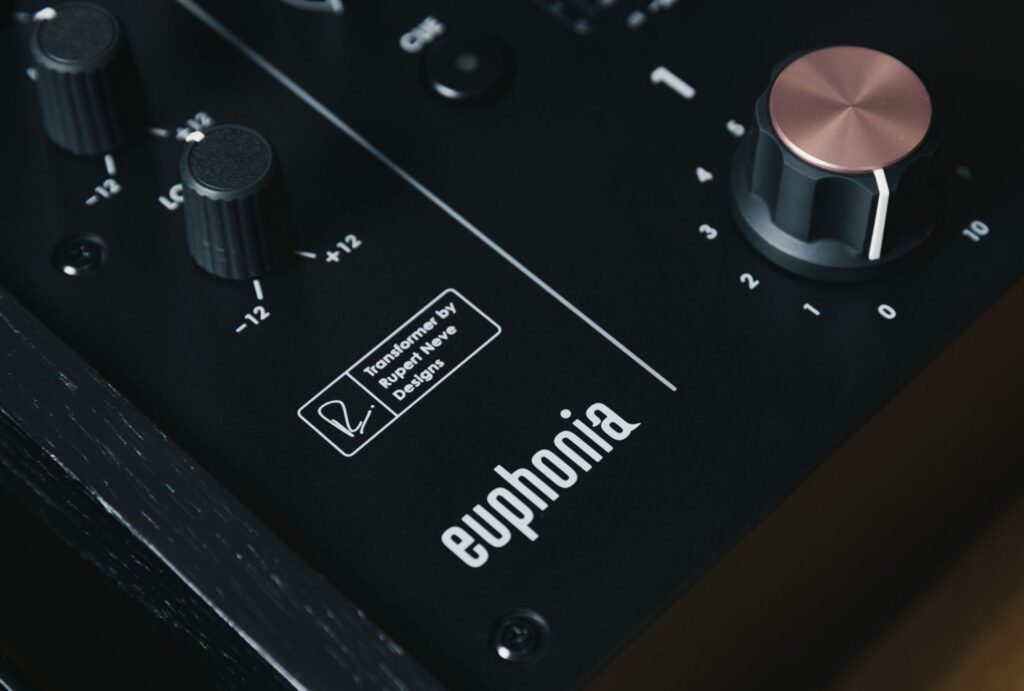
The AlphaTheta Rotary DJ Mixer Euphonia is a professional 4‑channel DJ mixer that redefines high-end DJ equipment and audio mixing. Developed for audiophile DJs and sonic perfectionists, this hybrid analog-digital mixer combines vintage warmth with next-generation DSP technology. Featuring a custom transformer co-designed with Rupert Neve Designs, Rotary DJ Mixer Euphonia delivers a rich, dynamic soundstage and smooth control, whether you’re spinning deep house vinyl or layering modern techno.
Key Features of Rotary DJ Mixer Euphonia
✓ High-voltage input circuits for wide headroom and dynamic audio
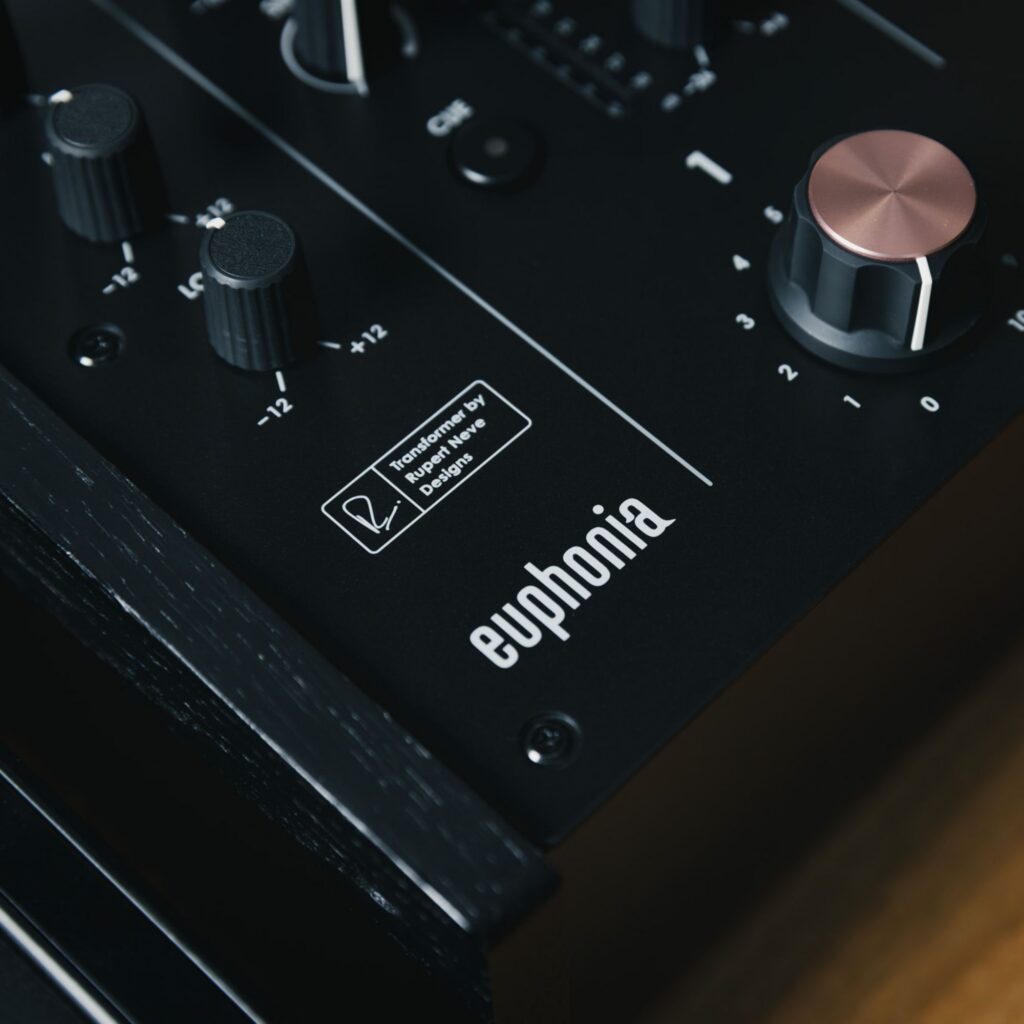
✓ Rupert Neve Designs transformer adds analog warmth and depth
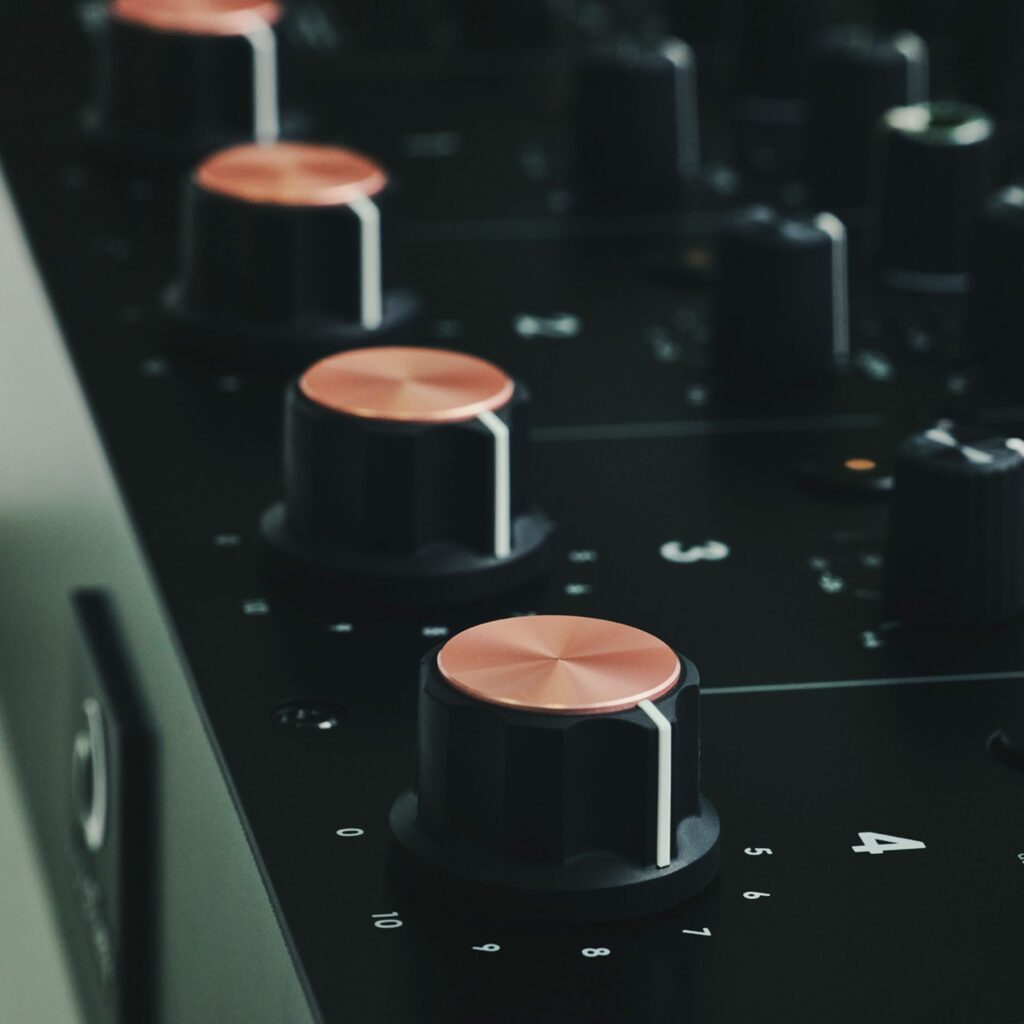
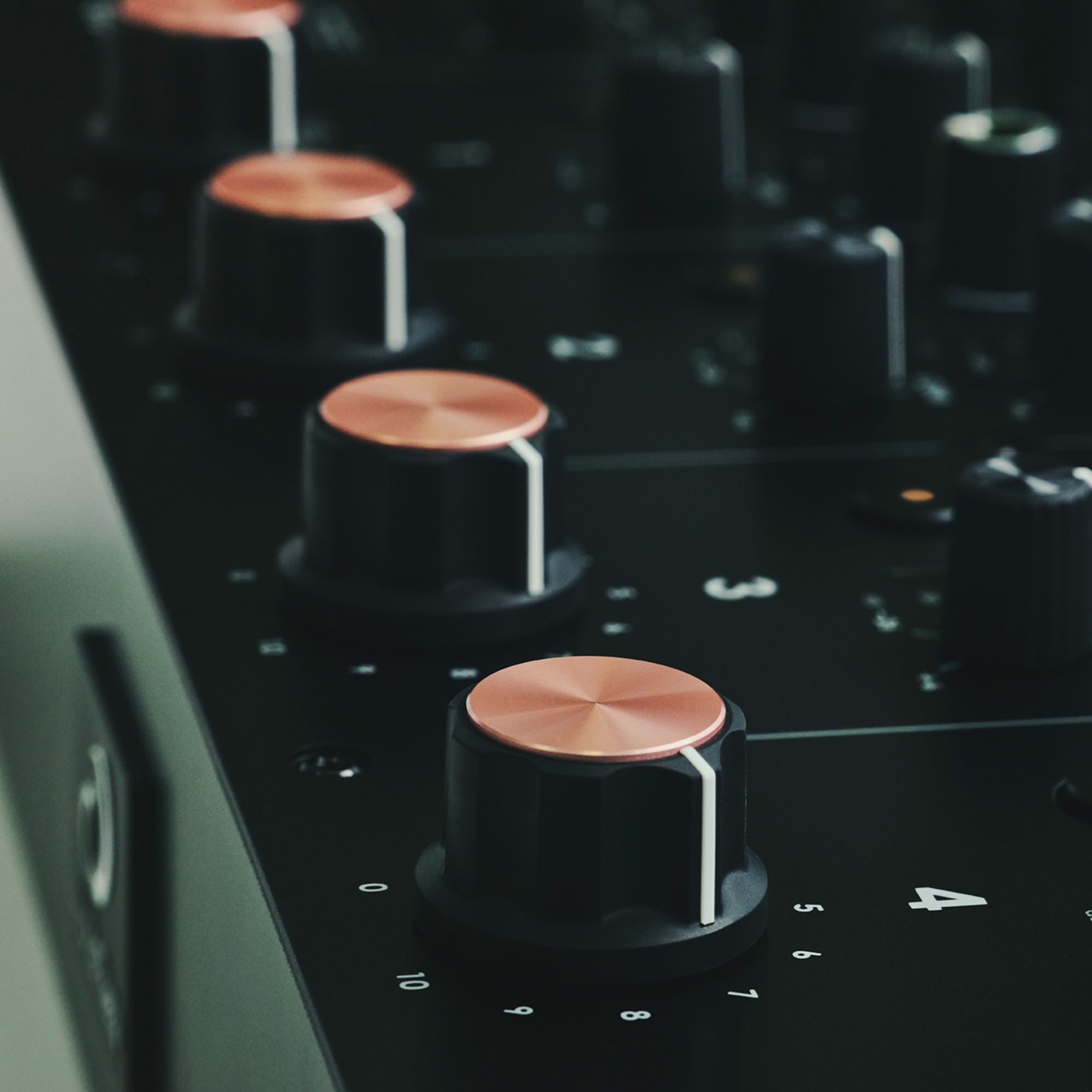
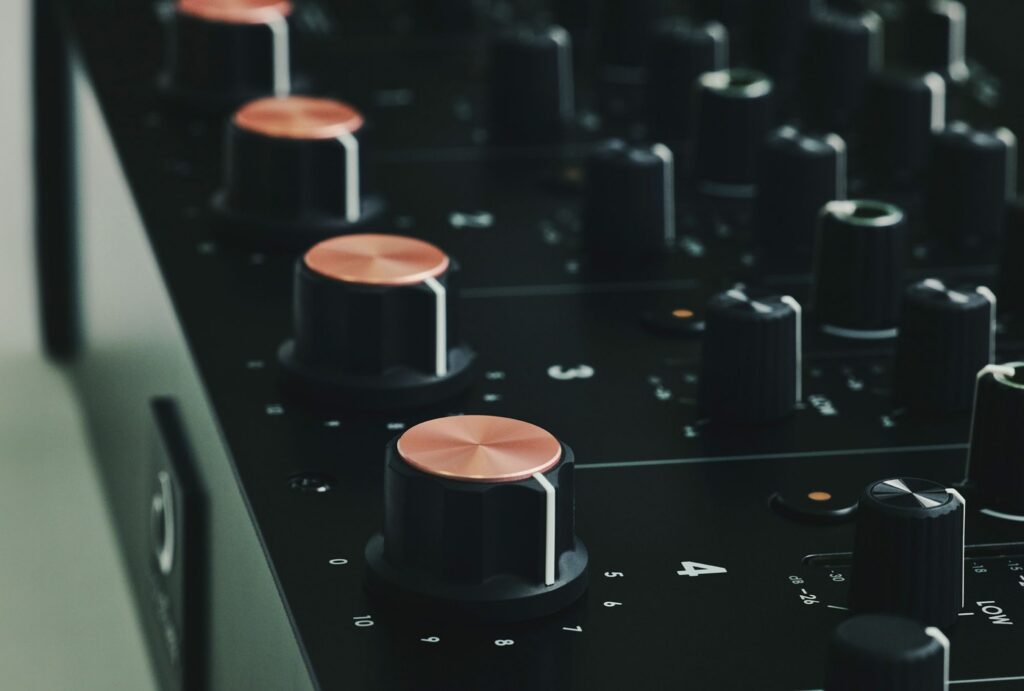
✓ Precision rotary faders with adaptive resistance
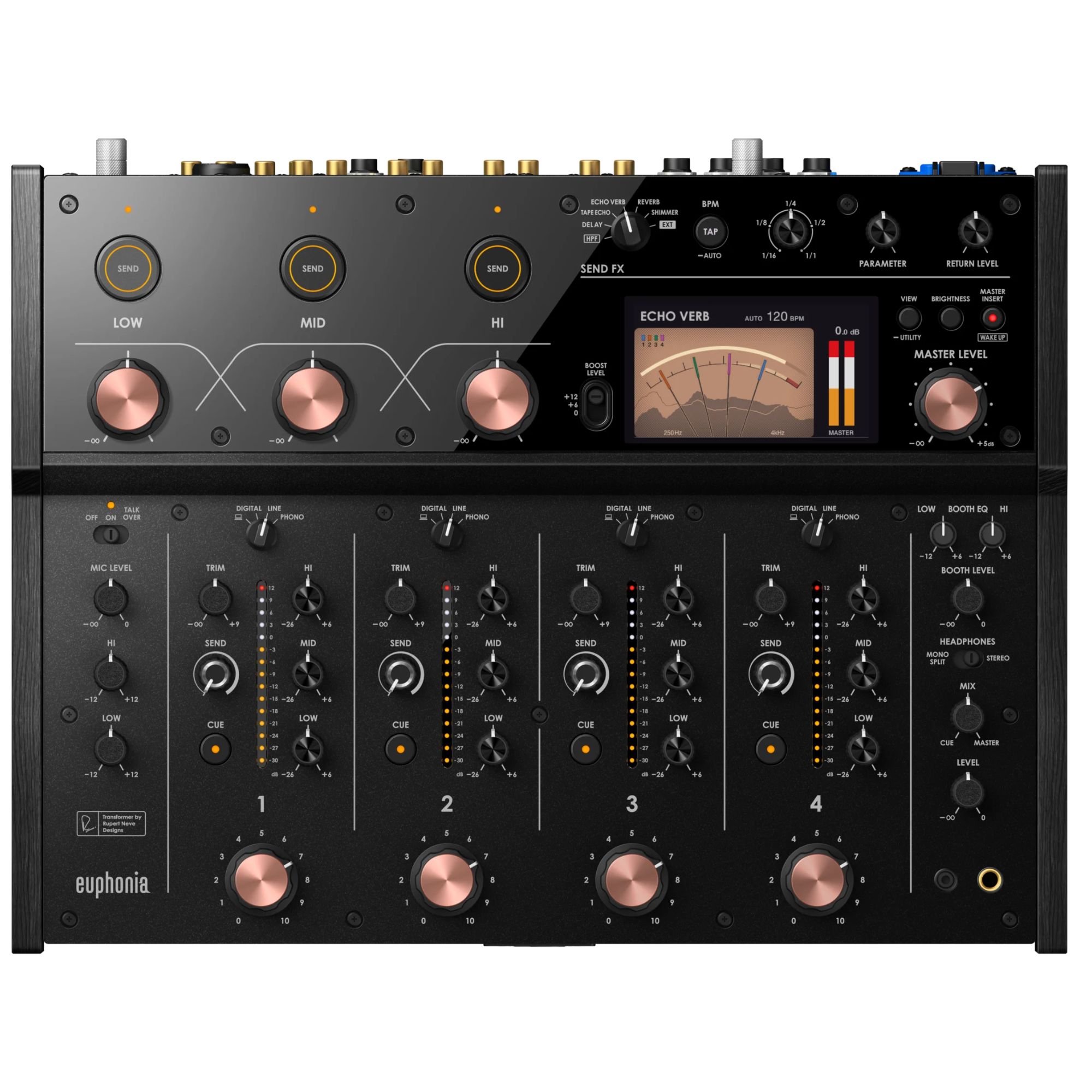
✓ Per-channel VU meters for accurate level monitoring
✓ Hybrid 32-bit/96kHz digital engine with analog coloration
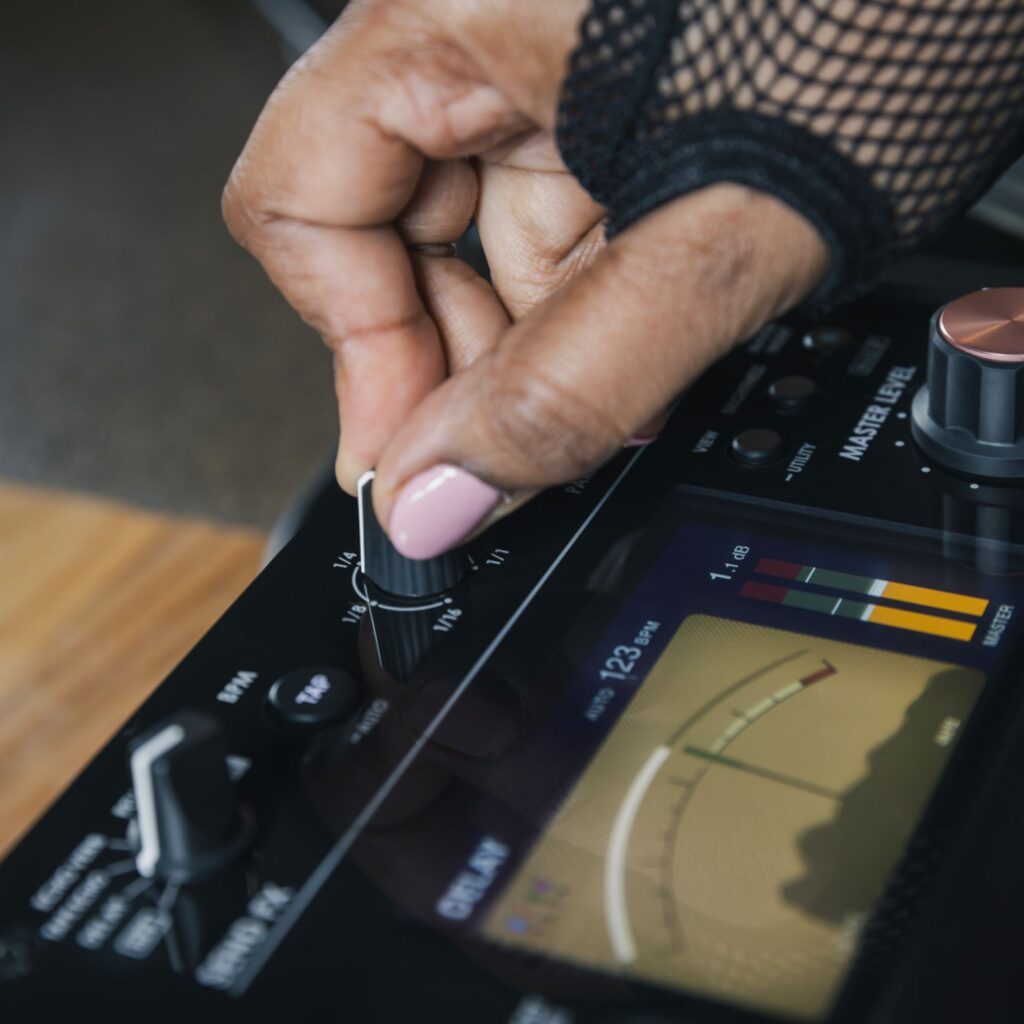
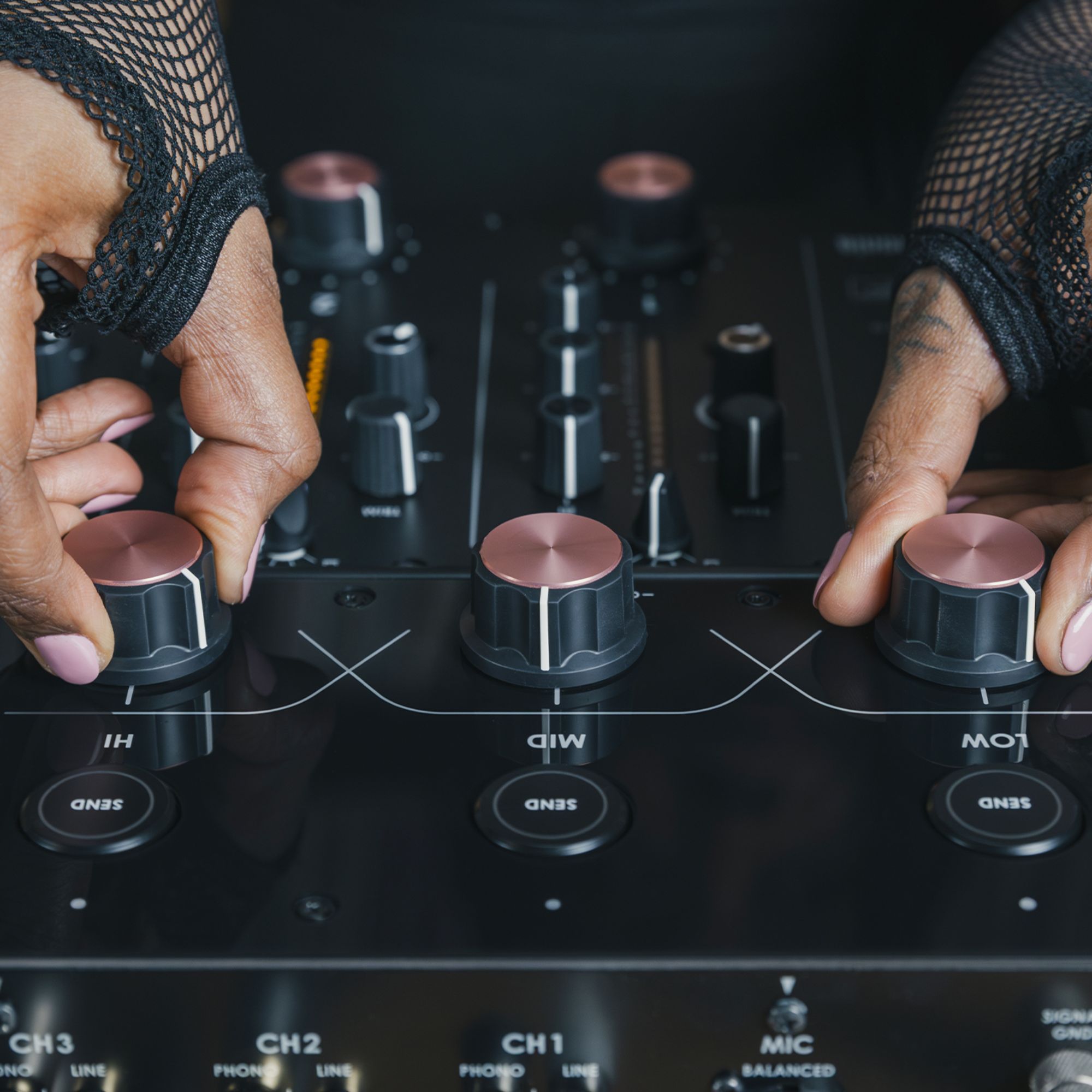
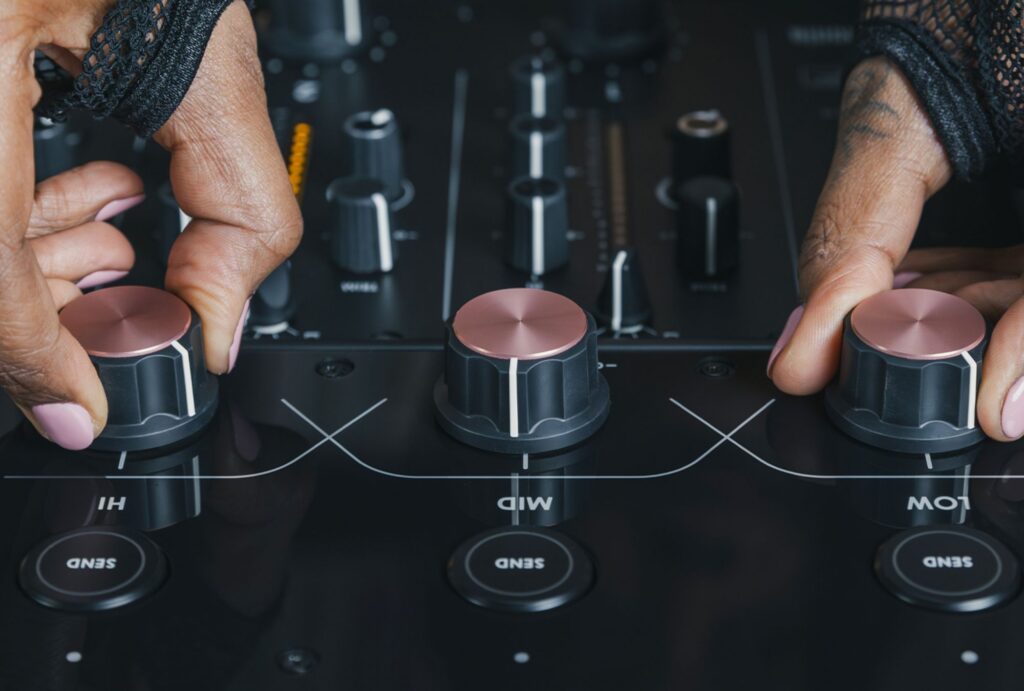
✓ Built-in SEND FX with five spatial effects and external routing
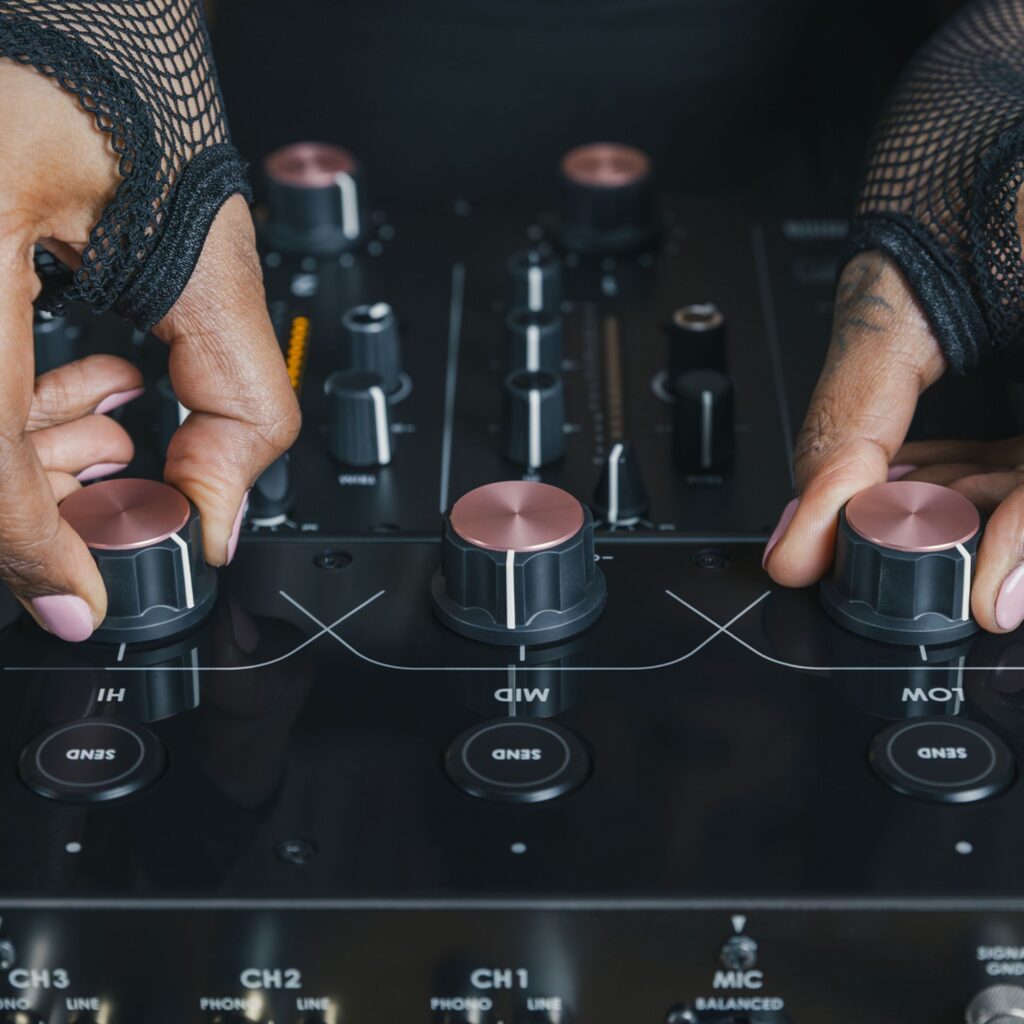
✓ Master Isolator with independent low, mid, and high control
✓ Visual Mix Level Meter with spectrum analyzer and needle meters
Analog Soul Meets Digital Precision
The Rotary DJ Mixer Euphonia’s internal architecture is powered by 32-bit A/D and D/A conversion and 64-bit floating-point DSP, ensuring pristine sound quality. All audio output passes through a custom Rupert Neve Designs transformer that subtly enhances harmonics—adding punch to bass, presence to mids, and silkiness to highs. A unique energy visualizer provides both a channel-level VU display and a central spectrum analyzer for real-time visual feedback. The built-in effects suite includes Delay, Tape Echo, Echo Verb, Reverb, and Shimmer—plus a high-pass filter—giving you creative tools without needing external processors.
Designed for Immersive, Flowing DJ Sets
Every detail of the Rotary DJ Mixer Euphonia is tuned for musical flow, tactile performance, and seamless integration into any professional DJ gear setup. The rotary faders feature elastomer-coated knobs and mechanical resistance that adapts to your mixing style—heavier for slow blending, lighter for fast sweeps. Each input channel has TRIM, 3-band EQ, and dedicated VU meters. The SEND FX section allows hands-on routing, and a BOOST SEND feature lets you apply effects per frequency band. You can also adjust BOOST LEVEL to +12 dB, +6 dB, or 0 dB for dynamic control during transitions.
Studio-Grade Connectivity
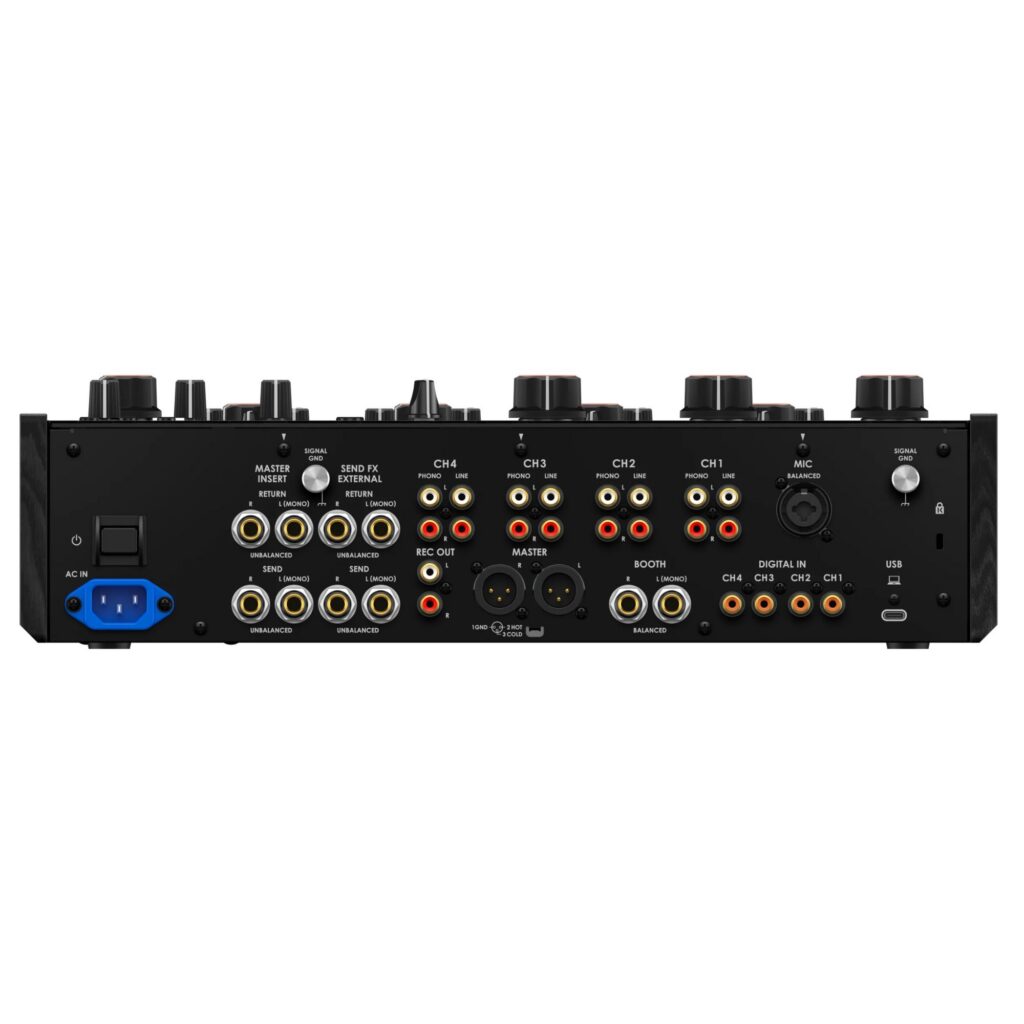
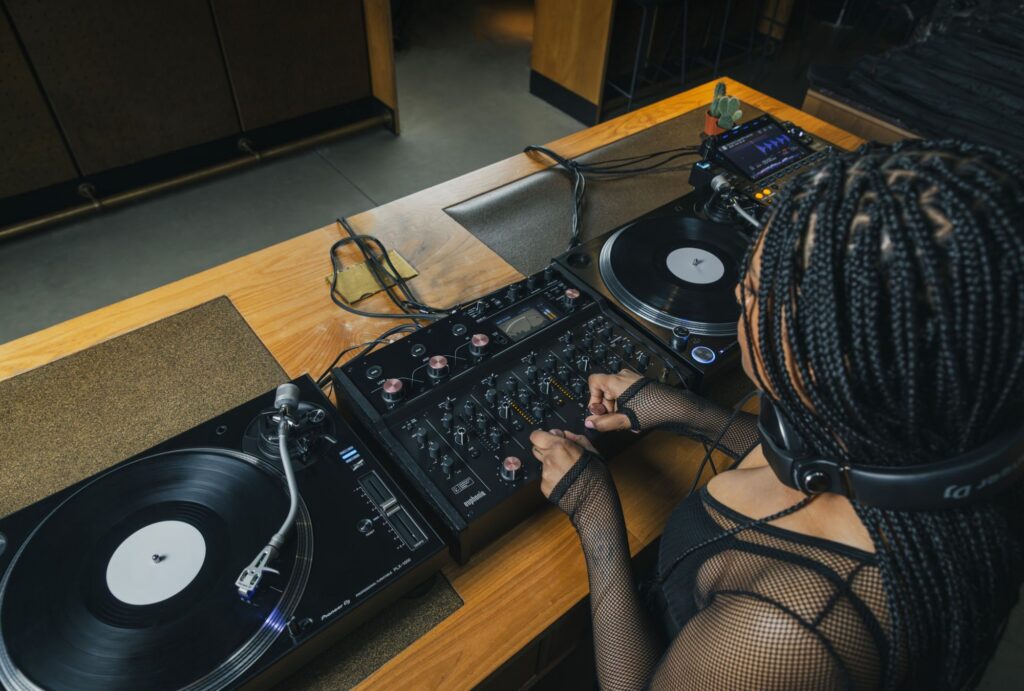
With four PHONO, four LINE, and four DIGITAL IN ports, Rotary DJ Mixer Euphonia supports a wide range of input sources. The USB-C audio interface offers high-quality recording and streaming, and the mixer is fully compatible with rekordbox and Serato DJ Pro. The Master Insert allows integration of outboard gear, while SEND/RETURN routing supports both internal and external FX workflows. Whether you’re in a club booth, vinyl lounge, or audiophile setup, this high-end piece of DJ gear adapts to your performance environment with ease.
Why Choose the AlphaTheta Rotary DJ Mixer Euphonia?
Compared to standard mixers, Rotary DJ Mixer Euphonia offers a distinctly smoother, more musical mixing experience—especially for genres where phrasing and blend matter. The hybrid signal path, Rupert Neve transformer coloration, and next-level visual monitoring tools place it ahead of legacy rotary mixers. Whether you’re spinning long, vinyl-heavy sets or streaming from digital sources, Euphonia delivers the warmth, control, and transparency that expert listeners demand.
What’s in the Box
✓ AlphaTheta Rotary DJ Mixer Euphonia
✓ Power Cord
✓ Quick Start Guide
✓ User Manual
Quick Start Guide
To set up your Rotary DJ Mixer Euphonia, connect your turntables, media players, or digital sources to the PHONO, LINE, or DIGITAL IN ports. Select your input source for each channel using the rotary selector. Use TRIM to set input levels, then control your mix with the tactile rotary faders. Adjust overall volume via the MASTER LEVEL knob and shape your output using the 3-band Master Isolator. Engage built-in SEND FX for spatial effects or connect external processors. For digital workflows, connect via USB-C, install the driver, and configure the audio utility on your PC or Mac for high-quality recording or streaming.
| Specification | Value |
|---|---|
| General | |
| Power Requirements | AC 110 V – 240 V, 50 Hz/60 Hz |
| Power Consumption | 43 W |
| Power Consumption (Off) | 0.2 W |
| Tolerable Operating Temperature | +5 °C – +35 °C |
| Tolerable Operating Humidity | 5% – 85% (no condensation) |
| Audio Section | |
| Sampling Rate | 96 kHz |
| D/A Converter (MASTER, BOOTH, SEND – MASTER INSERT) | 32-bit |
| A/D Converter (CH Input) | 32-bit |
| Other A/D and D/A Converters | 24-bit |
| Frequency Characteristic (LINE) | 20 Hz – 40 kHz |
| S/N Ratio (A-WEIGHTED) – USB, DIGITAL IN | 107 dB |
| S/N Ratio (PHONO) | 88 dB |
| S/N Ratio (LINE) | 105 dB |
| S/N Ratio (MIC) | 79 dB |
| Input | |
| Standard Input Level / Input Impedance (PHONO) | -52 dBu / 47 kΩ |
| Standard Input Level / Input Impedance (LINE) | -12 dBu / 47 kΩ |
| Standard Input Level / Input Impedance (MIC) | -57 dBu / 3.5 kΩ |
| Standard Input Level / Input Impedance (RETURN) | -12 dBu / 47 kΩ |
| Max. Input Level (PHONO) | -17.8 dBu |
| Max. Input Level (LINE) | +15 dBu |
| Max. Input Level (MIC) | +2 dBu |
| Max. Input Level (RETURN) | +12 dBu |
| Output | |
| Standard Output Level / Load Impedance / Output Impedance (MASTER) | +6 dBu / 10 kΩ / 360 Ω |
| Standard Output Level / Load Impedance / Output Impedance (REC OUT) | -8 dBu / 10 kΩ / 700 Ω |
| Standard Output Level / Load Impedance / Output Impedance (BOOTH) | +6 dBu / 10 kΩ / 360 Ω |
| Standard Output Level / Load Impedance / Output Impedance (SEND – EXTERNAL) | -9 dBu / 10 kΩ / 700 Ω |
| Standard Output Level / Load Impedance / Output Impedance (SEND – MASTER INSERT) | -12 dBu / 10 kΩ / 700 Ω |
| Standard Output Level / Load Impedance / Output Impedance (PHONES) | +8 dBu / 32 Ω / 1 Ω or lower |
| Rated Output Level / Load Impedance (MASTER) | +25 dBu / 10 kΩ |
| Rated Output Level / Load Impedance (BOOTH) | +25 dBu / 10 kΩ |
| Crosstalk (LINE) | 82 dB |
| Channel Equalizer Characteristic | |
| HI | -26 dB – +6 dB (20 kHz) |
| MID | -26 dB – +6 dB (1 kHz) |
| LOW | -26 dB – +6 dB (20 Hz) |
| Microphone Equalizer Characteristic | |
| HI | -12 dB – +12 dB (10 kHz) |
| LOW | -12 dB – +12 dB (100 Hz) |
| BOOTH Equalizer Characteristic | |
| HI | -12 dB – +6 dB (10 kHz) |
| LOW | -12 dB – +6 dB (100 Hz) |
| MASTER ISOLATOR Characteristic | |
| Slope | 18 dB/oct |
| Cut/Boost | OFF – X dB (X = 0, +6, +12) |
| Crossover Frequency | 250 Hz / 3.5 kHz |
| Input/Output Terminals | |
| PHONO Input | RCA pin jacks × 4 |
| LINE Input | RCA pin jacks × 4 |
| MIC Input | XLR connector & 1/4″ TRS jack × 1 |
| RETURN Input | 1/4″ TS jack × 2 |
| DIGITAL IN (Coaxial) | RCA pin jacks × 4 |
| MASTER Output | XLR connector × 1 |
| BOOTH Output | 1/4″ TRS jack × 1 |
| REC OUT Output | RCA pin jacks × 1 |
| SEND Output | 1/4″ TS jack × 2 |
| PHONES Output | 1/4″ stereo jack × 1, 3.5 mm stereo mini jack × 1 |
| USB Terminal | USB Type-C × 1 |
| Dimensions | |
| Product Dimensions (W × D × H) | 42.92 × 33.10 × 11.99 cm |
| Weight | |
| Product Weight | 9.5 kg |