Clean cable management for the Pioneer DJ DJM-900
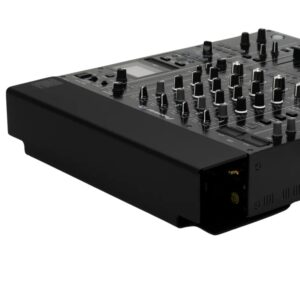
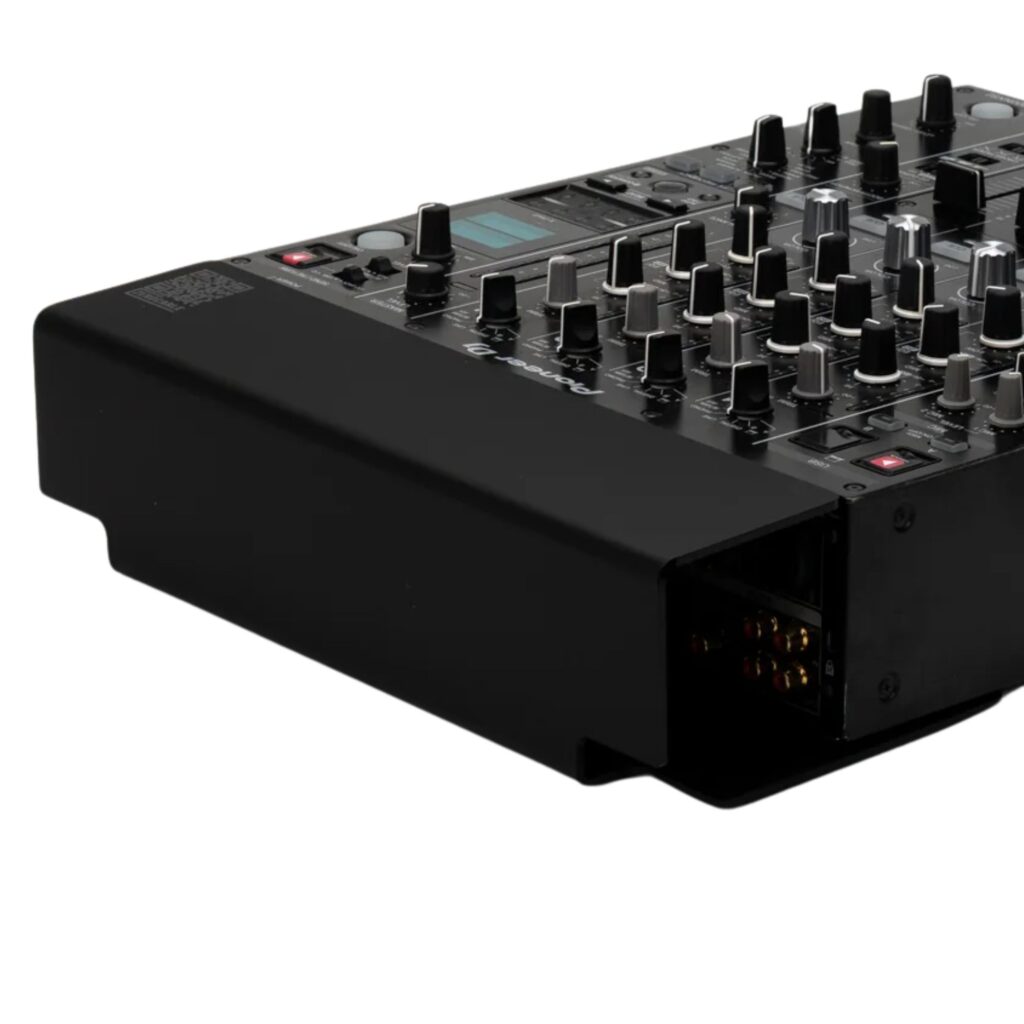
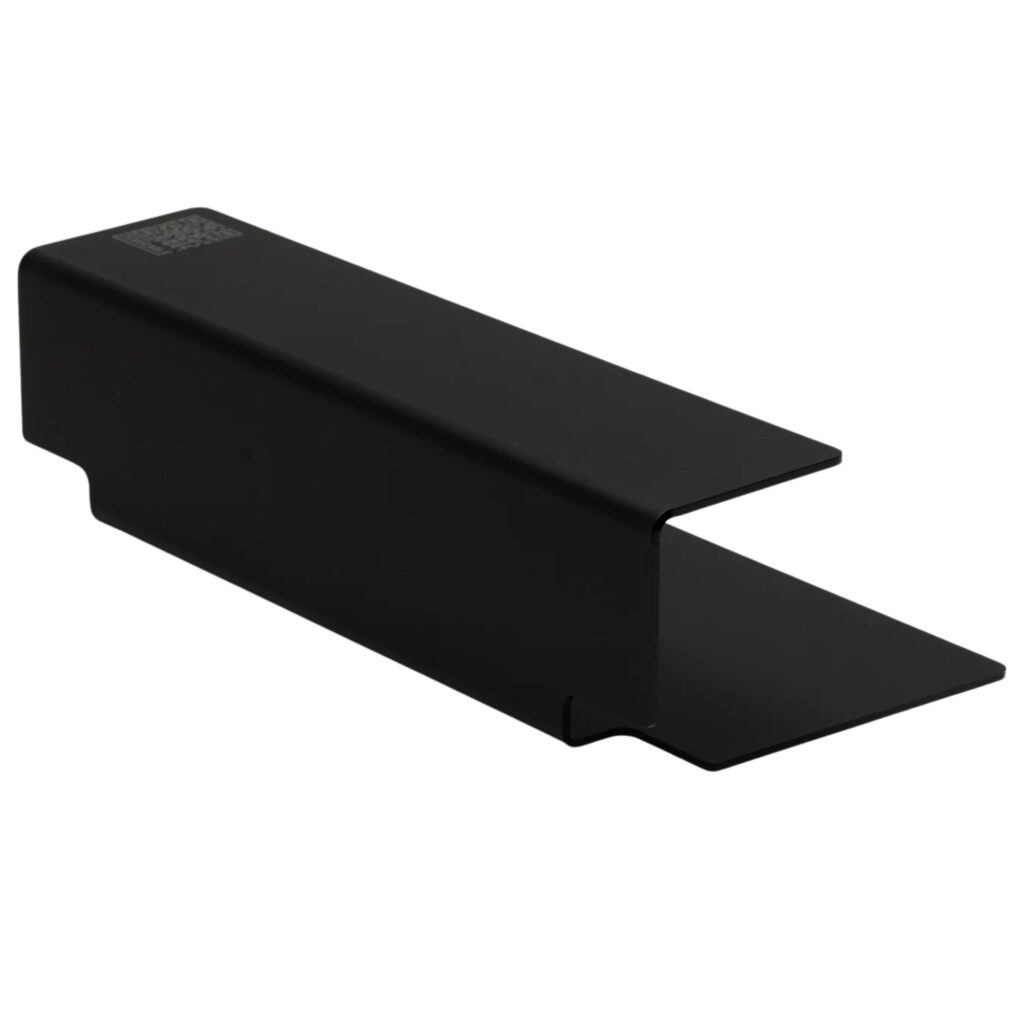
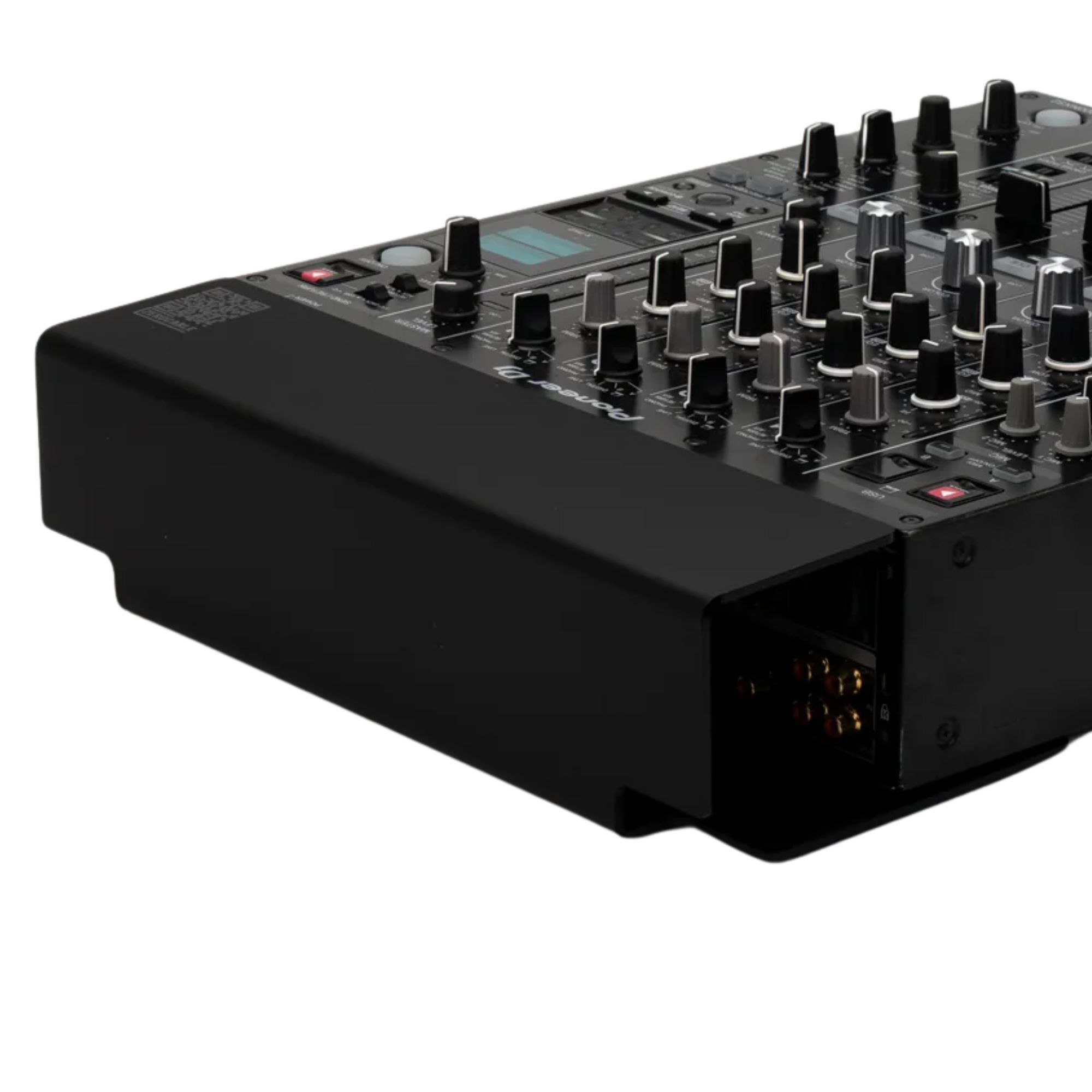
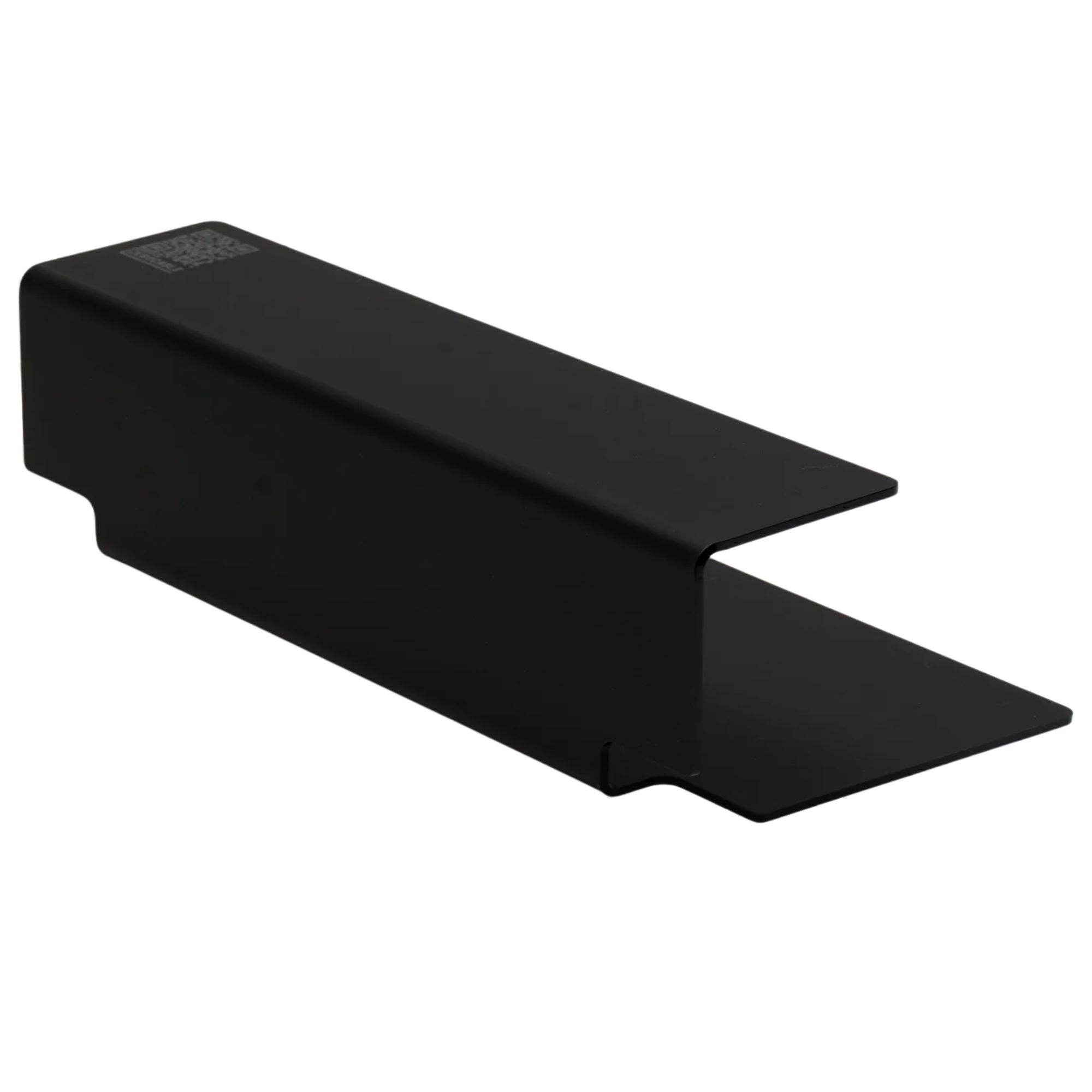
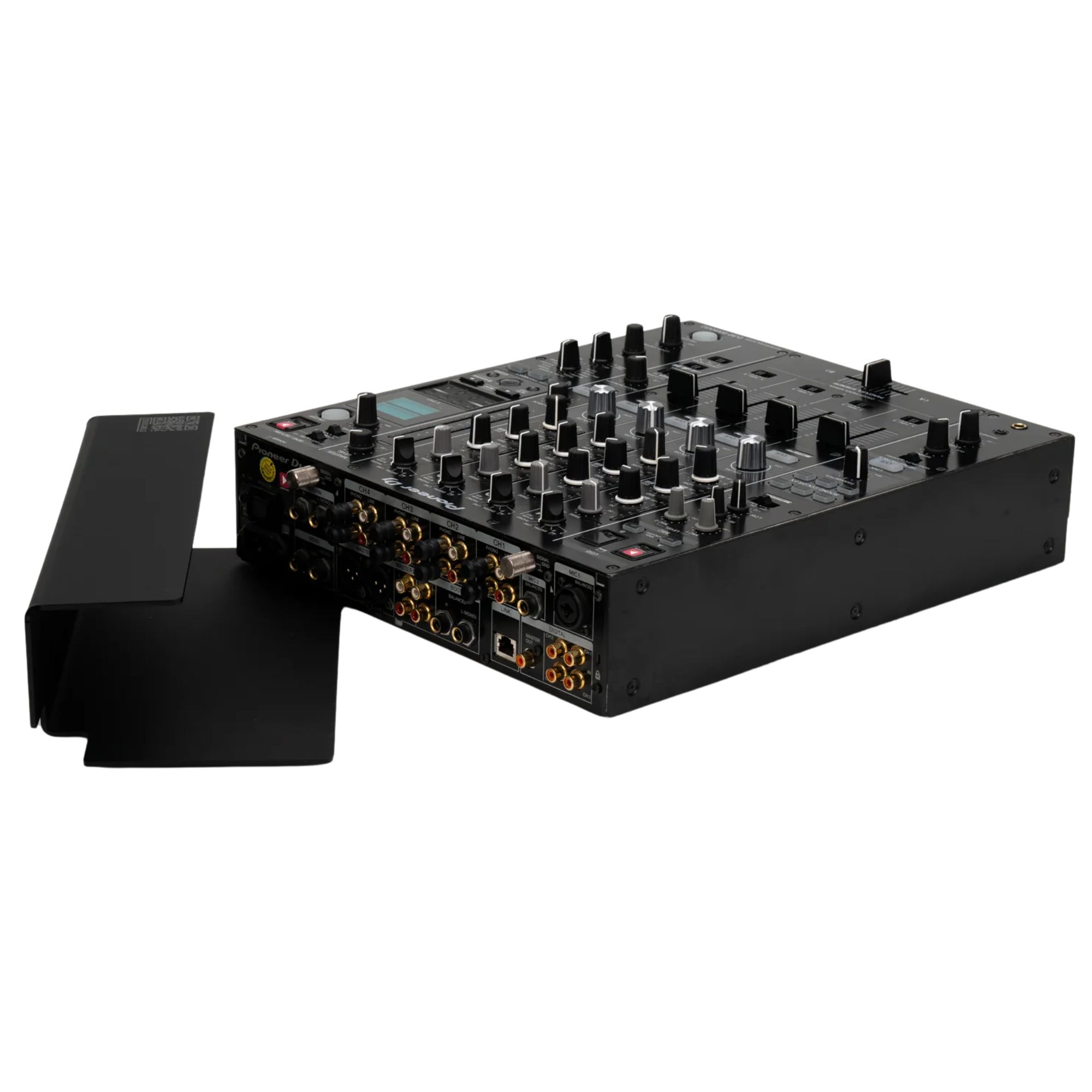
The Cable Cover for DJM-900 from Zero Cable is a custom-fit rear cover for the Pioneer DJ DJM-900 that hides connectors and cables for a clean, professional booth. It adds an integrated cable channel and a protective barrier that helps shield your connections from splashes and accidental pulls. Made from ABS and high-quality acrylic glass, it keeps the back of the player tidy without getting in your way. Ideal for clubs, mobile DJs, and events where fast setup and a sleek stage look matter.
Key features of Cable Cover for DJM-900
- ✓ Custom-fit design for a flush rear finish
- ✓ Hides cables and connectors for a cleaner booth
- ✓ Integrated cable channel for organised routing
- ✓ Splash shield helps protect rear connections
- ✓ Prevents accidental unplugging during performances
- ✓ Smooth top surface for logos and labels
Built for real-world DJ booths and fast changeovers
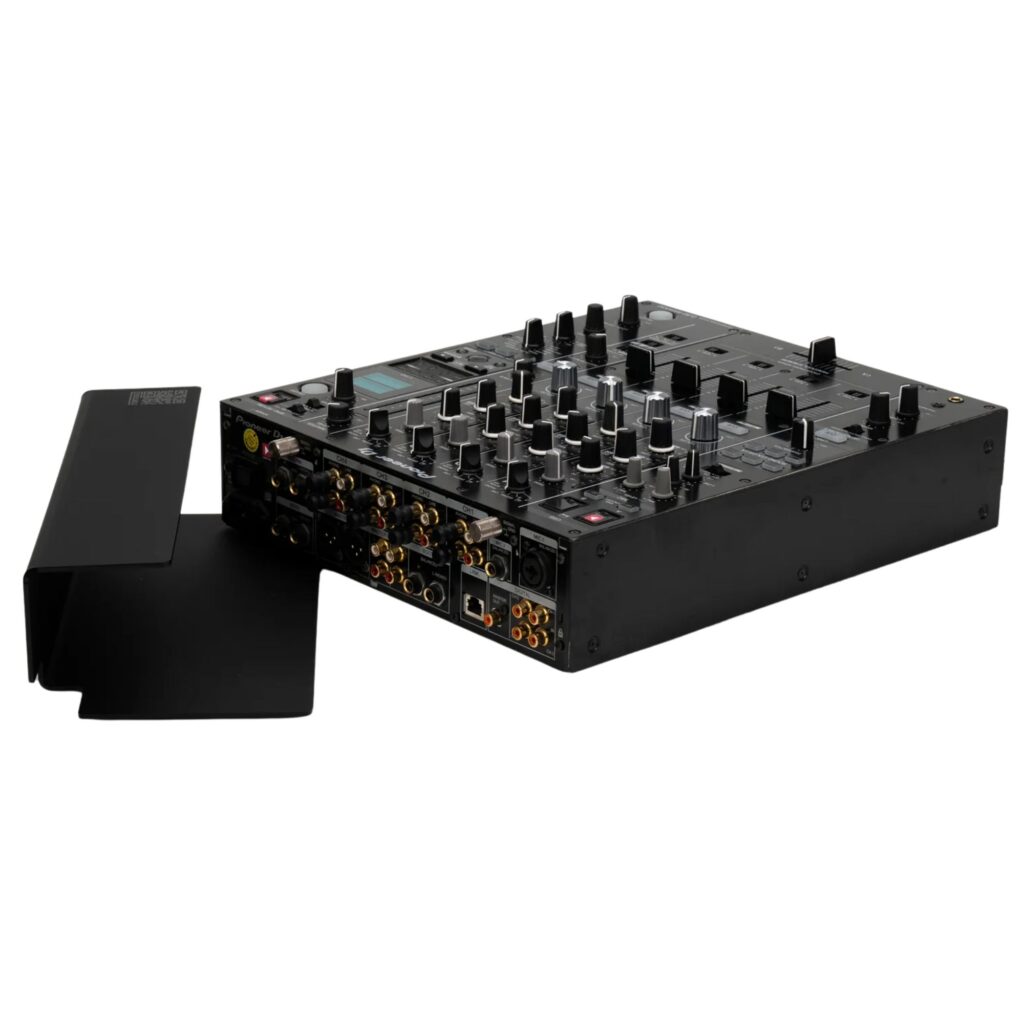
Once installed, the cover instantly declutters the rear of your DJM-900, so your booth looks intentional on camera and in the club. The cable channel keeps power, audio and network leads routed in one direction, reducing strain and keeping connectors stable when the table moves. The splash shield and unplug-prevention design add peace of mind in busy venues. If you tour, it also speeds up changeovers because everything stays organised and easy to check at a glance.
Why choose Zero Cable over generic covers
Unlike generic cable sleeves or improvised gaffer tape solutions, this Cable Cover for DJM-900 is shaped specifically for the Pioneer DJ DJM-900, giving a tidy, integrated finish. The rigid ABS and acrylic construction adds protection where it matters most: right at the connections. It also doubles as a clean branding and labelling surface, which is helpful in shared booths and event rigs. And because it attaches and removes without extra tools, it fits both fixed installs and mobile setups.
What’s in the Box
- ✓ Zero Cable Cover for DJM-900 Mixer
How to get started
Connect your usual power, audio and network cables to the DJM-900 first. Route the leads into the integrated channel so they exit neatly toward your media players, stage box, or booth cabling path. Align the cover with the rear panel and position it until it sits flush. Check that no cable is pinched and that every connector is fully seated. For teardown, remove the cover, unplug as needed, and keep the wiring grouped to make your next setup quicker.
Frequently Asked Questions
Is this Cable Cover for DJM-900 compatible with other media players?
No, it is designed as a custom-fit cover for the Pioneer DJ DJM-900.
Do I need tools to install it?
No, it is designed to attach and remove quickly without extra tools.
Can I add my own branding or labels?
Yes, the smooth top surface is intended for logos, stickers, or custom designs.