

 Eesti
Eesti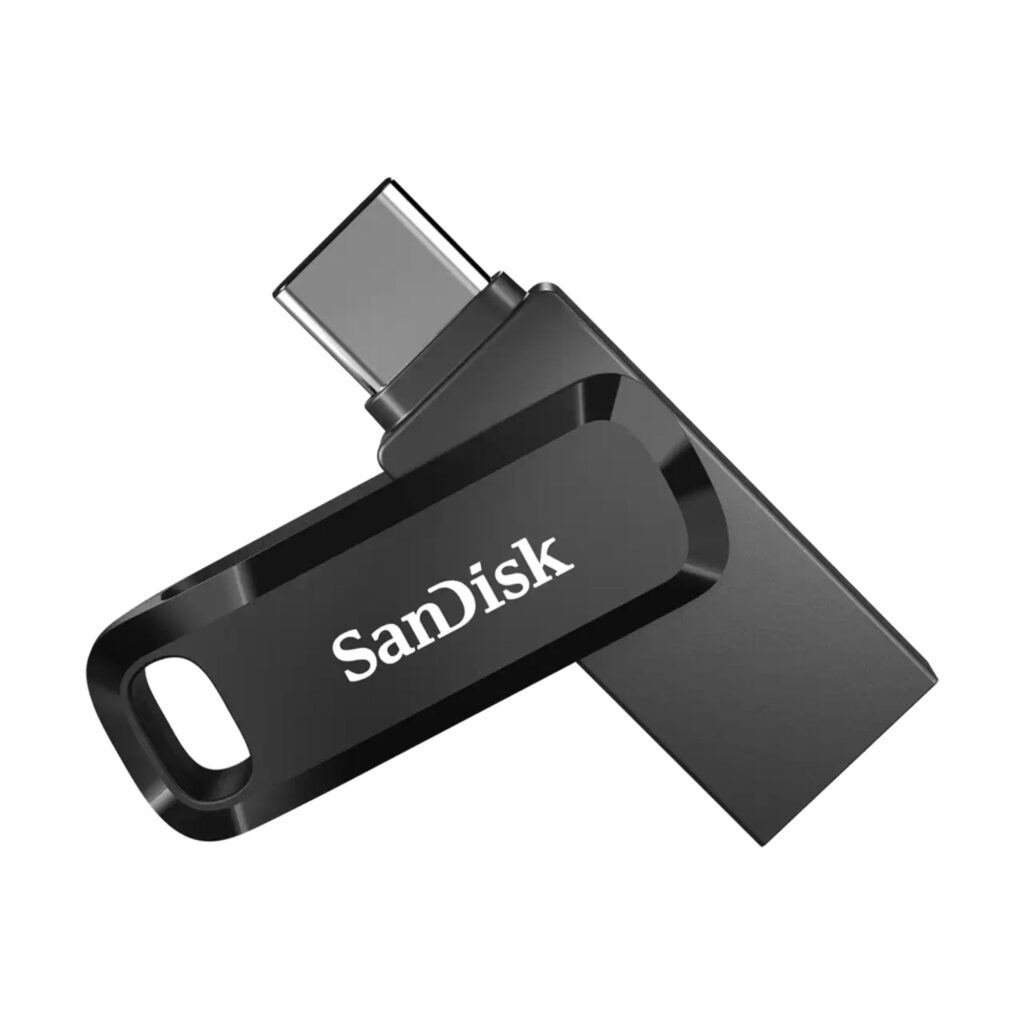
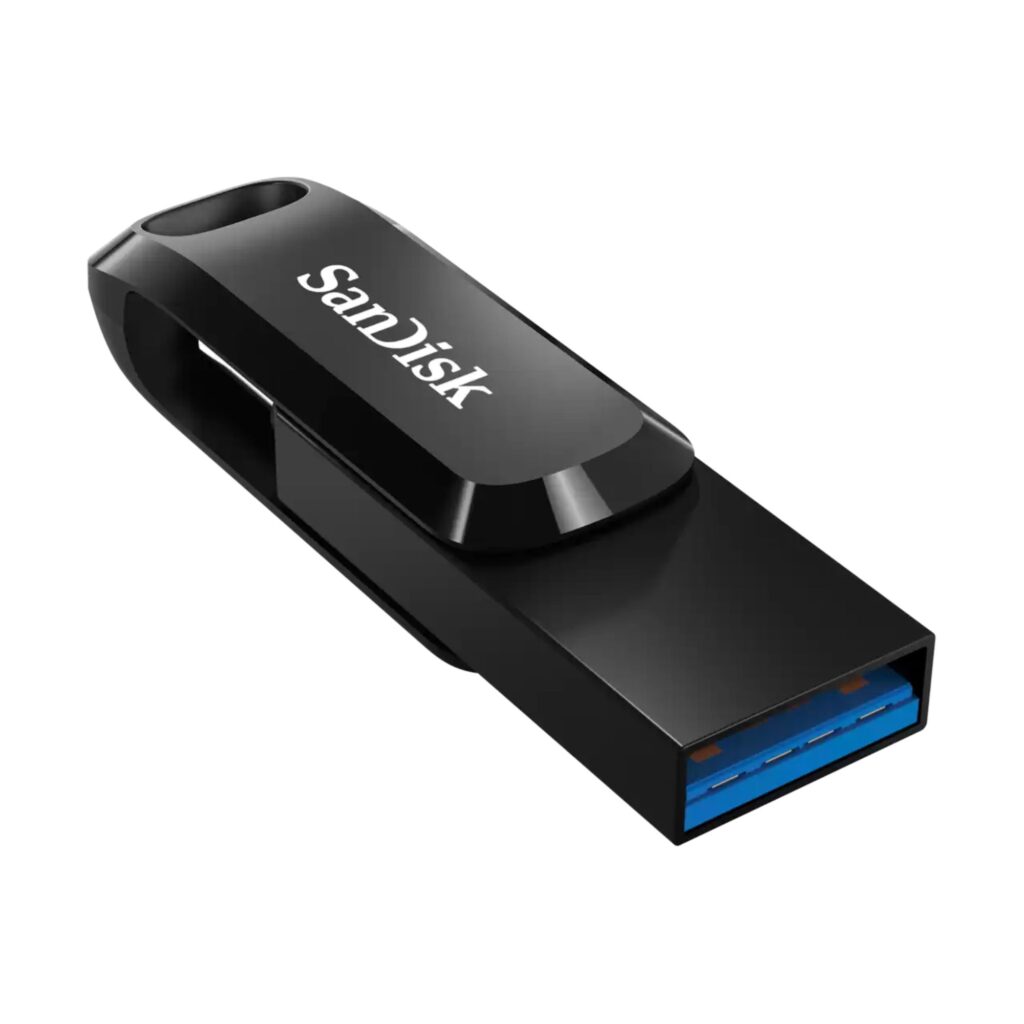
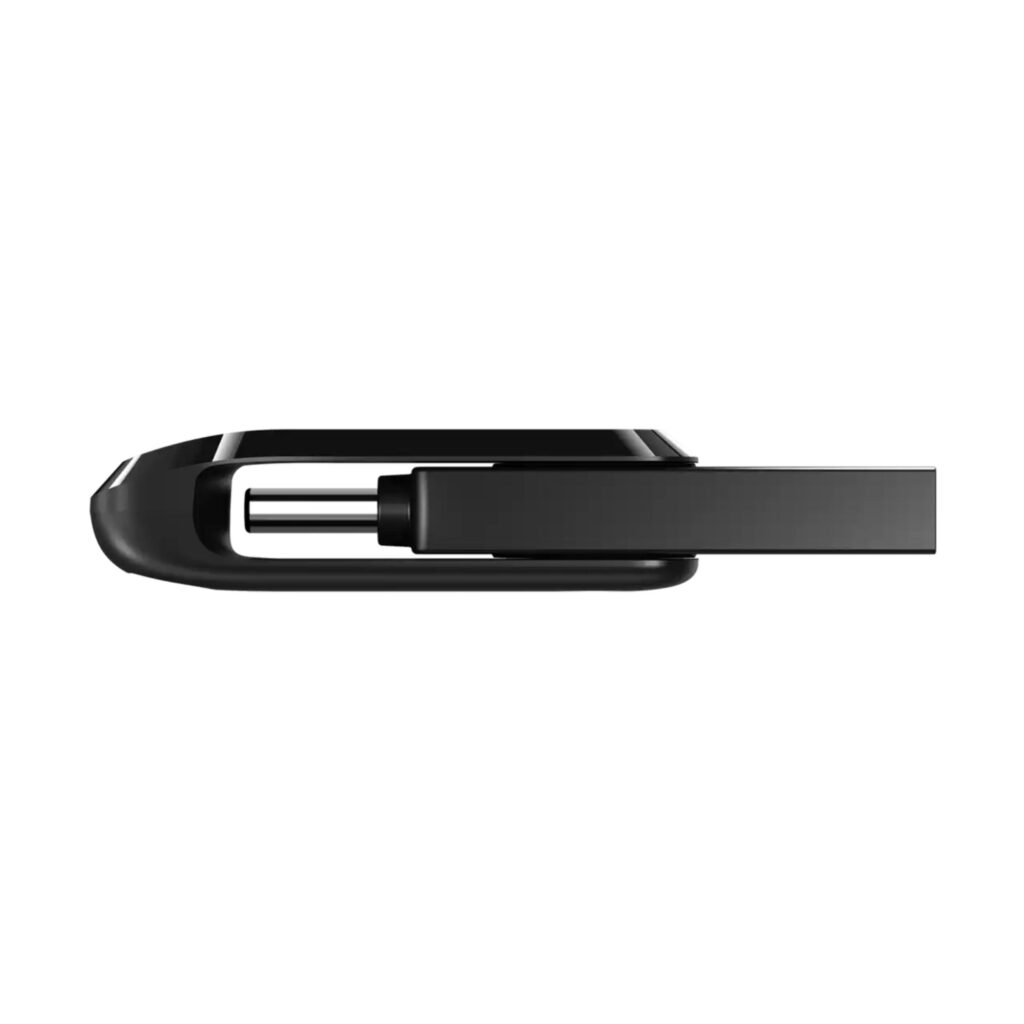
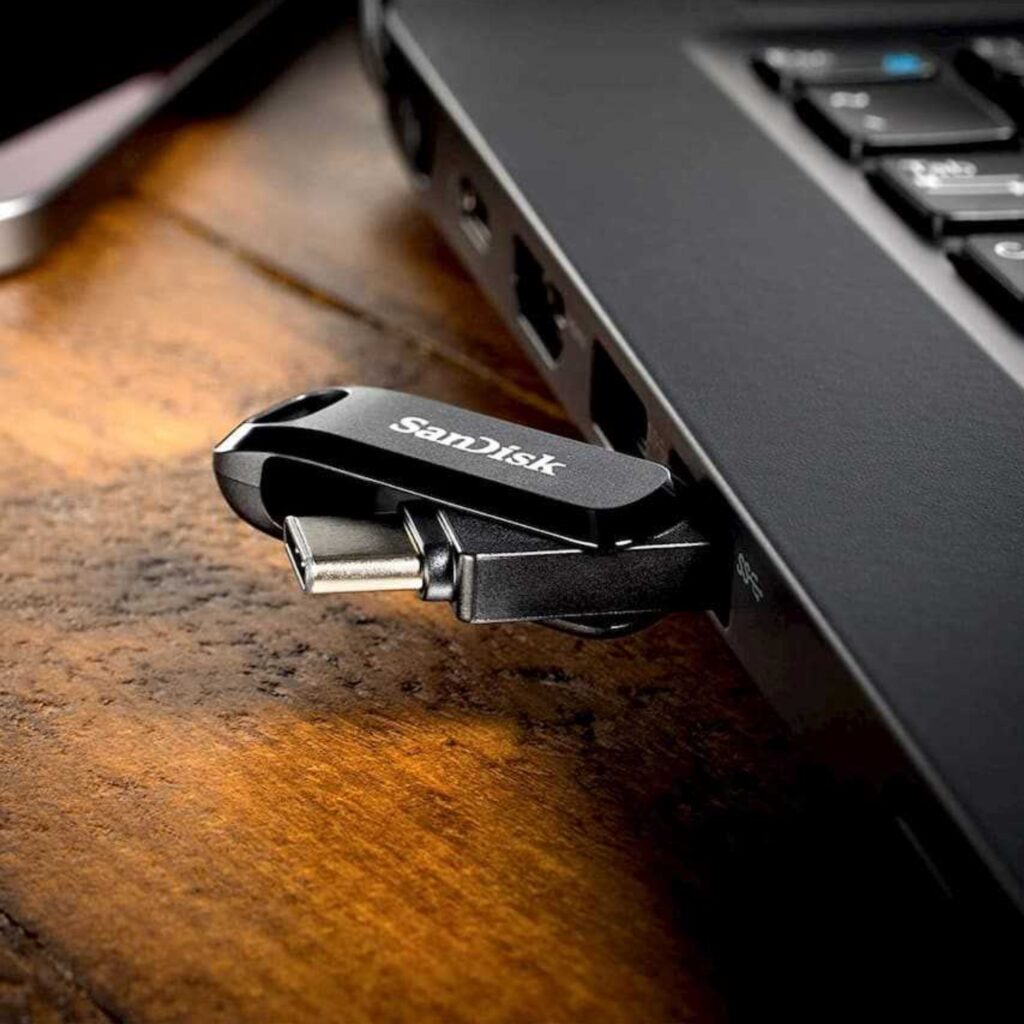
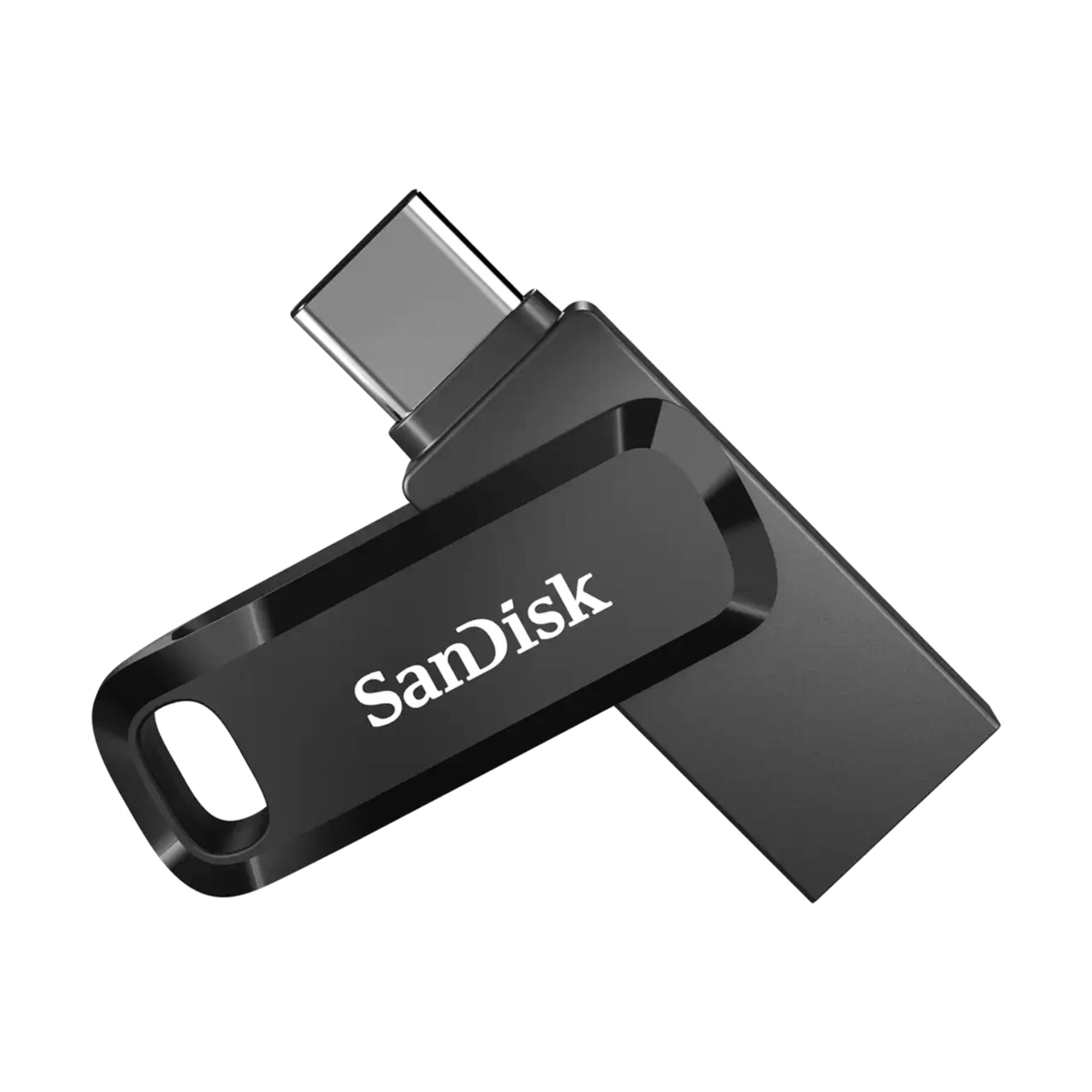
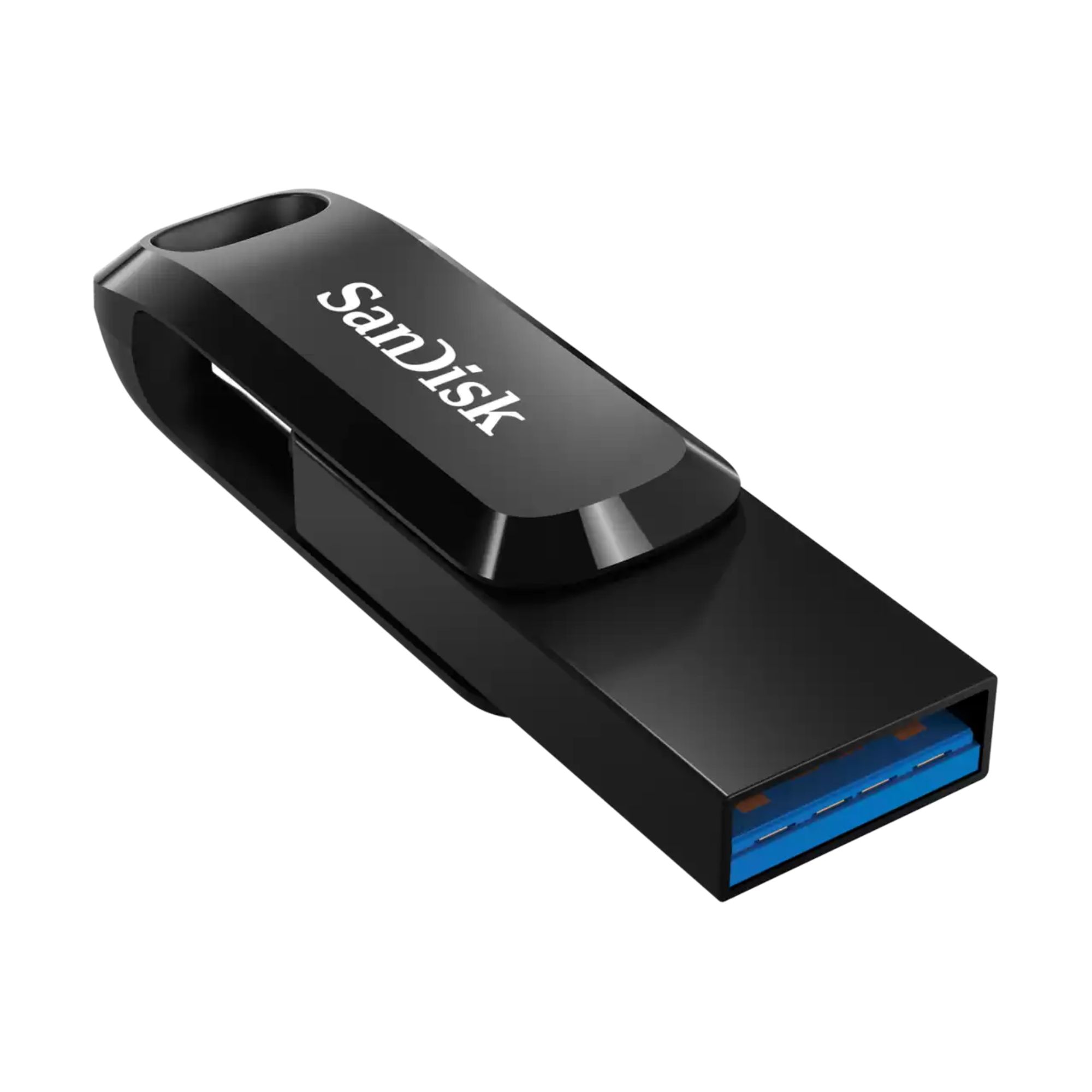
SanDisk Flash Drive Ultra Dual Drive Go 64GB USB-A – USB-C Black
Ultra Dual Drive Go 64GB is a compact USB-A and USB-C flash drive for Windows, macOS, iOS, and Android—an ideal keychain-sized solution for DJs.
14,90 €
 Fast delivery: 1-2 business days

Mon–Fri, 11 a.m.–4 p.m.
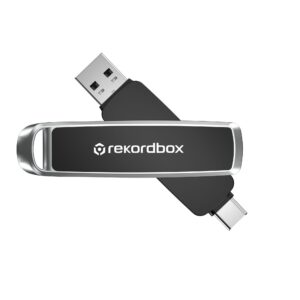
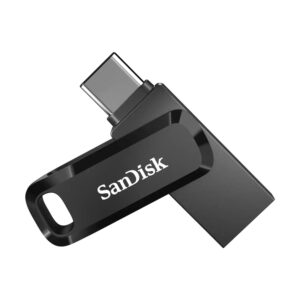
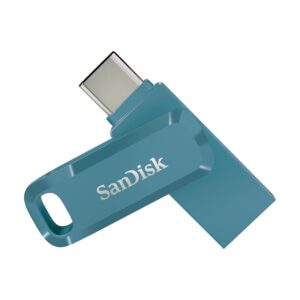
Compact dual-connector drive that fits perfectly into a DJ’s daily workflow
The Flash Drive Ultra Dual Drive Go 64GB is a fast and compact dual-connector solution that works smoothly across USB-C laptops and USB-A devices. Although created for general use, its speed, reliability and small size make it a great match for DJs who prep music on modern computers and perform on USB-A-based DJ equipment. It’s a practical pendrive for managing playlists, backing up sets and keeping a library ready for any gig.
Key Features of Flash Drive Ultra Go 64GB
- ✓ Dual USB-C / USB-A connectors for wide device compatibility
- ✓ Up to 300MB/s read speeds for quick browsing and large-file access
- ✓ USB 3.2 Gen 1 performance for smooth handling of music libraries
- ✓ Pre-formatted FAT32 file system compatible with all DJ equipment
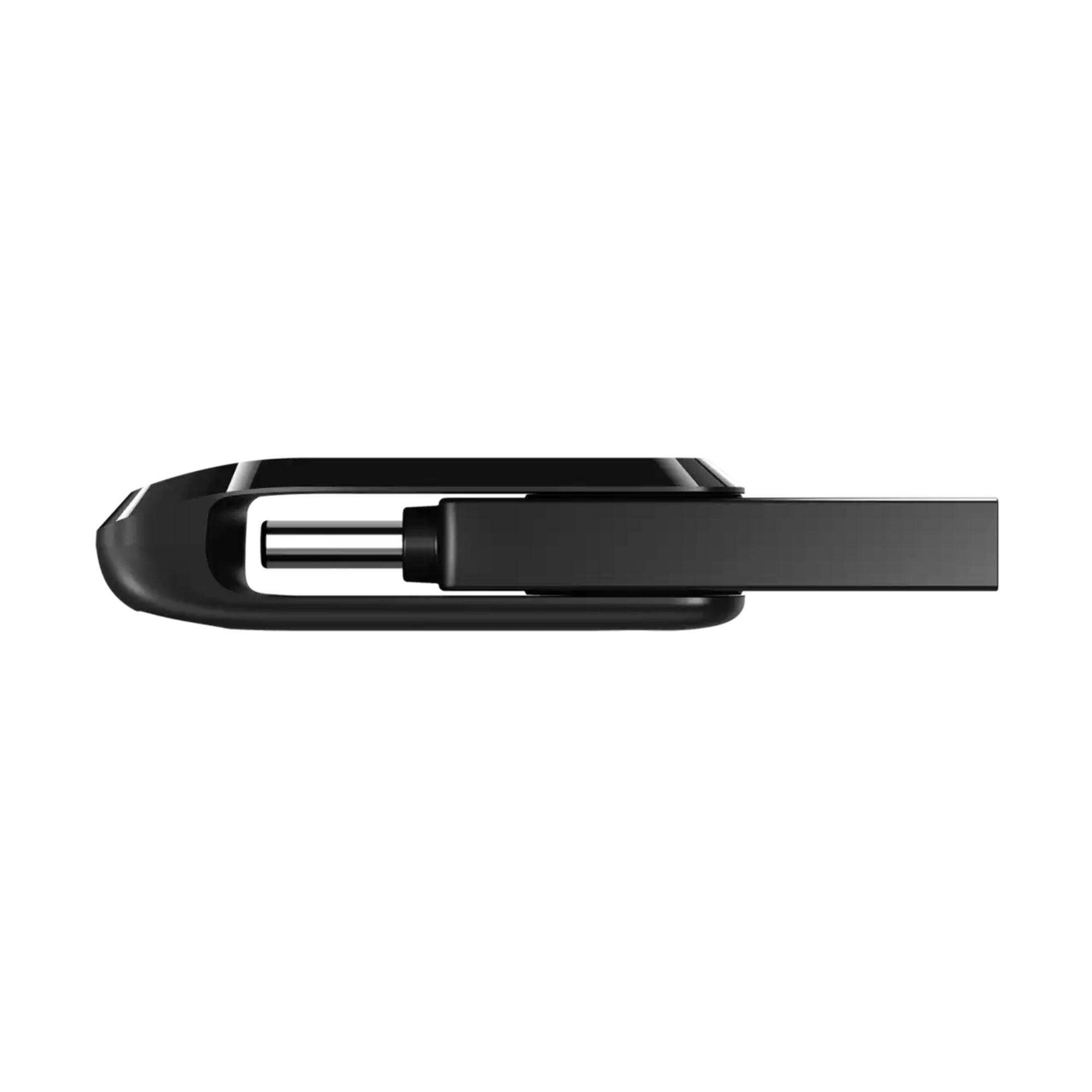
- ✓ Swivel design protects both connectors during transport
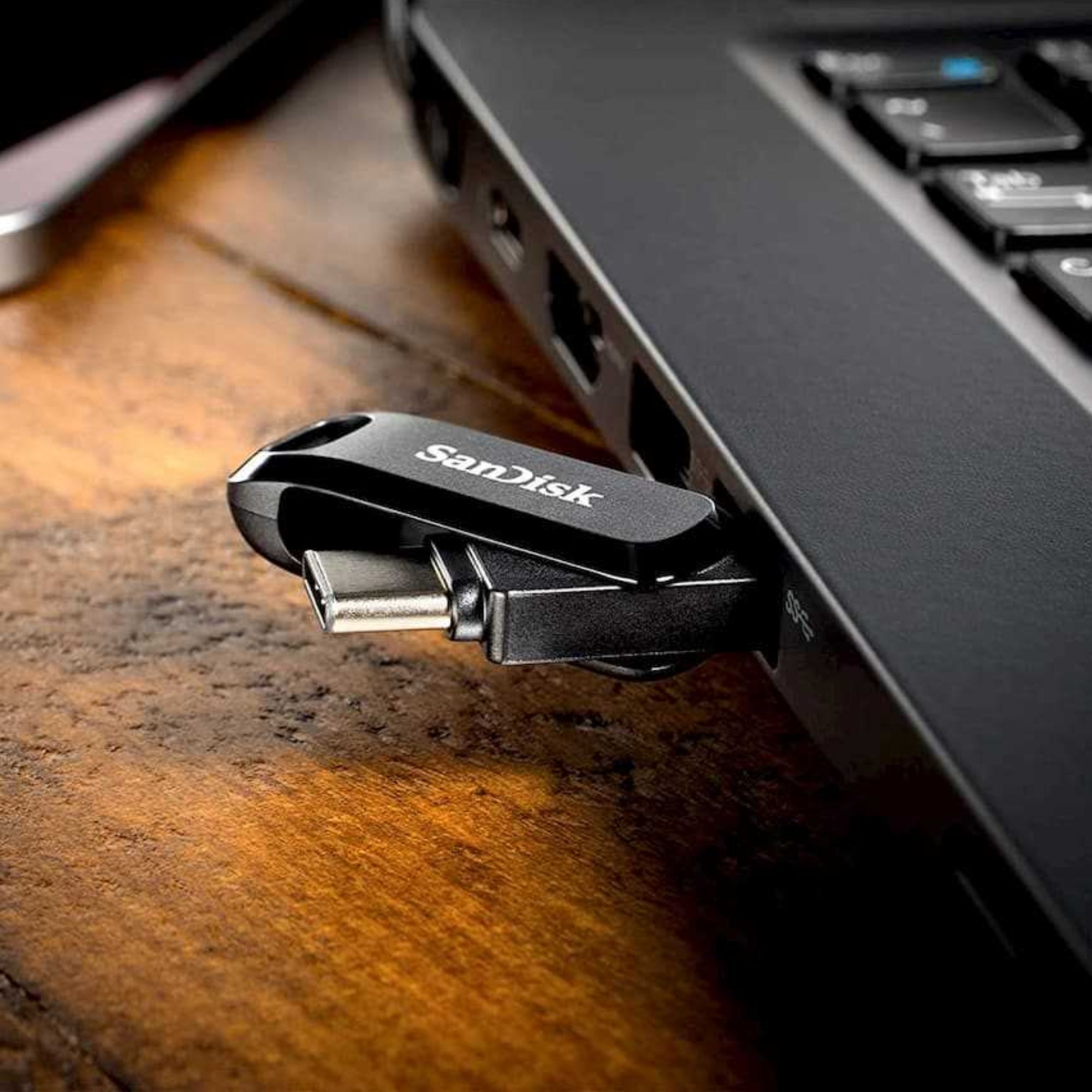
- ✓ Works with laptops, phones, tablets and DJ gear
- ✓ Keyring-ready body to keep your USB stick always with you
Reliable performance for DJs and everyday storage needs
The flash drive is factory formatted to the FAT32 file system, which is compatible and works without problems with all standalone DJ controllers and media players from AlphaTheta, Pioneer DJ, Denon DJ, Numark, etc. It also pairs easily with USB-C computers and USB-A hosts. macOS users can also choose to format the drive to HFS+ if preferred for their workflow. Sandisk Ultra Go 64GB handles DJ software exports smoothly and fits comfortably into everyday travel.
Why Flash Drive Ultra Dual Drive Go 64GB is a strong choice
Unlike many standard USB sticks, this dual-connector model removes the need for adapters and makes moving between USB-C laptops and USB-A DJ players straightforward. It offers solid performance for its capacity class and a reliable build at an accessible price point. For DJs who want a cost-effective drive that works across a wide mix of devices without unnecessary extras, it delivers a practical and dependable solution.
What’s in the Box
- ✓ Flash Drive Ultra Dual Drive Go 64GB USB-C / USB-A
- ✓ Quick Start Guide
- ✓ User Manual
Quick Start Guide
Connect the Ultra Dual Drive Go 64GB flash drive to your laptop, tablet or compatible DJ device via USB-A or USB-C. The flash drive is pre-formatted with the FAT32 file system and is ready to use with a variety of DJ software and DJ equipment right out of the box. Export playlists or your entire music library, then connect the drive to your DJ device. Don’t forget to “Eject” before unplugging the flash drive from the device.
| Specification | Value |
|---|---|
| Capacity | 64 GB |
| Connector | USB-C, USB-A |
| Interface | USB 3.2 Gen 1 |
| Sequential Read Performance | 300 MB/s |
| File System (Formatting) | FAT32 (changeable at the user’s own preference) |
| Compatibility | USB Type-C devices (phones, laptops, tablets), iOS 10.0.2+, Android 11+, macOS 10.9+, Windows 10+ |
| Operating Temperature | 0 to 45 °C |
| Non-Operating Temperature | -10 to 70 °C |
| Warranty | 5-year limited warranty |
| Certifications | FCC, ICES, CE, UKCA, BSMI, RCM, EAC, KCC, Ukraine |
| Model Number | SDDDC3-064G-G46 |
| Dimensions (L × W × H) | 4.44 × 1.21 × 0.86 cm |
| Weight | 6.50 g |