

 Eesti
Eesti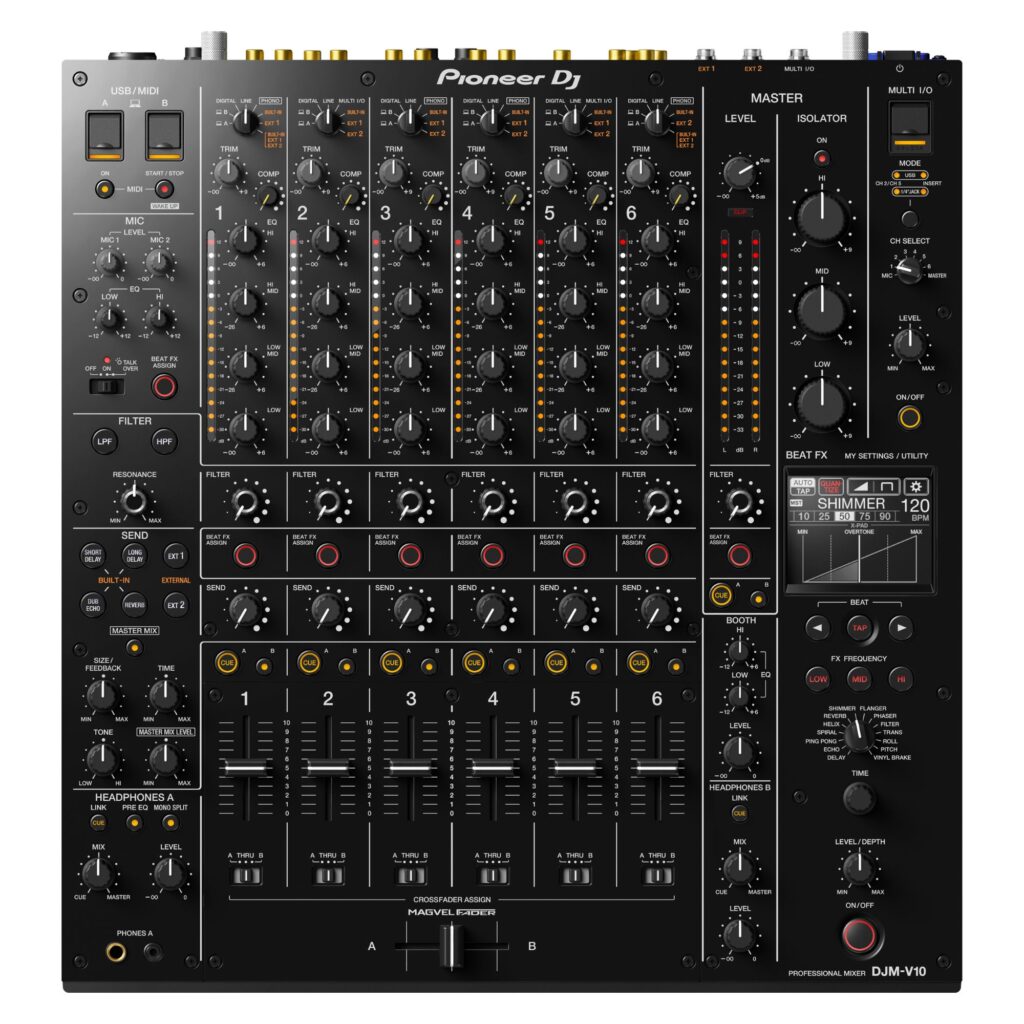
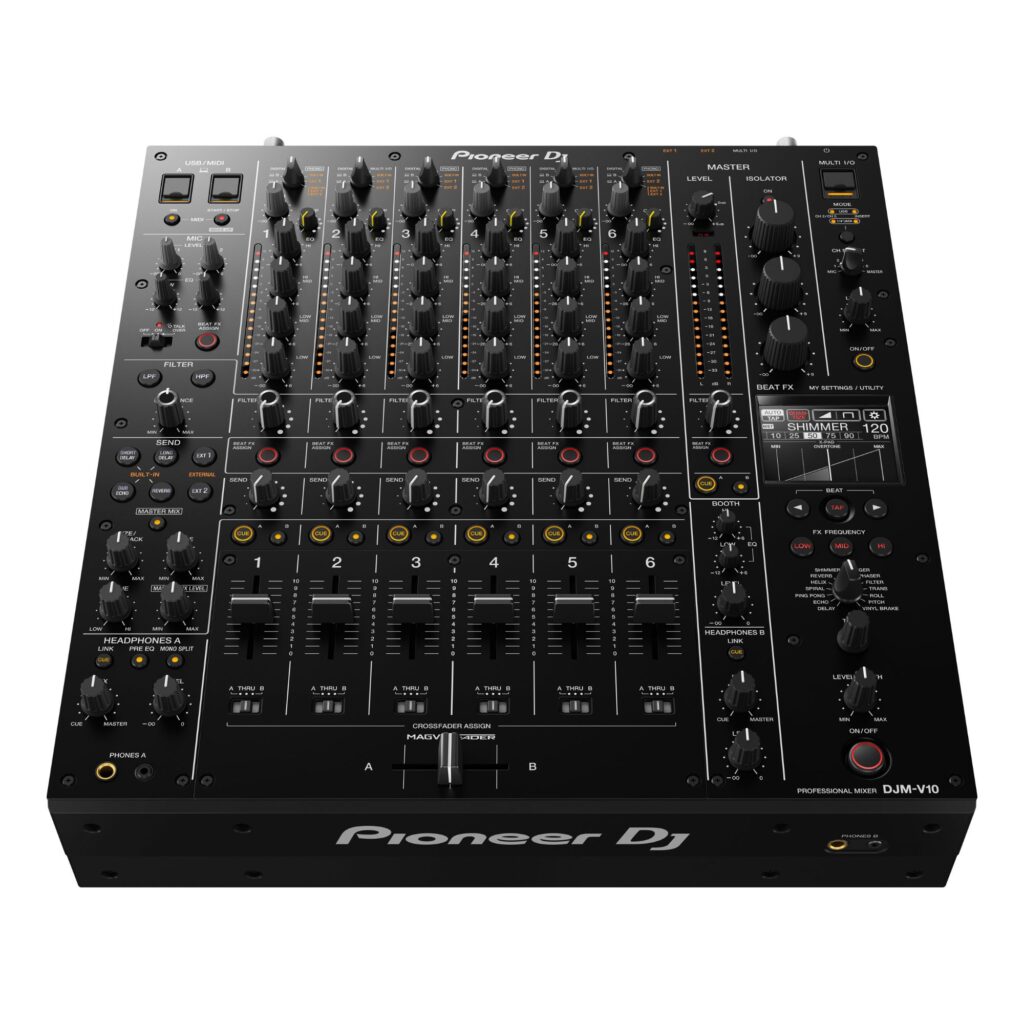
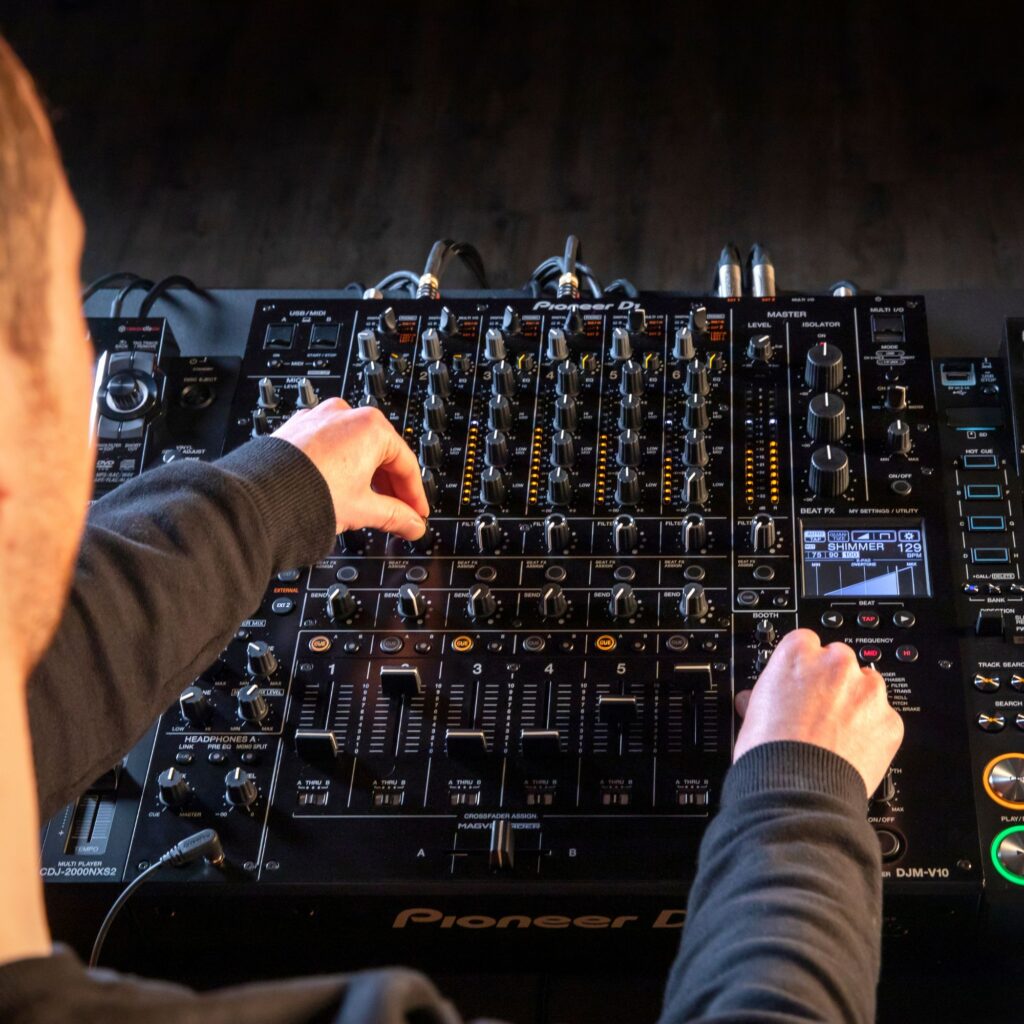
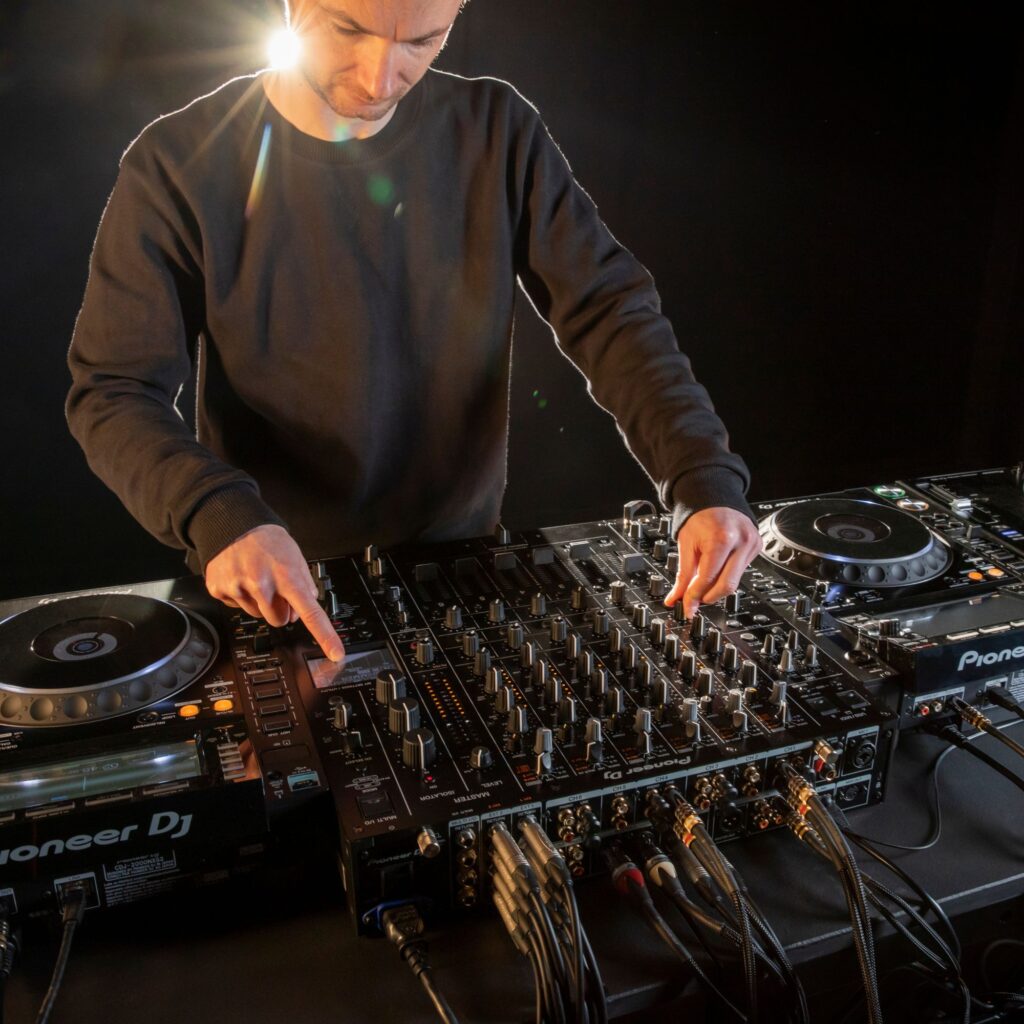
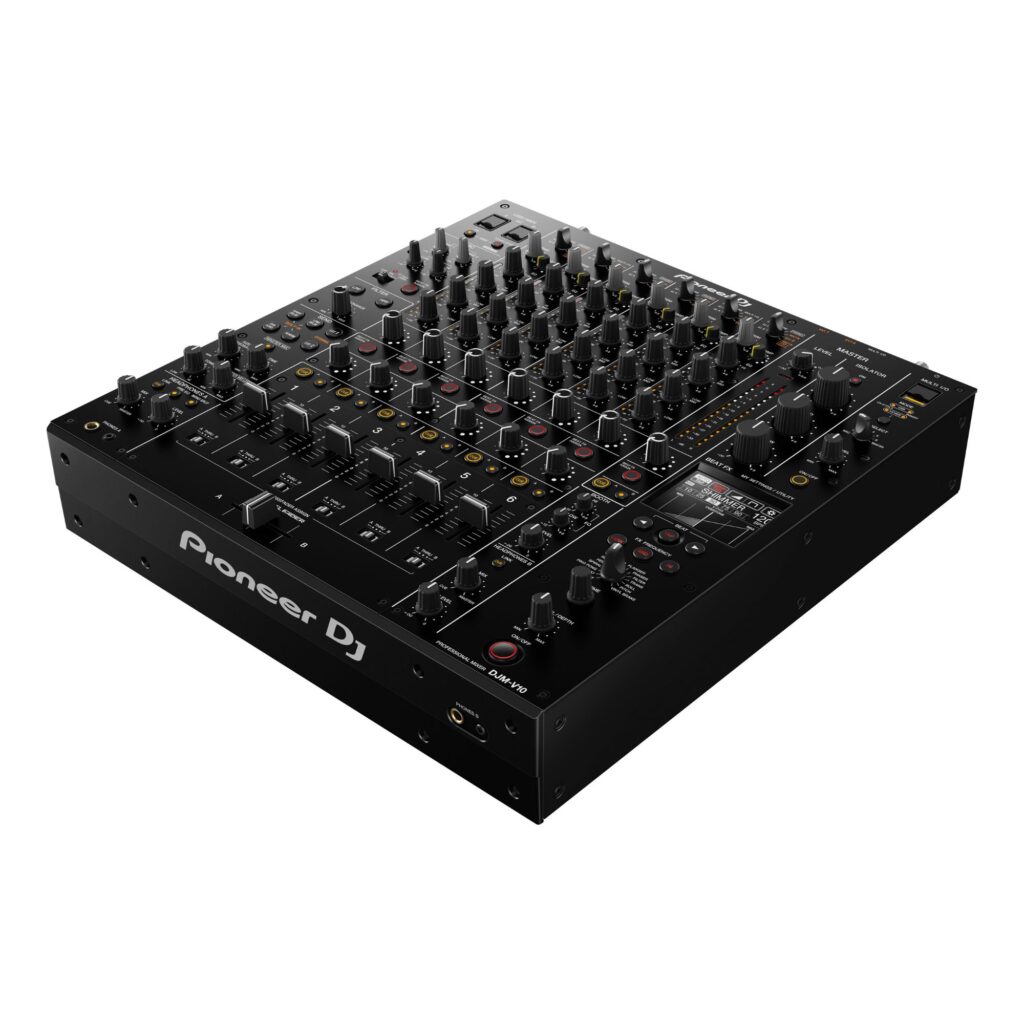
Pioneer DJ DJM-V10 DJ Mixer
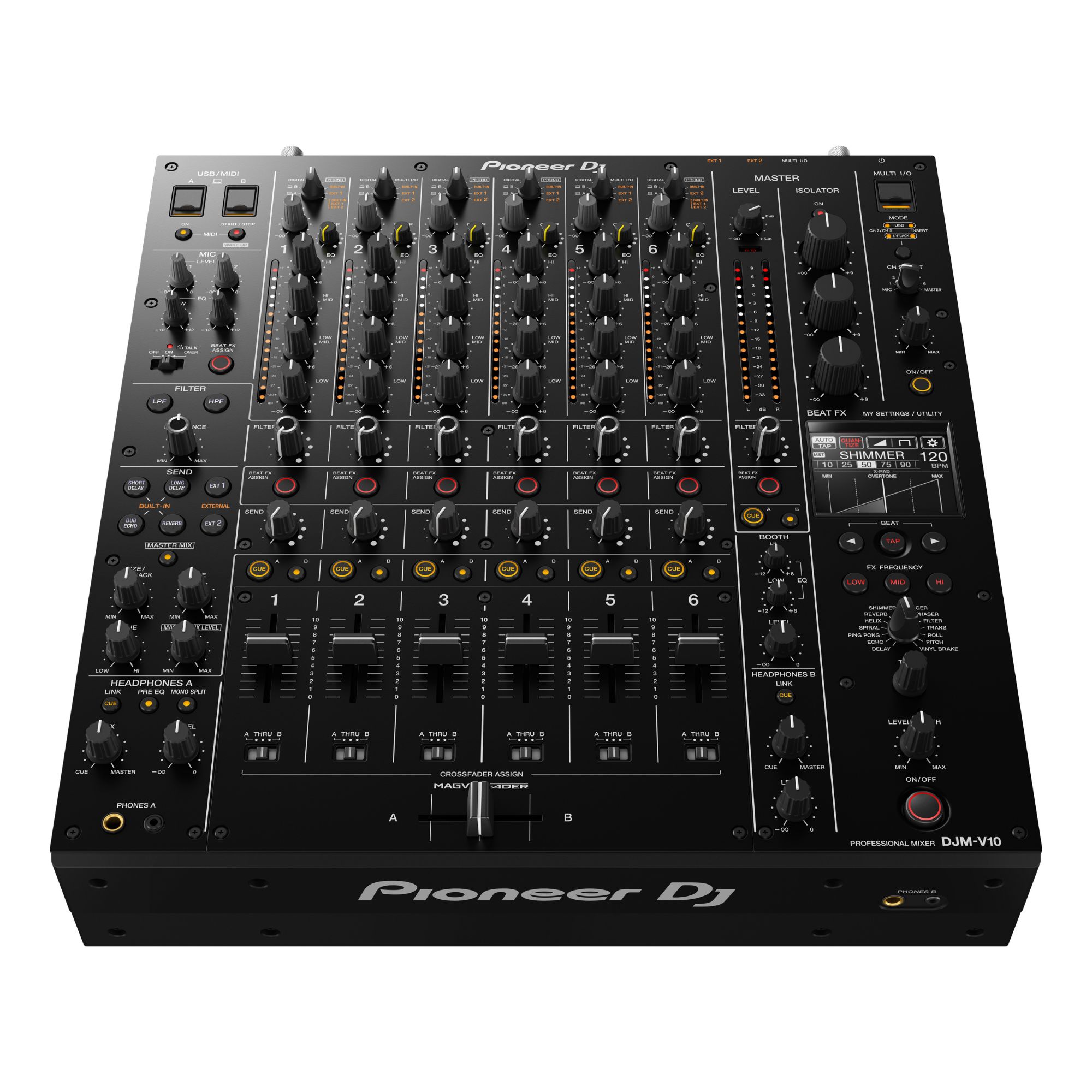
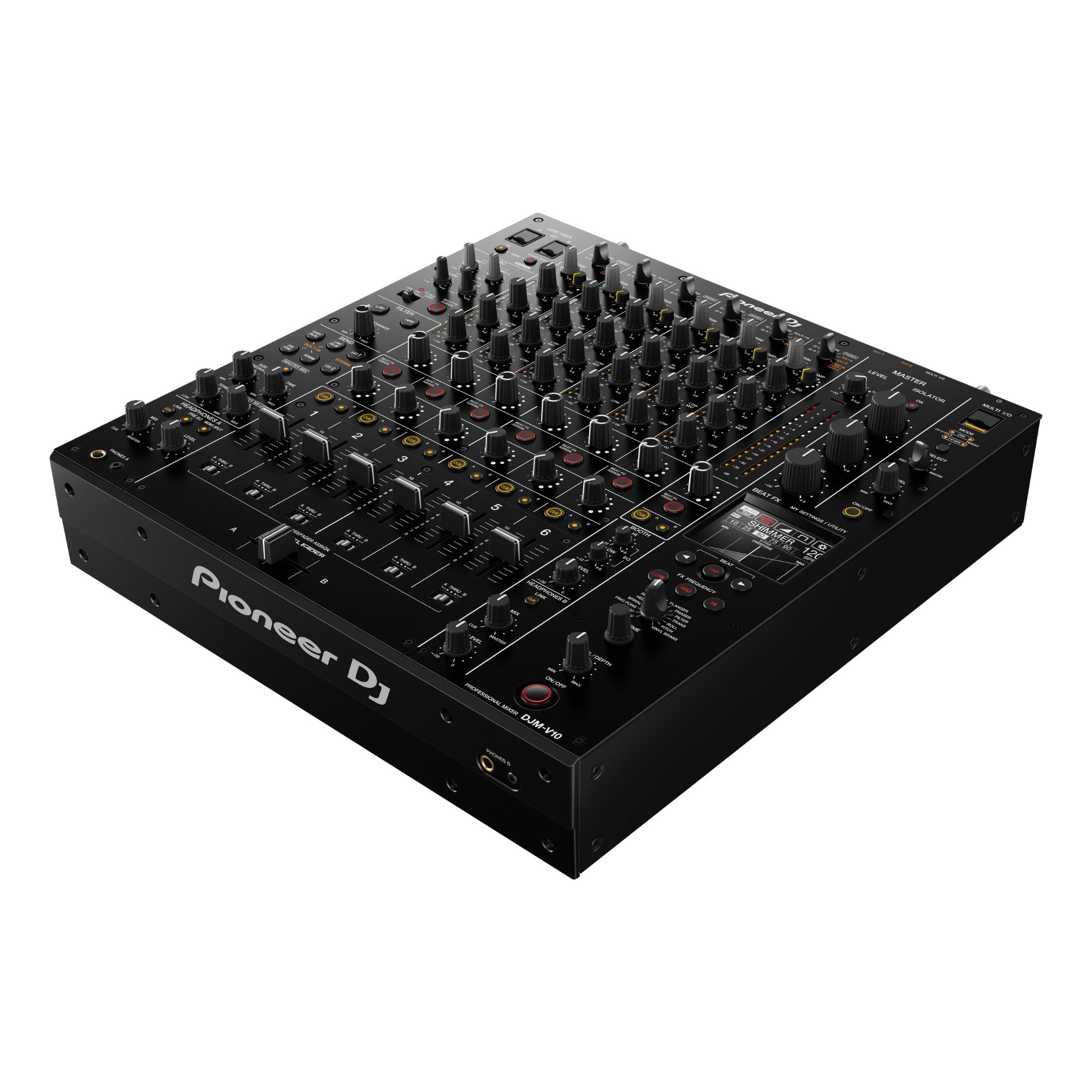
DJM-V10 DJ Mixer: 6-channel flagship Pioneer DJ mixer with 4-band EQ, dedicated filters and flexible FX routing for detailed, creative sets.
3599,00 €
 Delivery 2-3 business days

Mon–Fri, 11 a.m.–4 p.m.
Related products
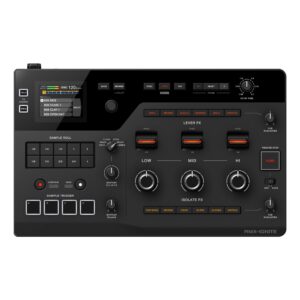
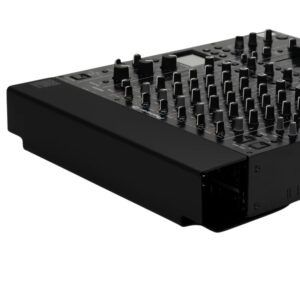
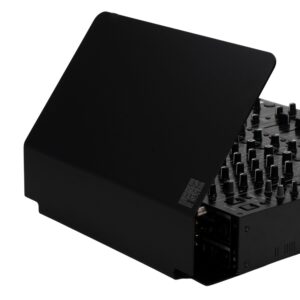
DJM-V10 DJ Mixer overview
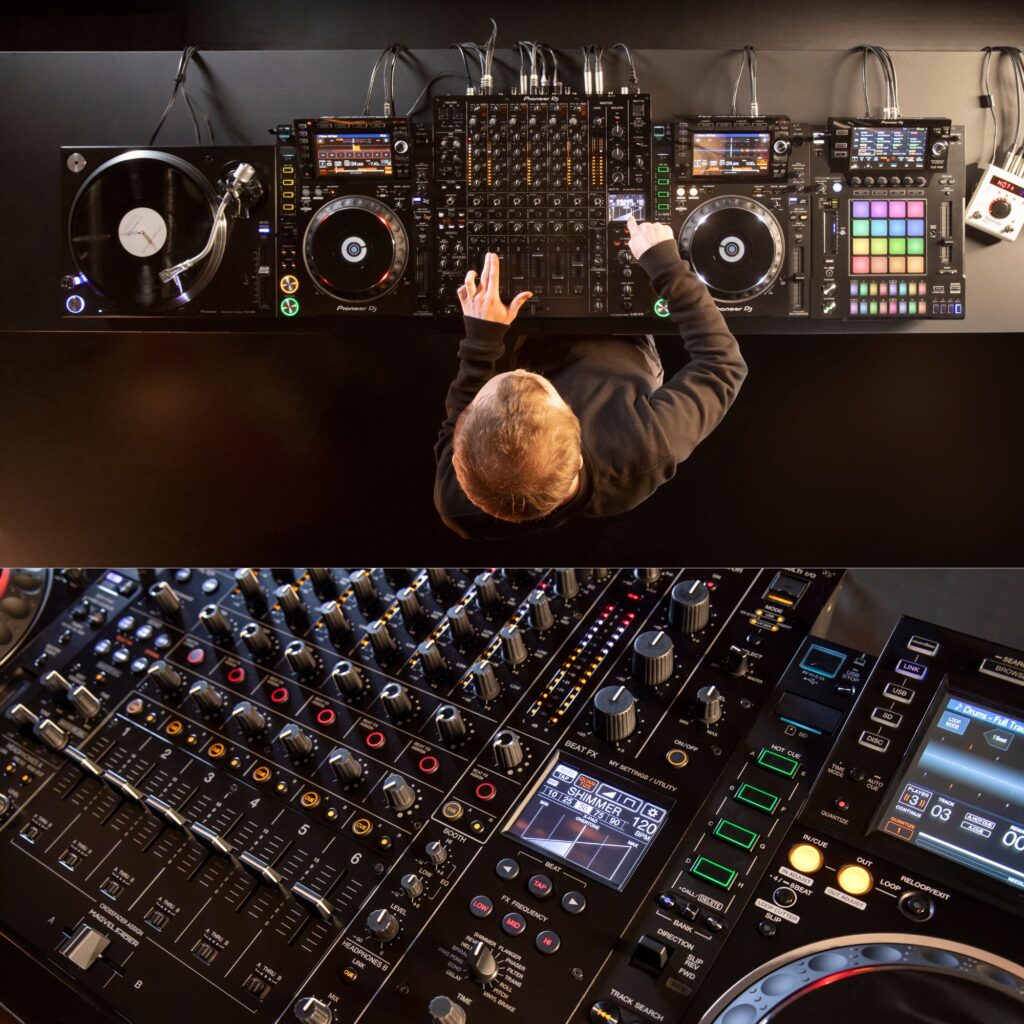
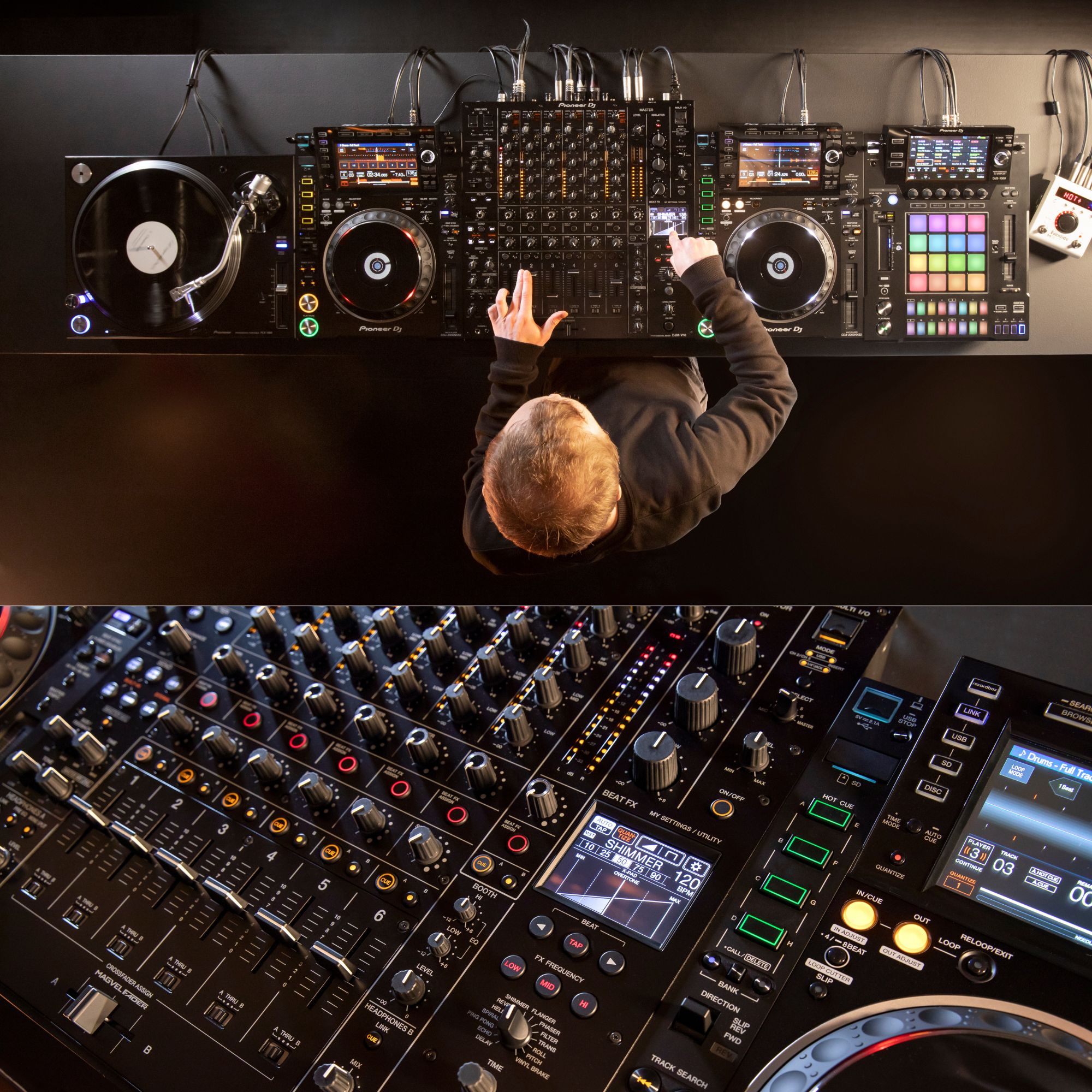
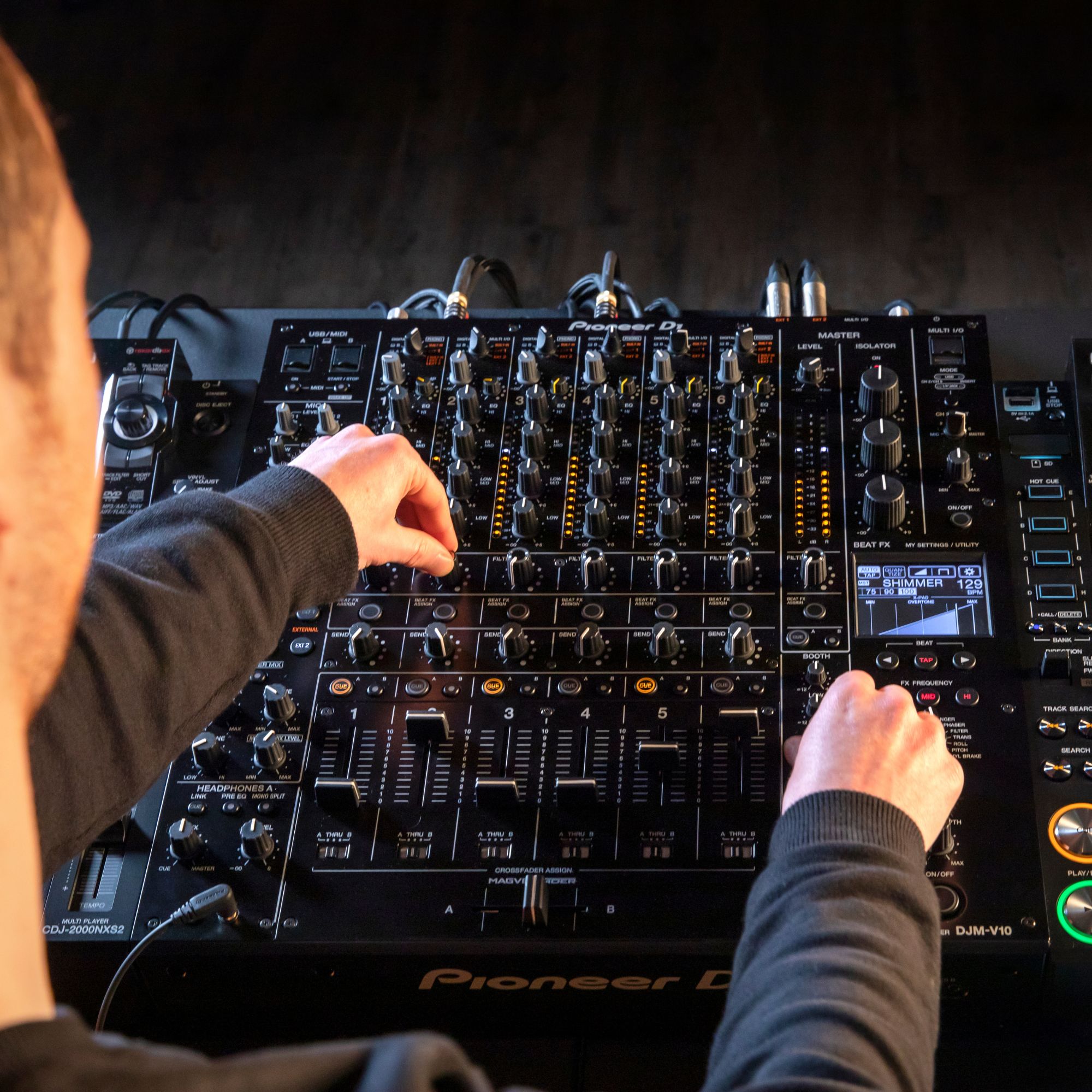
The DJM-V10 DJ Mixer is Pioneer DJ’s creative-style 6-channel professional mixer, built for DJs who want to sculpt, layer, and remix multiple sources with confidence. Its studio-quality internal processing and carefully tuned analog stages deliver a warm, detailed sound, while performance-focused controls help you shape every transition. From club booths to hybrid live/DJ rigs, the DJM-V10 is designed for artists who treat the mixer as an instrument and want more control than a traditional club layout.
Key features of DJM-V10 DJ Mixer
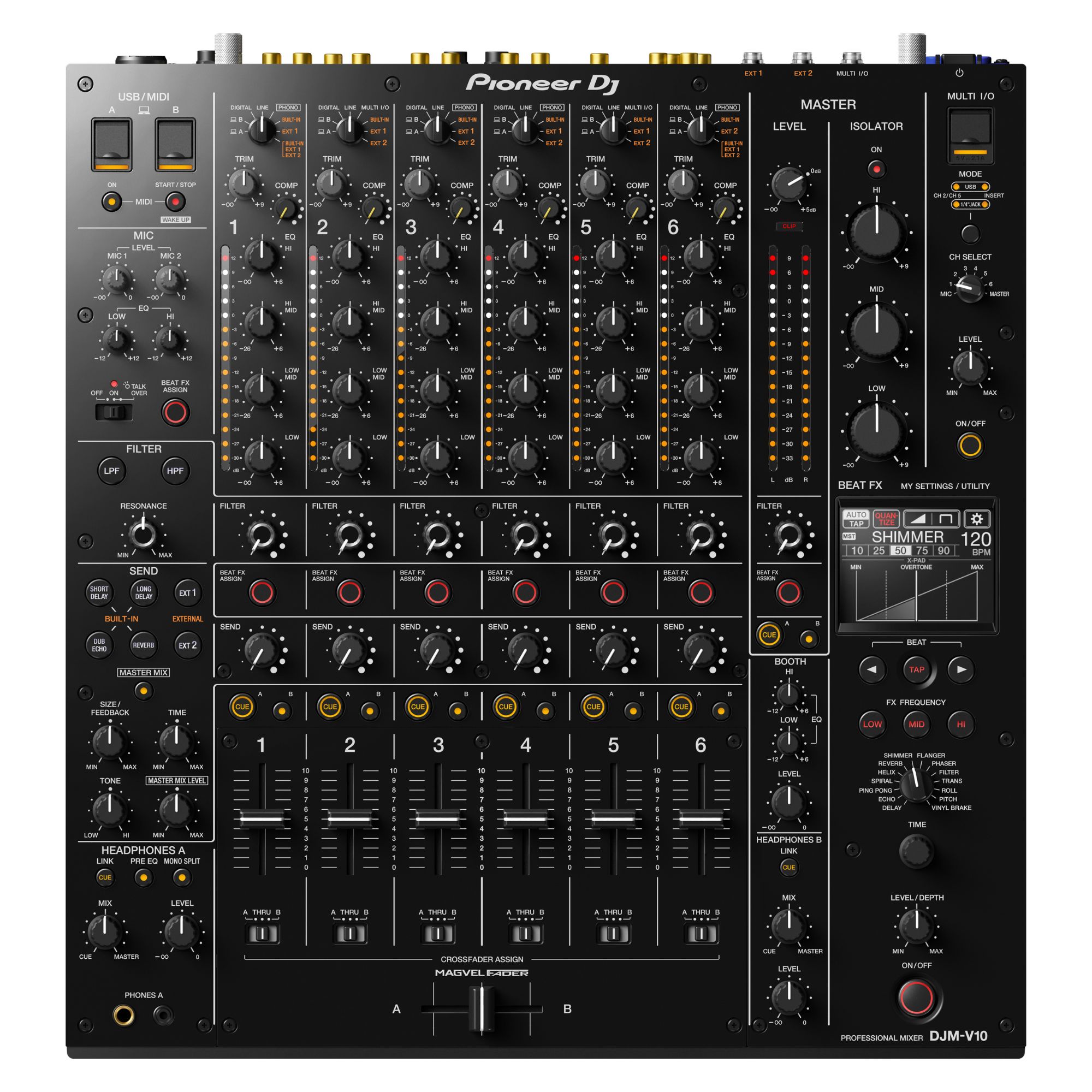
- ✓ 6-channel layout for complex multi-source setups
- ✓ Studio-grade processing for warm, detailed sound
- ✓ 4-band EQ for precise mix sculpting
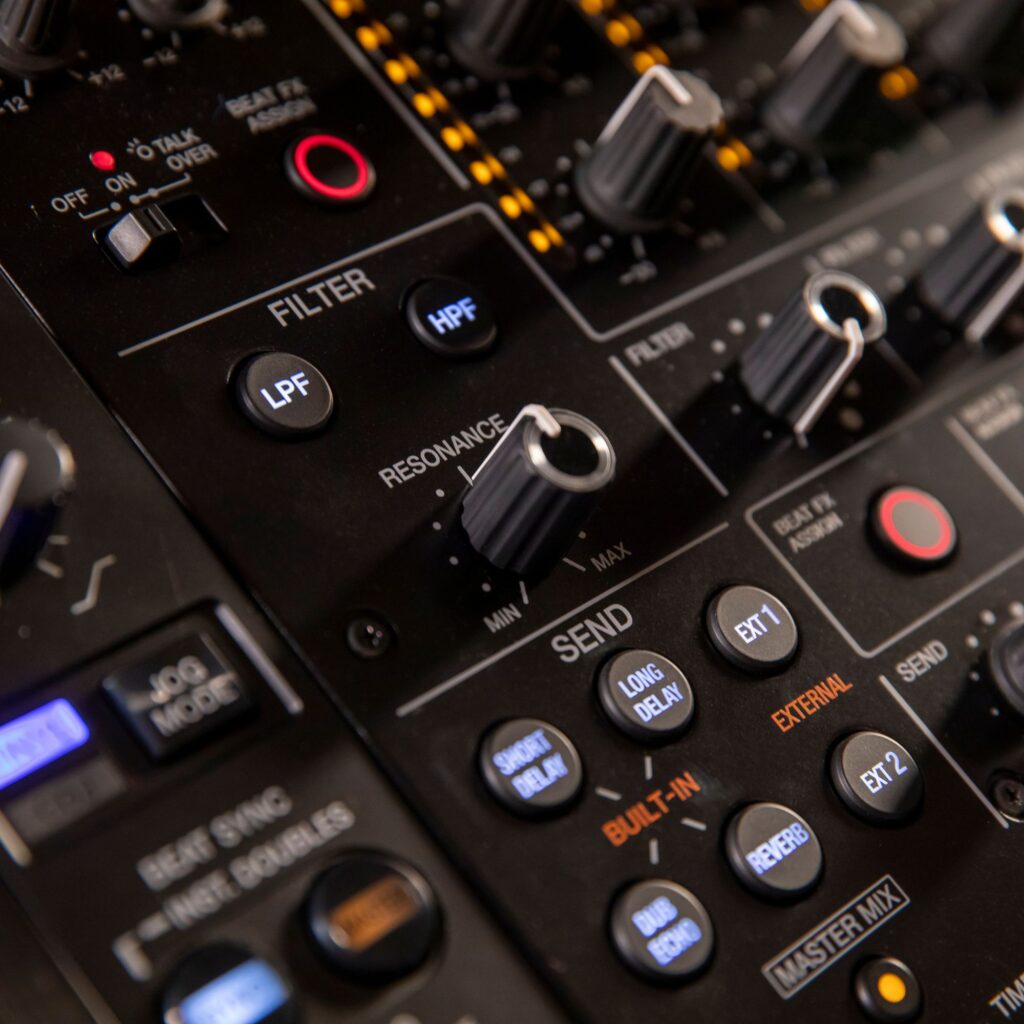
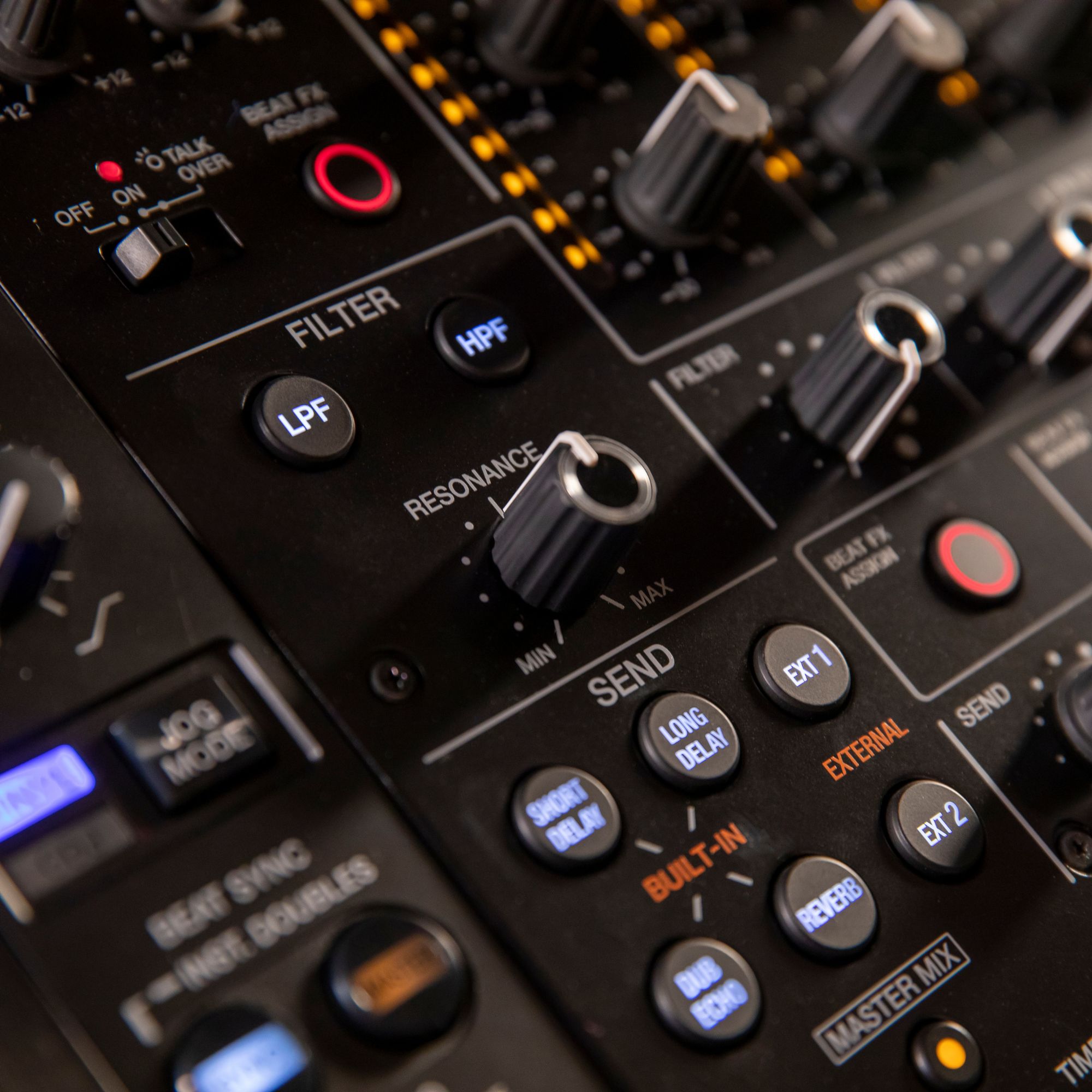
- ✓ Dedicated high/low-pass filter for nuanced textures
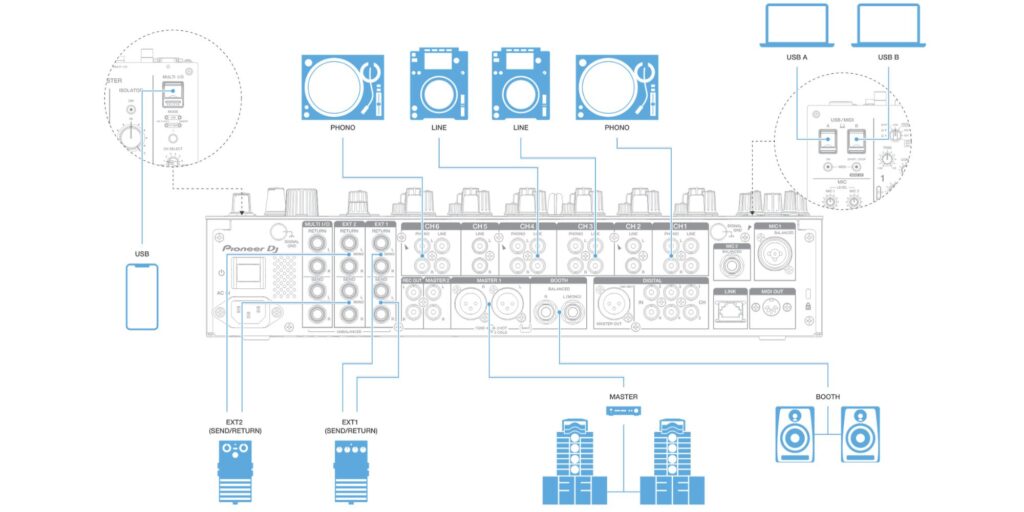
- ✓ Send/return with built-in and external FX routing
- ✓ Dual headphones and booth EQ for confident monitoring
Benefit-led performance and ideal use
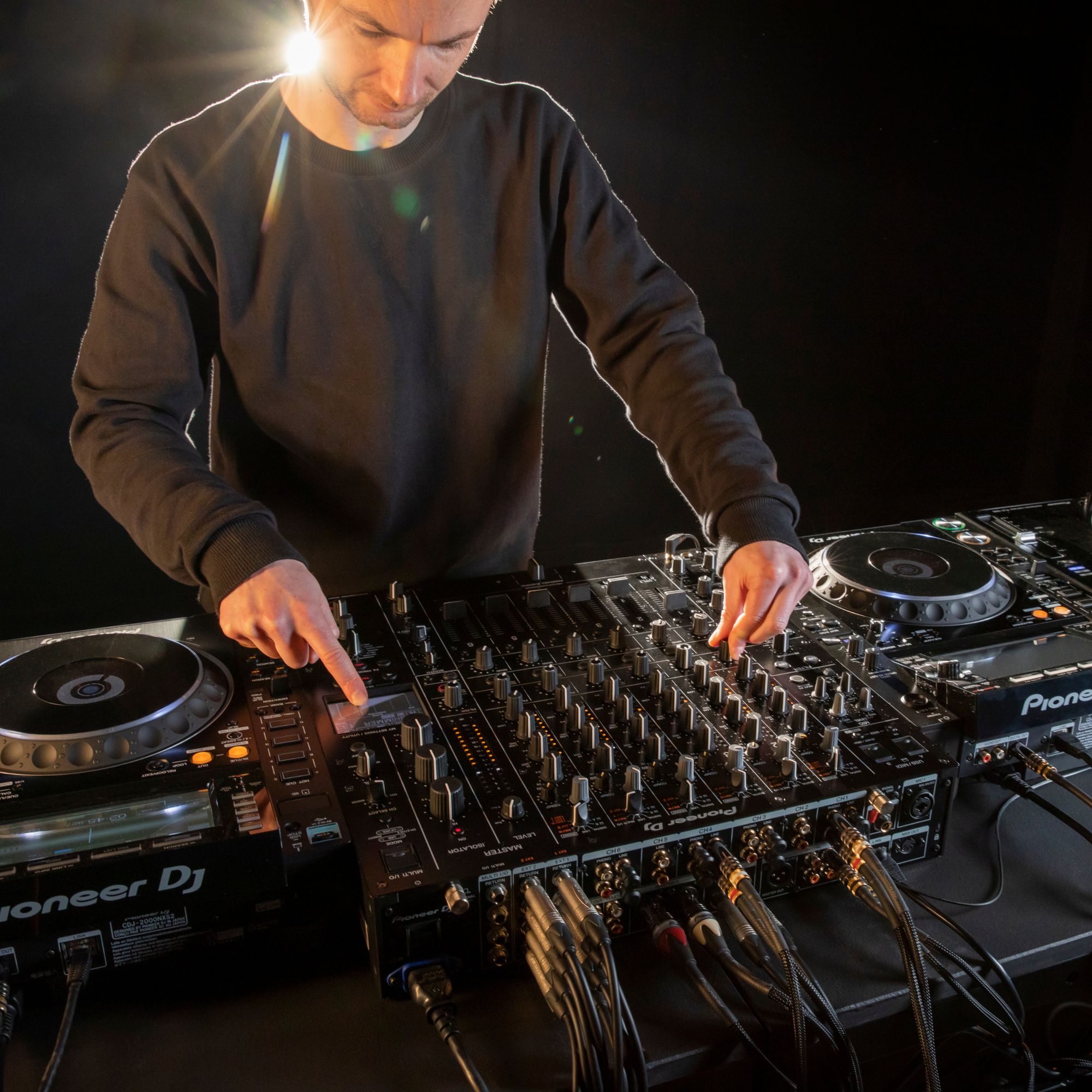
With six channels, the DJM-V10 lets you build a flexible booth around CDJs, turntables, samplers, synths, and drum machines, then blend them into one coherent performance. The 4-band EQ and dedicated channel filter make it easy to carve space for vocals, drums, and bass without muddy transitions. Send/return routing encourages experimentation with pedals, outboard FX, or mobile FX apps, while Beat FX and Quantize support tight, musical effects timing. It’s ideal for creative club DJs, hybrid live performers, and back-to-back sets where fast, reliable control matters.
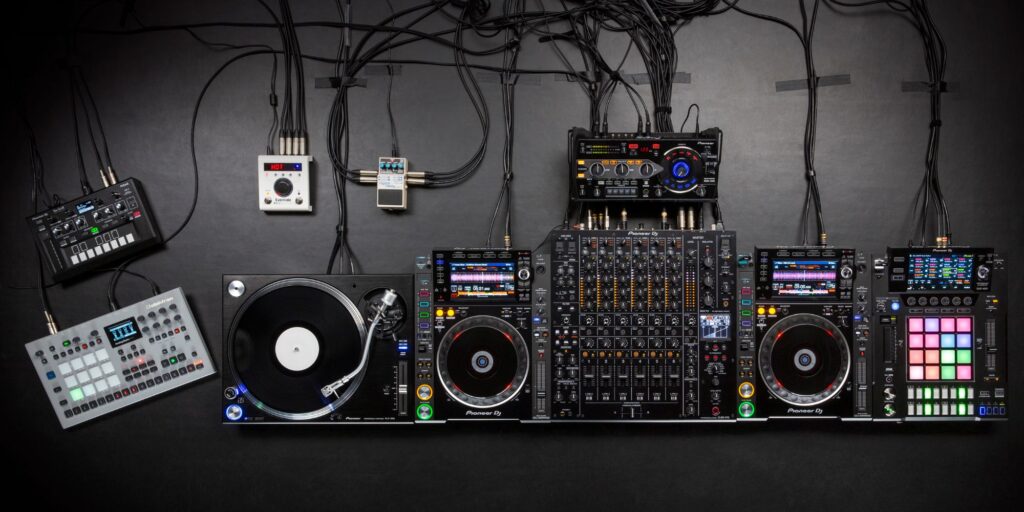
Why choose the DJM-V10 DJ Mixer
Many club mixers are built for straightforward two- or four-deck blending, but the DJM-V10 is aimed at deeper sound design and layered performance. The combination of six channels, detailed EQ control, dedicated filter per channel, and flexible send/return paths supports more advanced workflows than typical booth standards. Add the master isolator for shaping the whole room sound, channel compressors for balancing older or quieter material with modern masters, and dual headphone monitoring for seamless DJ changeovers, and you get a mixer that stays musical even when your setup gets complex.
What’s in the Box
- ✓ Pioneer DJ DJM-V10 DJ Mixer
- ✓ Power cord
- ✓ Quick Start Guide
- ✓ User manual
How to get started with the DJM-V10 DJ Mixer
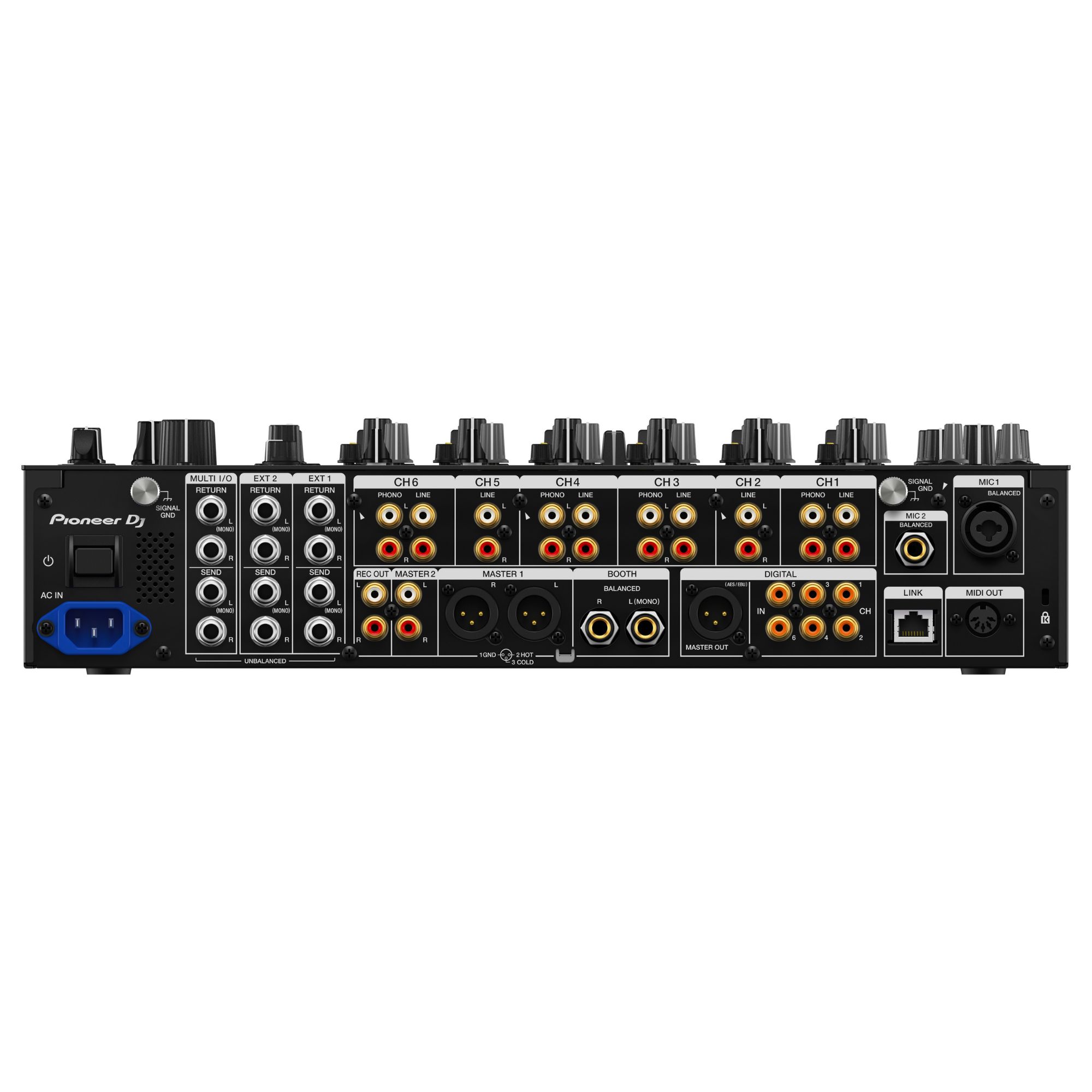
Place the mixer securely in your booth, connect your speakers to the master output, and hook up booth monitors if you use them. Connect each player or instrument to its intended channel, then power on and set input selectors so every source lands on the correct fader. Start with channel levels low, cue each channel in headphones, and set gain for clean headroom before blending. If you use effects, choose a built-in send effect or connect external FX, then route the return to your preferred channel or the master mix for quick, performance-ready control.
| General | |
| Tolerable operating temperature | 5 °C – 35 °C |
| Tolerable operating humidity | 5% – 85% (no condensation) |
| Audio | |
| Sampling rate | 96 kHz |
| MASTER, BOOTH D/A converter | 32-bit |
| CH input A/D converter | 32-bit |
| Other A/D and D/A converters | 24-bit |
| Frequency characteristic (LINE) | 20 Hz – 40 kHz |
| S/N ratio (rated output, A-weighted) (USB, DIGITAL IN) | 116 dB |
| S/N ratio (rated output, A-weighted) (PHONO) | 88 dB |
| S/N ratio (rated output, A-weighted) (LINE) | 105 dB |
| S/N ratio (rated output, A-weighted) (MIC1, MIC2) | 79 dB |
| Total harmonic distortion (LINE – MASTER1, 20 Hz – 40 kHz BW) | 0.005% |
| Standard input level / Input impedance (PHONO) | –52 dBu / 47 kΩ |
| Standard input level / Input impedance (LINE) | –12 dBu / 47 kΩ |
| Standard input level / Input impedance (MIC1, MIC2) | –57 dBu / 3.5 kΩ |
| Standard input level / Input impedance (RETURN) | –12 dBu / 47 kΩ |
| Max. input level (PHONO) | –17.8 dBu |
| Max. input level (LINE) | +15 dBu |
| Max. input level (MIC1, MIC2) | +2.6 dBu |
| Max. input level (RETURN) | +12 dBu |
| Standard output level / Load impedance / Output impedance (MASTER1) | +6 dBu / 10 kΩ / 360 Ω |
| Standard output level / Load impedance / Output impedance (MASTER2) | +2 dBu / 10 kΩ / 700 Ω |
| Standard output level / Load impedance / Output impedance (REC OUT) | –8 dBu / 10 kΩ / 700 Ω |
| Standard output level / Load impedance / Output impedance (BOOTH) | +6 dBu / 10 kΩ / 360 Ω |
| Standard output level / Load impedance / Output impedance (SEND) | –12 dBu / 10 kΩ / 700 Ω |
| Standard output level / Load impedance / Output impedance (PHONES) | +8 dBu / 32 Ω / ≤1 Ω |
| Rated output level / Load impedance (MASTER1) | +25 dBu / 10 kΩ |
| Rated output level / Load impedance (MASTER2) | +21 dBu / 10 kΩ |
| Rated output level / Load impedance (BOOTH) | +25 dBu / 10 kΩ |
| Digital output impedance (AES/EBU) | 110 Ω |
| Crosstalk (LINE) | 82 dB |
| Channel equalizer characteristic (HI) | –∞ dB – +6 dB (2 kHz) |
| Channel equalizer characteristic (HI MID) | –26 dB – +6 dB (1.2 kHz) |
| Channel equalizer characteristic (LOW MID) | –26 dB – +6 dB (400 Hz) |
| Channel equalizer characteristic (LOW) | –∞ dB – +6 dB (200 Hz) |
| Microphone equalizer characteristic (HI) | –12 dB – +12 dB (10 kHz) |
| Microphone equalizer characteristic (LOW) | –12 dB – +12 dB (100 Hz) |
| BOOTH MONITOR equalizer feature (HI) | –12 dB – +6 dB (3 kHz) |
| BOOTH MONITOR equalizer feature (LOW) | –12 dB – +6 dB (300 Hz) |
| Connectivity | |
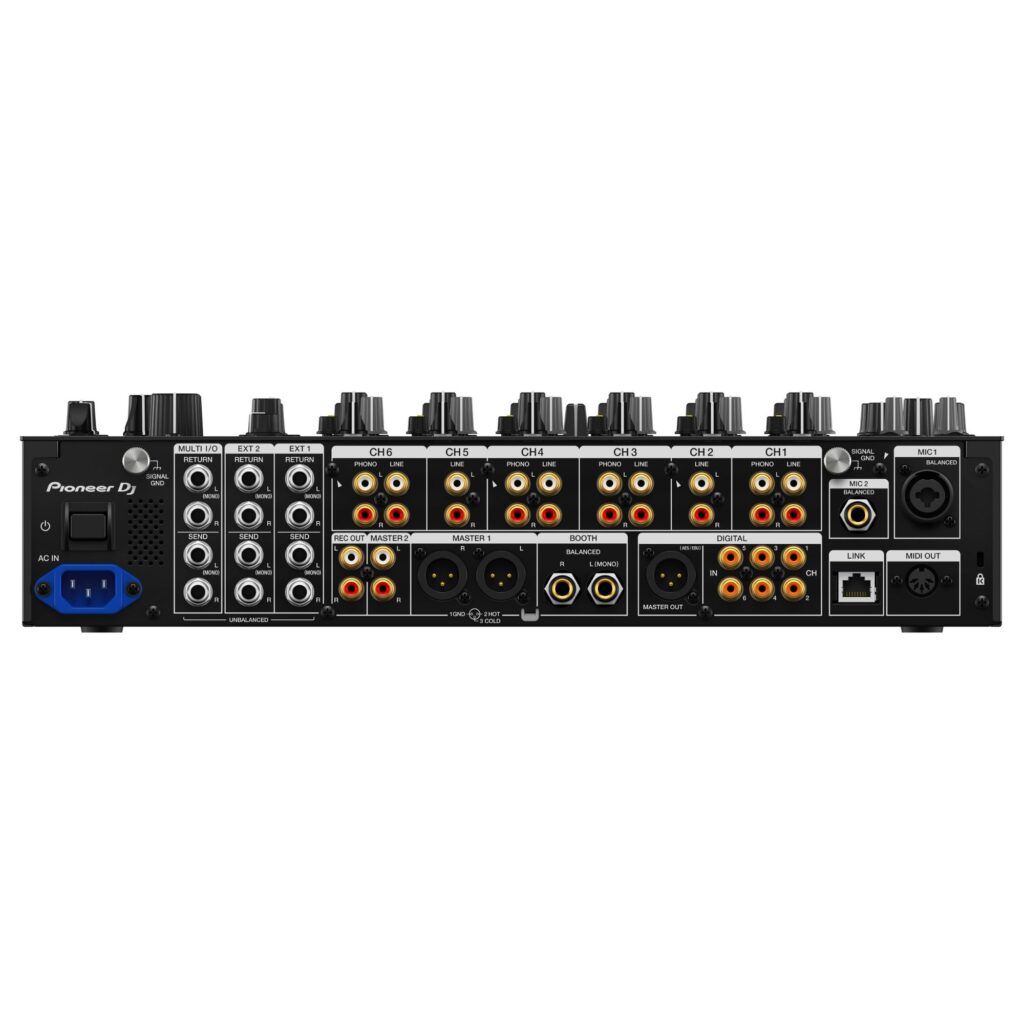
| PHONO input (RCA) | 4 sets |
| LINE input (RCA) | 6 sets |
| MIC1 input (XLR/TRS) | 1 set (XLR + 1/4″ TRS) |
| MIC2 input (TRS) | 1 set (1/4″ TRS) |
| RETURN input (TS) | 3 sets (1/4″ TS) |
| DIGITAL IN coaxial input (RCA) | 6 sets |
| MASTER output | 1 set (XLR) + 1 set (RCA) |
| BOOTH output (TRS) | 1 set (1/4″ TRS) |
| REC OUT output (RCA) | 1 set |
| SEND output (TS) | 3 sets (1/4″ TS) |
| DIGITAL MASTER OUT (AES/EBU) | 1 set (XLR) |
| MIDI OUT | 1 set (5-pin DIN) |
| PHONES output (1/4″ stereo) | 2 sets |
| PHONES output (3.5 mm stereo) | 2 sets |
| USB (Type-A) | 1 set |
| USB (Type-B) | 2 sets |
| LINK (LAN, 100BASE-TX) | 1 set |
| Power | |
| Power supply | 5 V / 2.1 A max. |
| Physical | |
| Product dimensions (W × D × H) | 43.76 cm × 46.70 cm × 10.79 cm |
| Product weight | 11.90 kg |
Frequently asked questions
Can I use external effects pedals with the DJM-V10 DJ Mixer?
Yes, the mixer supports routing to external FX via send/return, letting you integrate pedals or dedicated FX units into your set.
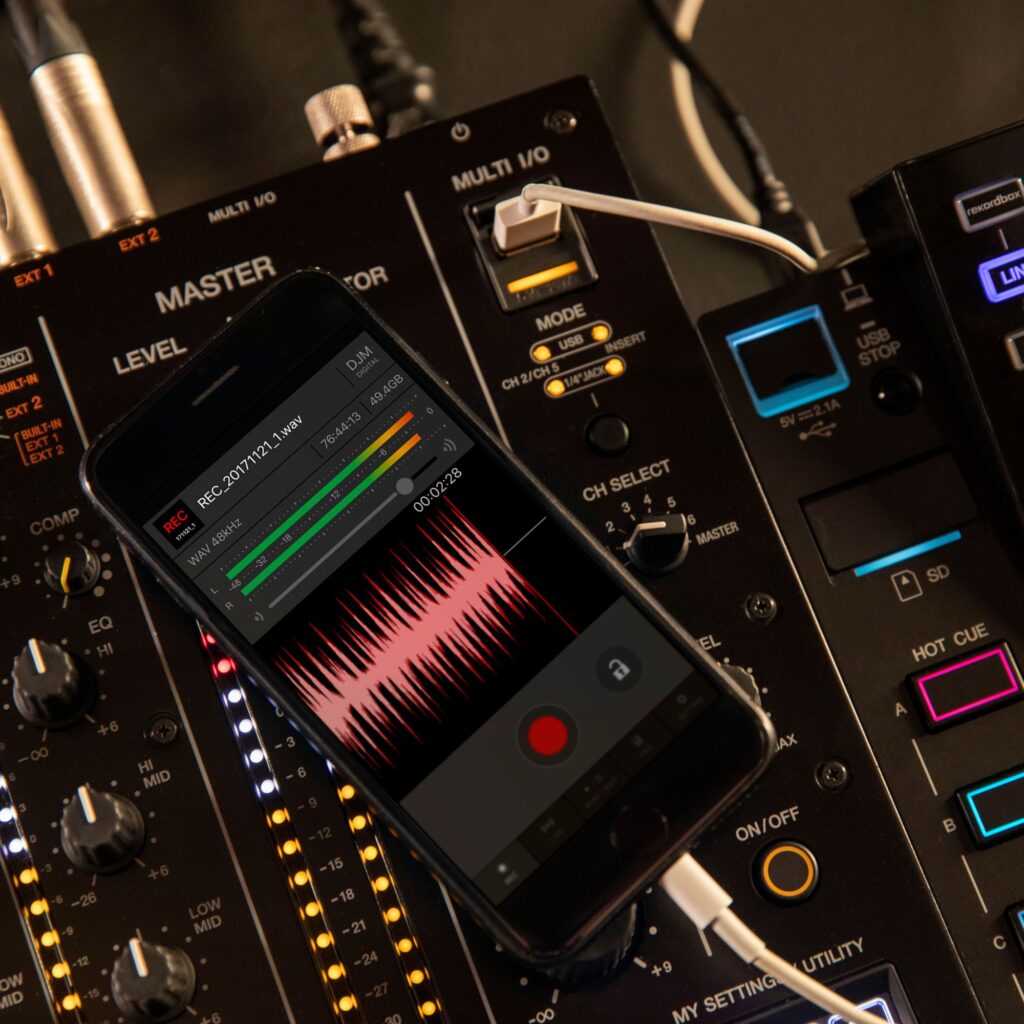
Does the DJM-V10 support mobile FX apps?
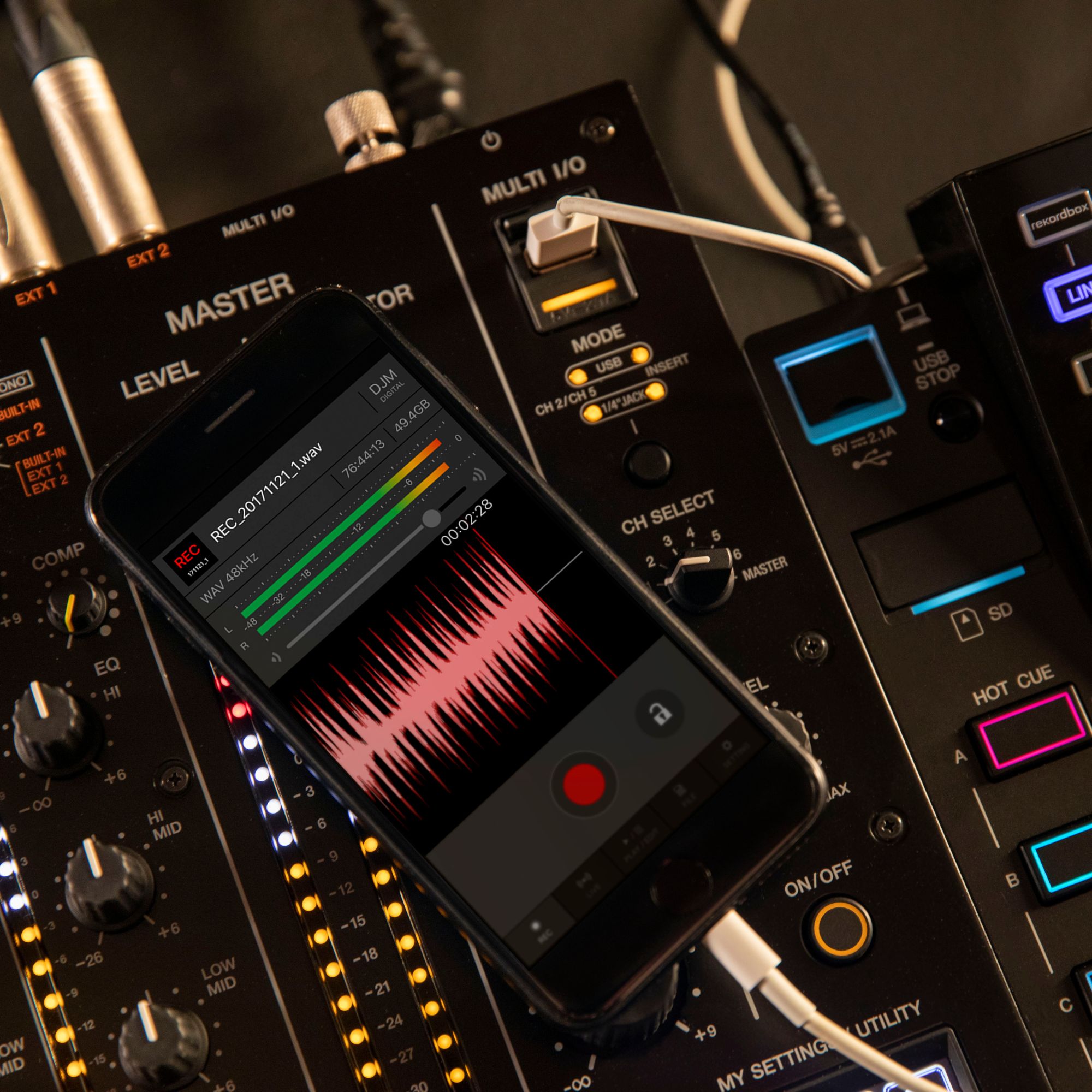
Yes, you can connect a compatible mobile device via MULTI I/O to route app-based effects into channels or the master output.
Can two DJs monitor at the same time for back-to-back sets?
Yes, dual headphone outputs with independent controls make it easier to hand over smoothly and monitor confidently.